Solar Colonies Devlog
by darren horrocksHow Solar Colonies is being built, newest entry first.
2026-11-14: Three fixes from play
Scrolling to the end of a panel and carrying on no longer zooms the camera: the panel keeps the wheel. The route editor now says which goods a stop’s colony mines (“Mines here: Iron, Silicon”, or “No mines here”) under the load ticks, so you can see what there is to put in a hauler. And there is, at last, a “Quit to desktop” button, at the end of the title screen’s list and the menu’s (it saves first from the menu, and asks for a second press); phones do not get it.
2026-11-14: Preparing without getting in the way
The preparation behind the title screen used to disable the buttons for its whole run, seven seconds at 60 frames a second and six more for the first-start timing. It no longer does. The buttons work throughout, and starting or loading a game stops the preparation on the spot. It now goes in the order a game uses things (the Sun, then the starting colony and Earth, the starting ship, the planets, then the rest), and the models, maps and meshes it needs are requested asynchronously in that order so loading never holds a frame.
2026-11-14: Telling a weak device from a strong one
The first time the game runs on a device it now times itself. After the preparation it draws a fixed picture of Earth, its clouds and Luna at the lowest detail for five seconds and takes the median frame. If that is slower than 1/45 of a second the device starts at 75% render scale, Low detail and a 30 frames a second cap, exactly as if the player had picked them, and each can be changed afterwards. A device that passes keeps its normal defaults, and the test never runs again. On the development desktop the median was 1.3 ms, so nothing changed. Phones already have no blur behind panels and no bloom, and tests now say so.
2026-11-14: Preparing the solar system
When the game opens, it now draws a hidden tour of everything it can show before the title screen lets you in: every planet and moon at three sizes, every ship design with every drive, every colony, every station level and every spacecraft, two frames each. That takes under a second when nothing limits the frame rate and about seven seconds at 60 frames a second, behind a black screen that says “Preparing the solar system…” with the buttons disabled. The point is that flying to a body for the first time does not stall while its shaders compile or its maps load. There is also a check that flies to every body of a late-game benchmark colony and writes down the longest frame of each flight; on the development desktop none took over 19 ms, with or without the preparation, because its shader cache was already warm.
2026-11-14: Level of detail and culling
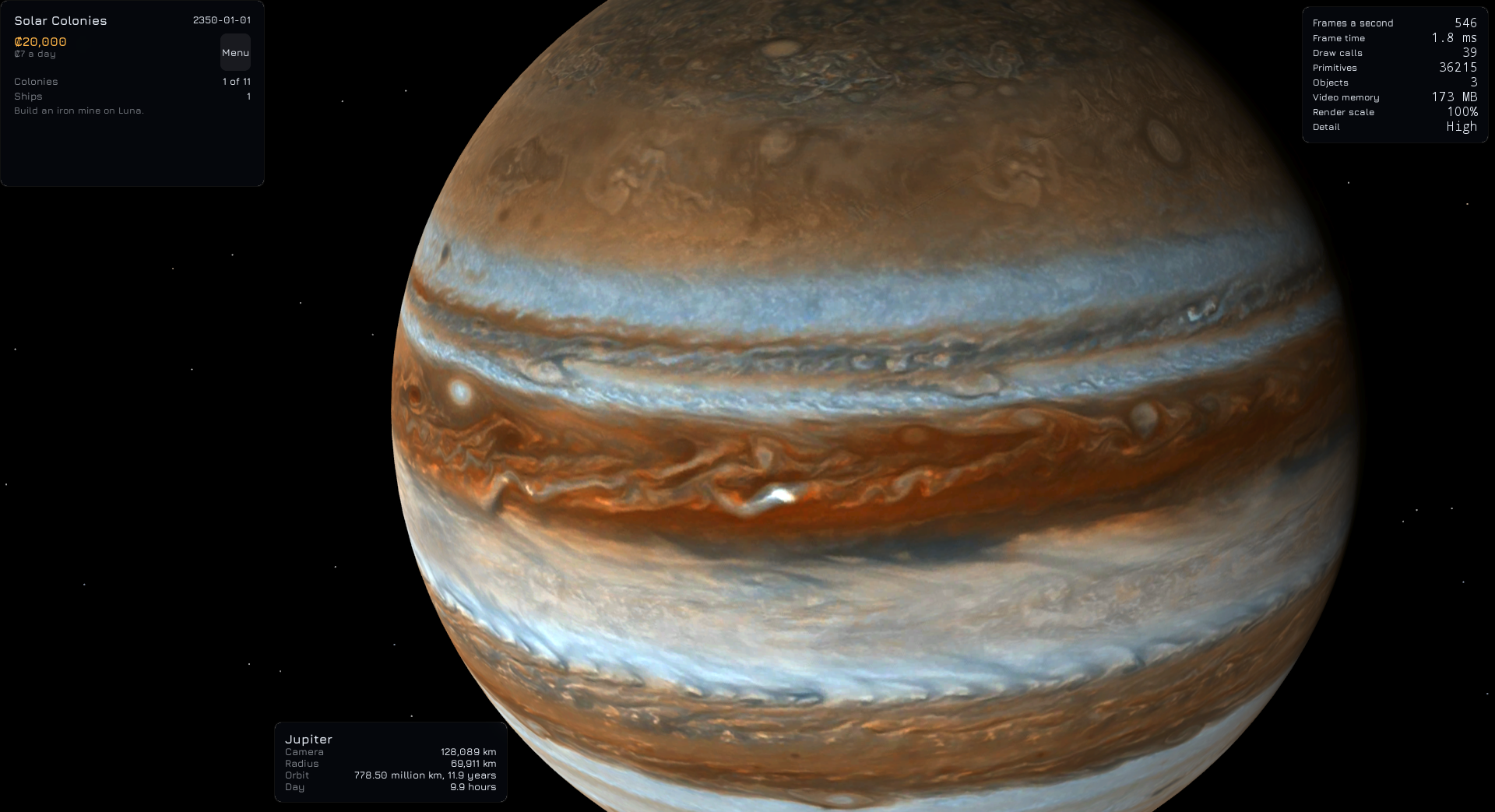
Each body now has three spheres, from 256 to 16,384 triangles, and the view picks one every frame by how big the body is on screen: the finest only when it is 160 pixels in radius or more at High, 240 at Medium, and never at Low. Eros, Phobos and Deimos, and every ship, colony piece, station and spacecraft model, have two cheaper levels the engine generates. A body under half a pixel in radius is not drawn at all. The stars, belts, orbit lines, ship dots and paths used to be drawn whether or not they were on screen, with bounds a million times too big; they now have bounds that fit and are culled when off screen. Jupiter at 600 pixels in radius shows no flat facets, and at 30 pixels it costs half the triangles.
2026-11-14: A correction on the frame rate
The entry below this one quoted 582 frames a second after the anti-aliasing change. That was the rate of the bursts, not the average: under this desktop’s display path the game runs in bursts and then waits about a second on the compositor, so with vertical sync off it averages about 240 frames a second however little it draws. The graphics card’s side of it is right: its work for a frame fell from 4.1 to 1.7 ms and it now runs at 40% busy and 75 W instead of 99% and 193 W.
2026-11-14: Why the graphics card was flat out
The game kept the development desktop’s graphics card at 100% on a near-empty scene. We measured it uncapped, one setting at a time. The scene is cheap (78 draw calls, and removing every planet and model saves under half a millisecond of a 4.1 ms frame), so drawing everything everywhere was not the cause. The cost was the temporal super-resolution anti-aliasing, 2.5 ms of the frame, working on a history image twice the screen’s size; none of its own tuning settings changed that. Switching the desktop’s top detail level to plain temporal anti-aliasing took the first view from 243 to 582 frames a second, the card from 99% to 40% busy and the board from 193 W to 75 W, and the frame is now limited by the game rather than by the card. A frame limit or vertical sync would only have hidden it.
2026-11-14: The Performance tab
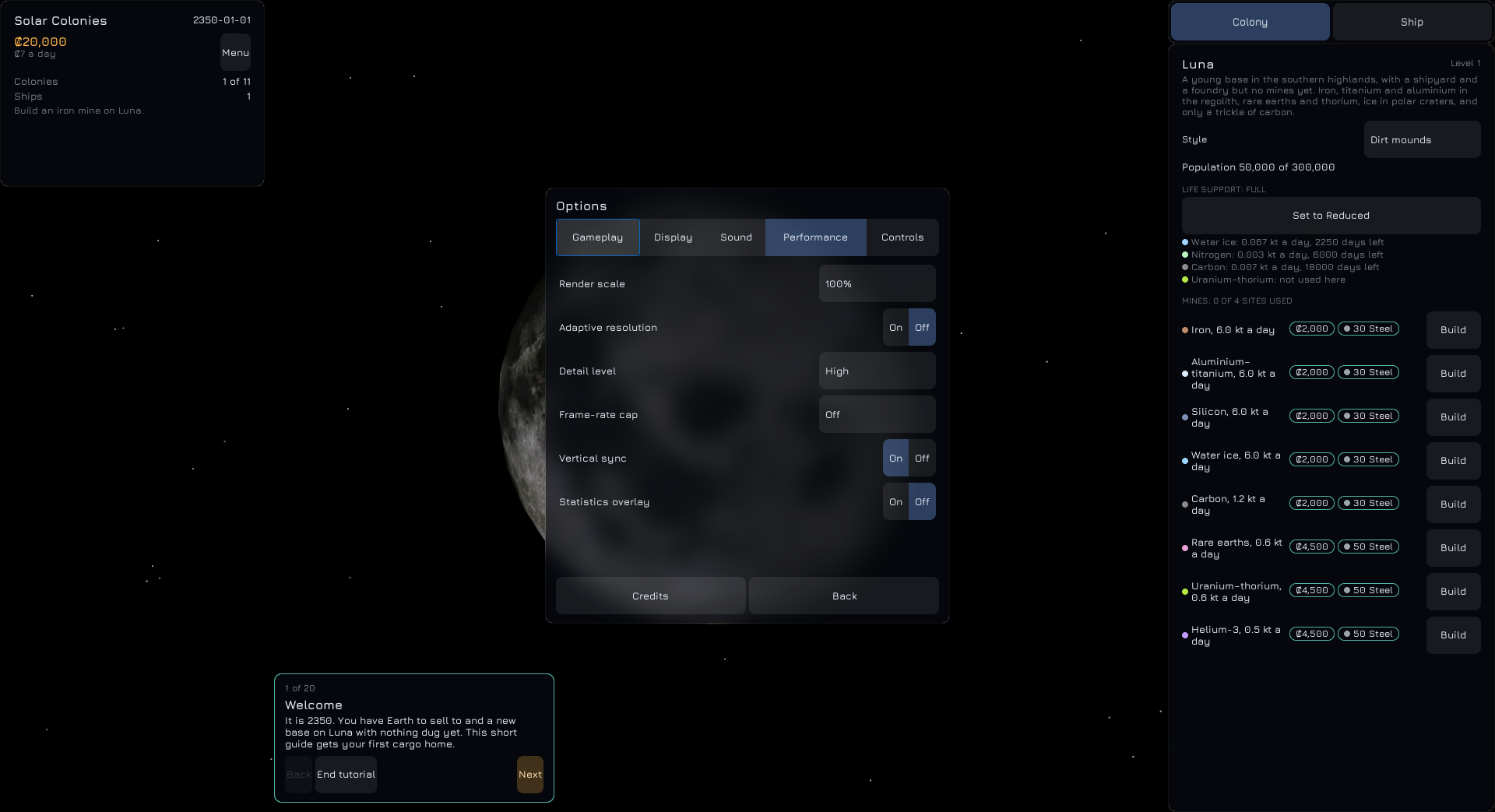
Options has a new Performance tab: render scale from 50% to 200%, adaptive resolution (which drops the scale 10 points when a second of frames runs more than 10% over its target and gives 5 back after three comfortable seconds), detail level, frame-rate cap, vertical sync and a statistics overlay. The detail levels do what they say: Low uses 2K maps, no relief, no blur behind panels and no anti-aliasing; Medium adds relief, blur and FXAA; High adds 4K maps and temporal super-resolution on the desktop. Changing the level reloads the planets’ maps at once. F3 shows the overlay, a small panel of frames a second, frame time, draw calls, primitives, objects drawn, video memory, the scale in use and the detail level, in a monospace face. While taking its screenshots we found that the Linux game crashes as it closes whenever vertical sync is on, which is now the default; that is logged as a bug and not yet understood.
2026-11-14: Orbital stations
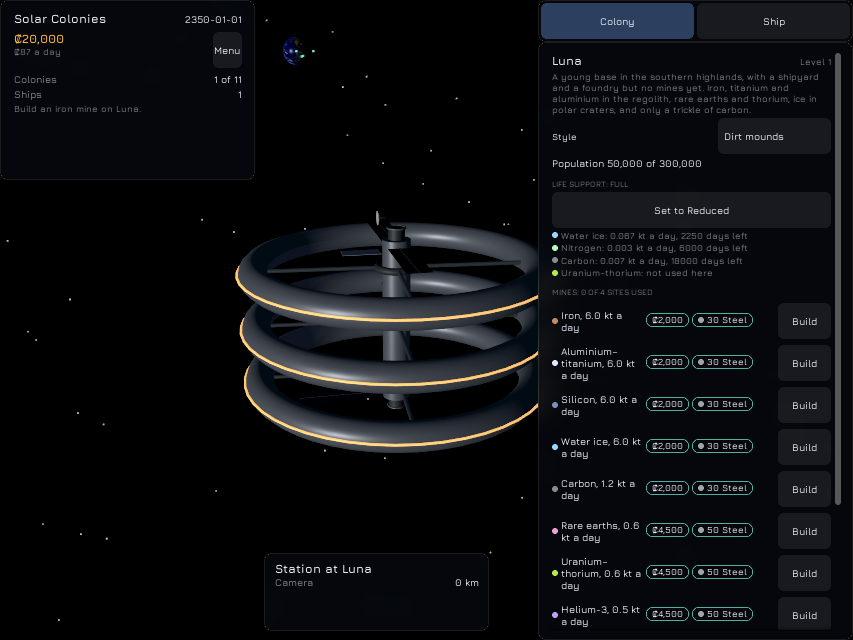
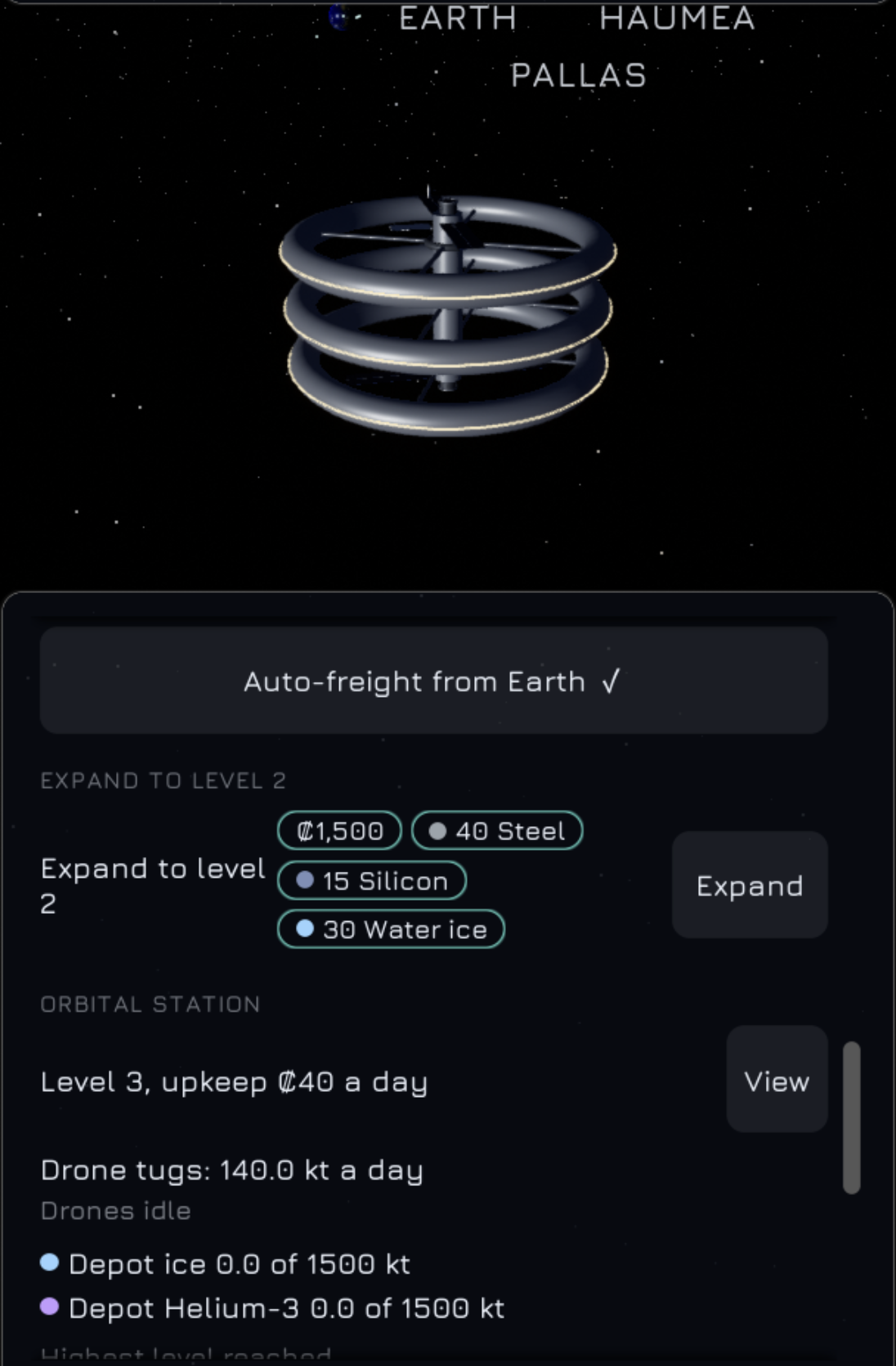
Stations are now drawn in orbit. Each circles its body at 1.3 body radii, one lap every 12 game hours, as a spun habitat with a spindle and one turning ring for each level; the rings turn slowly unless Reduce motion is on. From far away a station is a six-pixel teal point; its model appears once it is eight pixels across. When a station’s drones are moving goods, three small teal points shuttle between the station and every other colony of its planet’s system, Earth’s included, each making a round trip in four seconds. The station section of the colony and Earth panels has a View button that makes the station the camera’s focus: the focus panel reads “Station at Luna”, and the camera keeps about half the station’s size away. With this, every colony, ship and station in the view is drawn from the game’s own models.
2026-11-14: Five kinds of colony
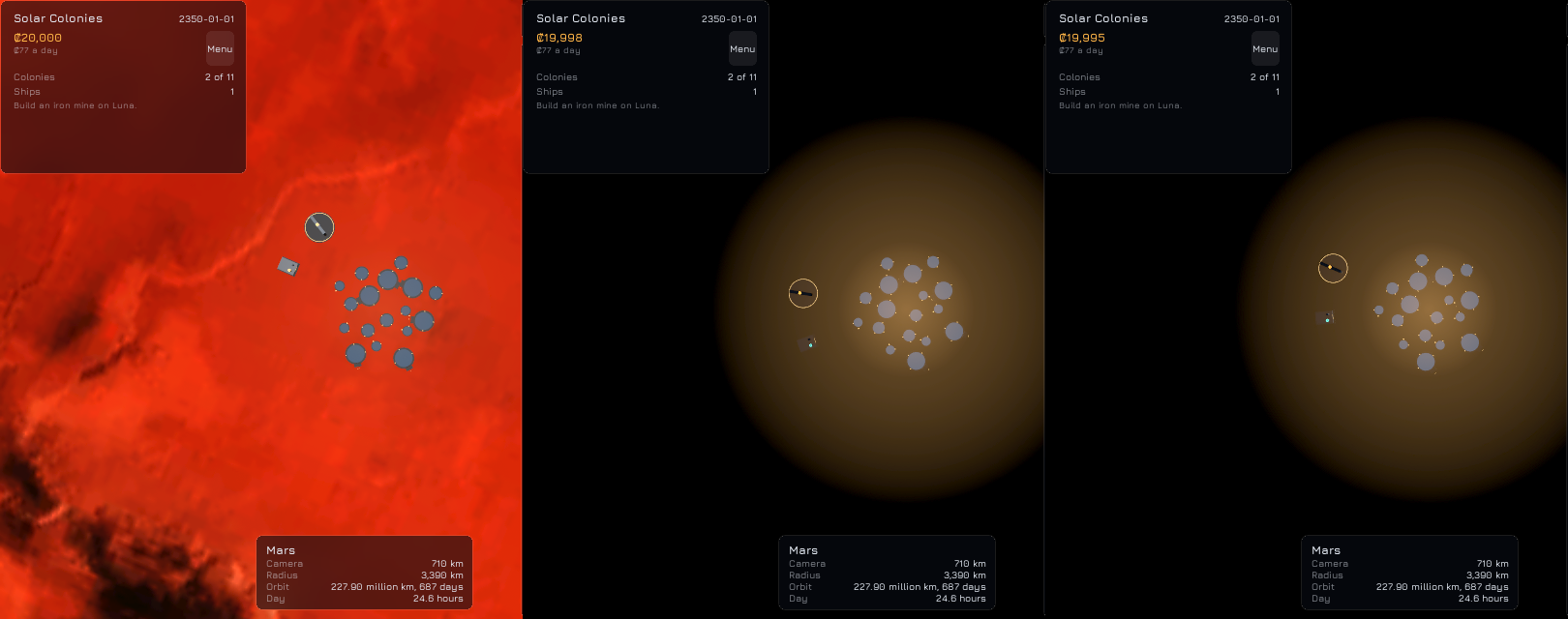
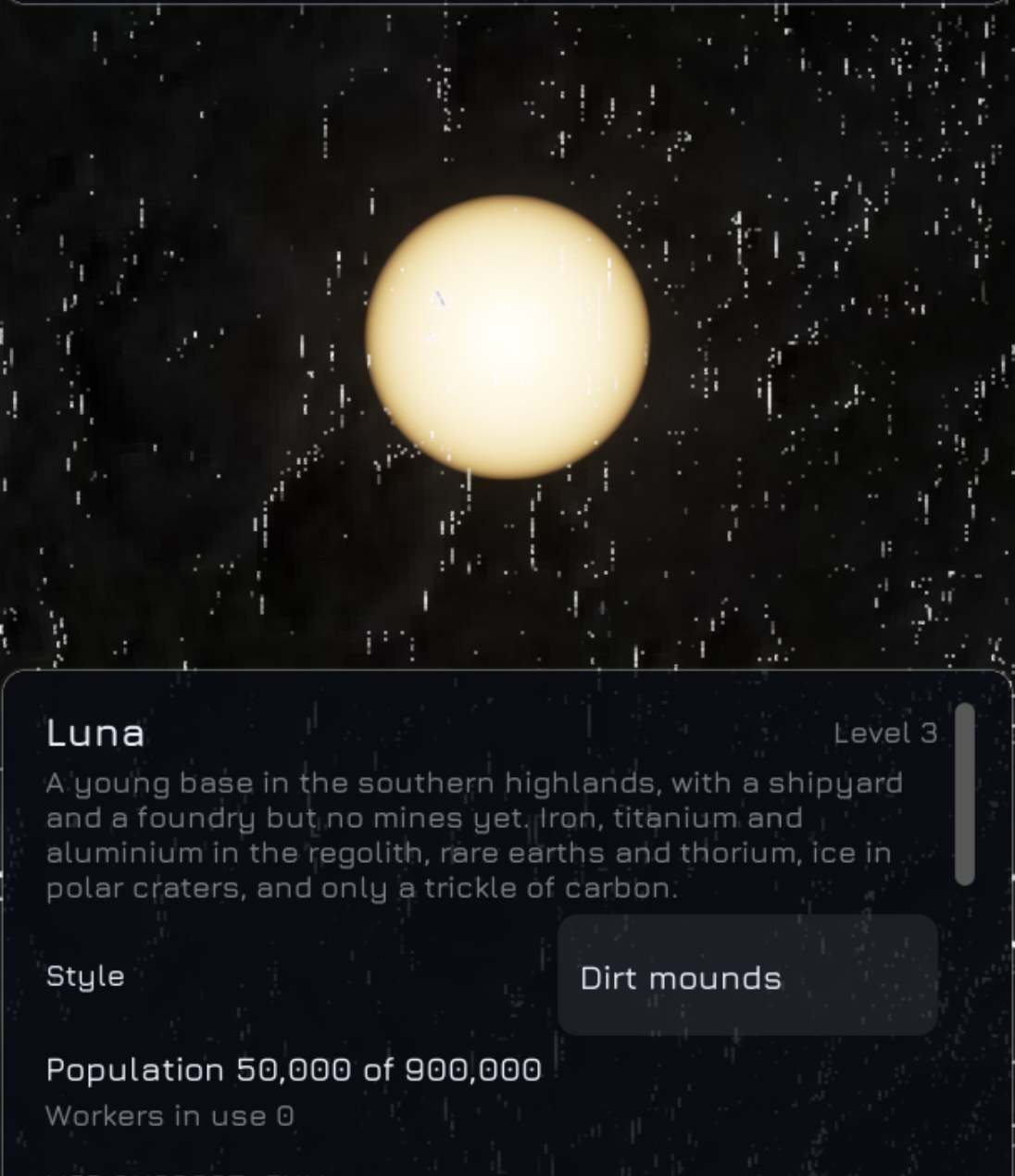
A colony is now drawn on its body. There are five styles: dirt mounds on Luna, domes on Mars, tunnels on the small asteroids, sealed domes on Titan and ice-covered habitats on the icy moons and dwarf planets. A colony stands at its real place on the body, turned with it, and is laid out from its site’s name so it looks the same every time: domes spiral out from a centre, tunnel entrances stand in rings facing outward, and mounds are half-buried. Each mine, plant and shipyard is a piece standing outside the settlement with a small light on it: teal while it works, amber while idle, red when broken down, and a scaffold in amber while anything is being built. At night a warm glow spreads round the colony, fainter by day. A colony that has died out stays where it was, dark. A Style dropdown in the colony panel’s header lets you pick another style for any colony.
2026-11-14: Ships in flight
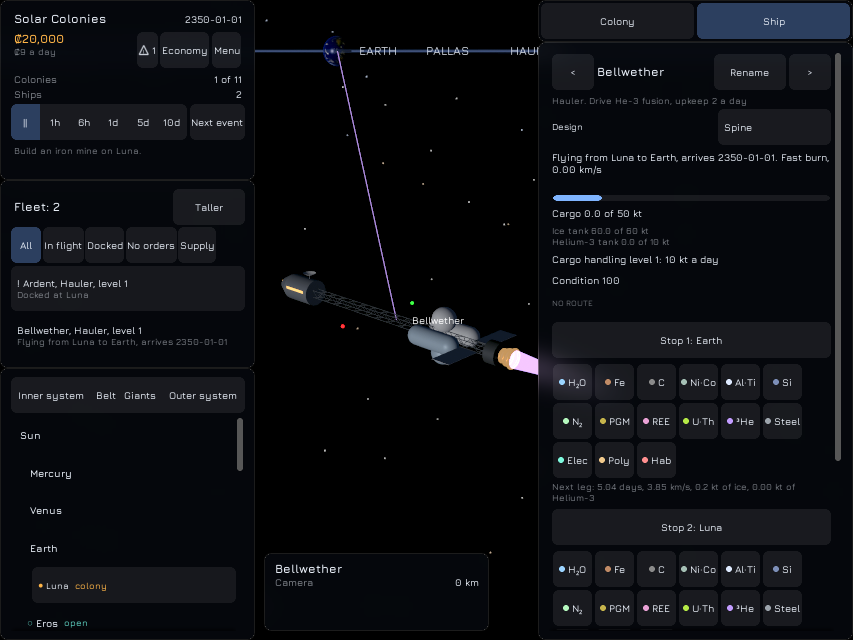
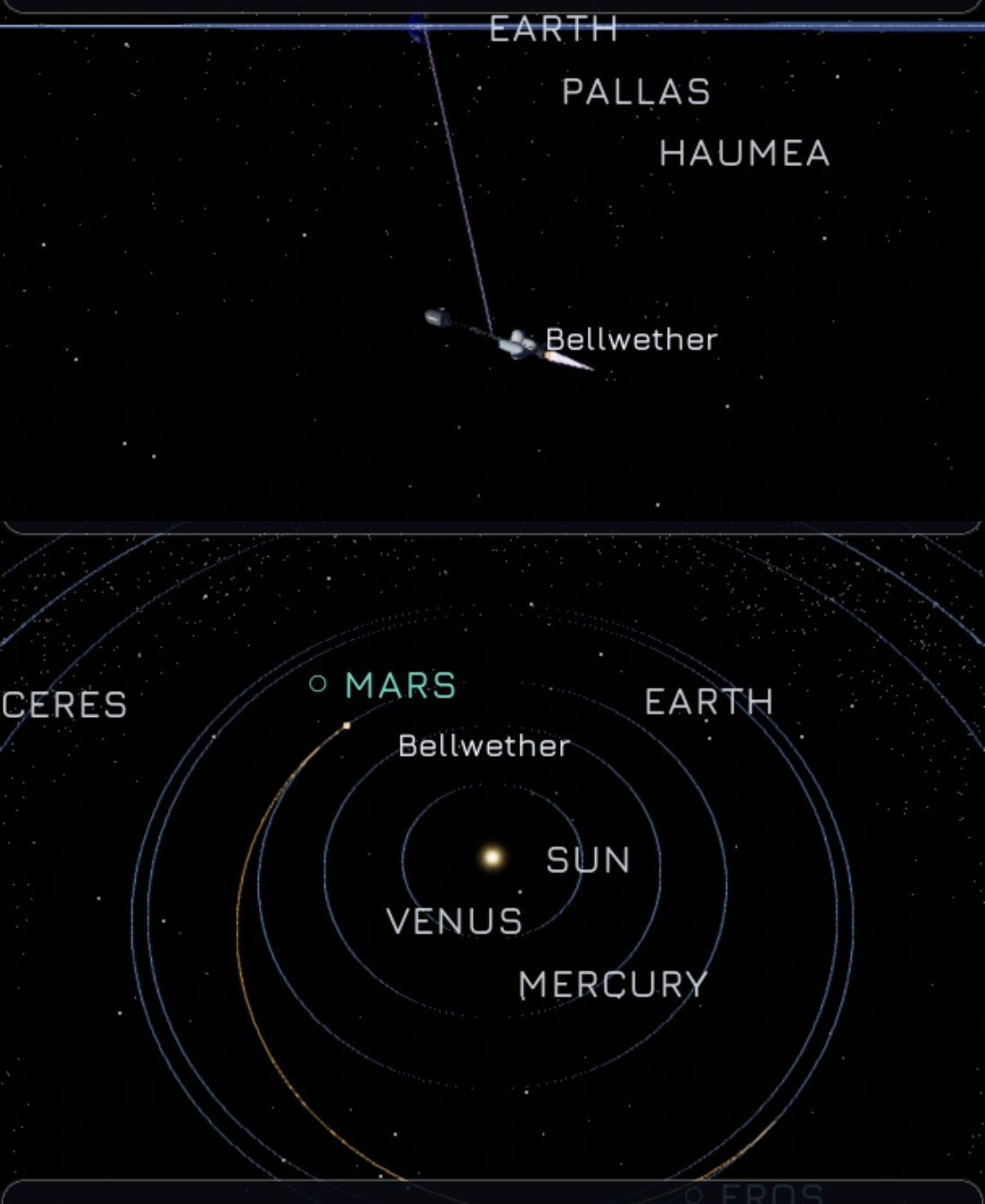
Ships now fly where their route puts them. A fast-burn ship flies a straight line, speeding up for the first half and slowing for the second; an economy ship follows half an ellipse round the body it is flying about, so an Earth to Mars trip curves round the Sun instead of cutting through it. From far away a ship is a four-pixel dot in its drive’s colour; from six pixels long it is its own model at real size, nose along its path and turned tail-first for the second half of a fast burn, with the plume lit only while the drive fires. The rest of the leg is drawn as a thin line in the drive’s colour, brighter for the selected ship, and a new Display option, Ship trajectories, turns it off. Ships waiting at a body hover just outside its farthest point, spaced round it. The camera follows a ship from just over half its length away and flies in to about two and a half lengths when you choose it.
2026-11-14: Ship designs
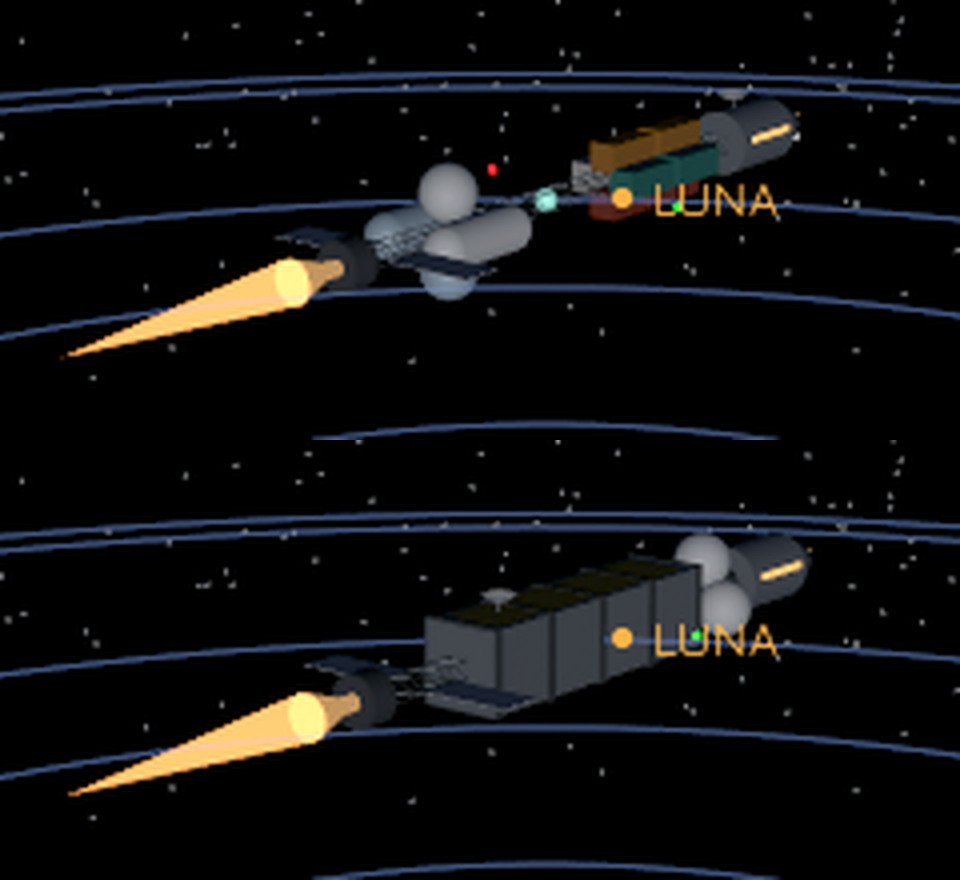
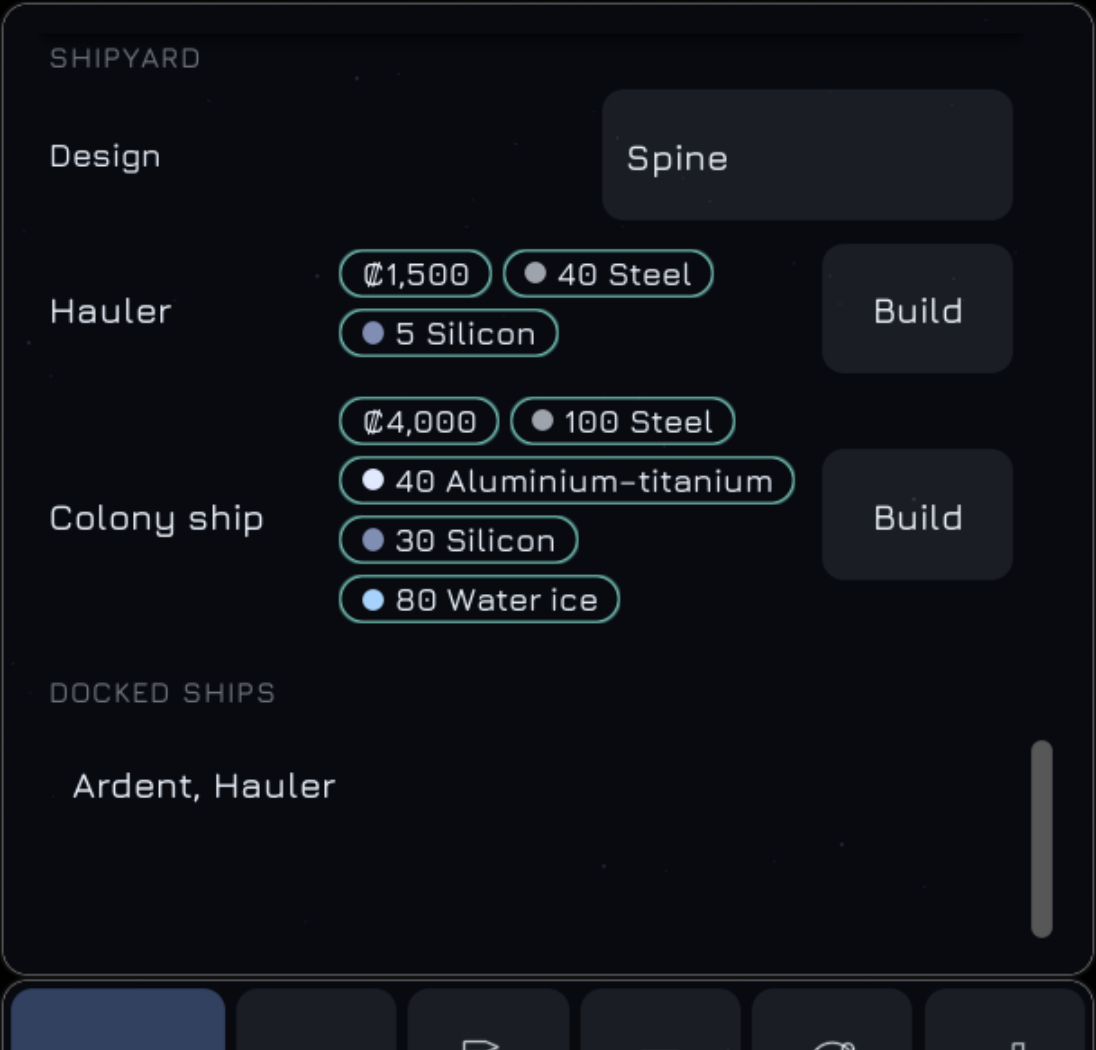
Every cargo ship now has two looks. A hauler, a bulk freighter and a heavy freighter each come as a “spine” design, a long truss with tanks and containers hung along it, or a “plated” design, a boxy hull with armour plates; the colony ship has its spinning ring and the station kit its folded frame. When you build a ship, a Design dropdown above the build button picks the look. It starts at the design you chose last for that kind of ship, or at a random one if you turn on Varied ship designs in the options, and you can change a ship’s design for free from its own panel.
A ship’s model is built from its design at run time: the drive’s nozzle at each engine mount, glowing orange while the drive fires, with a flickering plume in the drive’s colour (orange for chemical, violet for fusion, pale blue for a torch drive); red and green lights on the sides and a white strobe on top, each ship on its own beat; and as the hold fills, containers appear one after another. A model longer than its ship type allows is scaled down to fit. The picture below is a debug view of the two haulers, one at half a hold and one full, both burning. Ships in flight do not use the models yet.
2026-11-14: Spacecraft in orbit
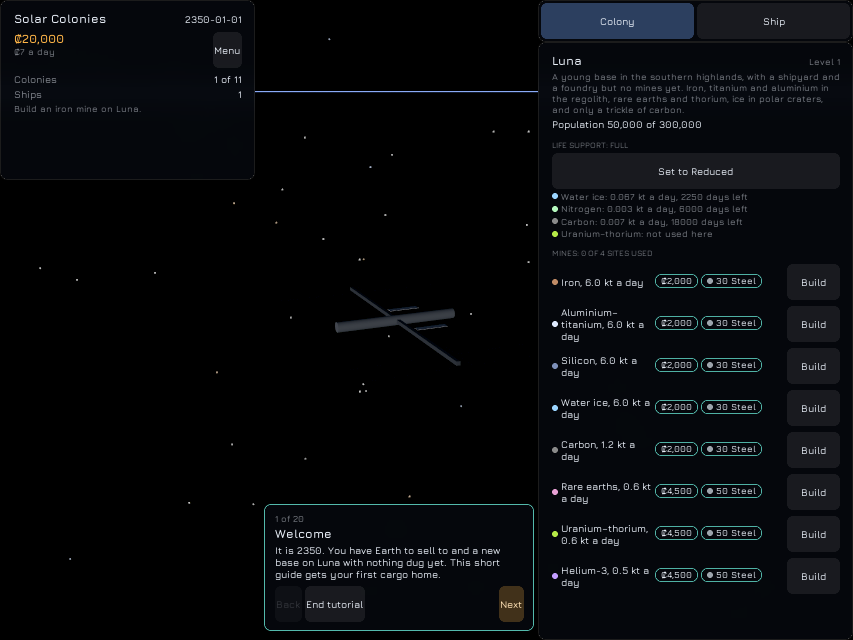
Fifteen real spacecraft now fly their paths in the view, among them the International Space Station, Tiangong, Hubble, the James Webb Space Telescope round the L2 point, Juno at Jupiter and the two Voyagers leaving the Sun. Each is drawn as a small model of boxes, cylinders, dishes and panels at its real size, from the moment it is one pixel across; from 0.02 pixels up to 4 a pale-blue point marks it, so you only spot one when the camera happens to be near. Clicking or tapping near one takes the camera to it, 2.4 sizes away, and the focus panel names it and gives its size and path: “414 km – 424 km above Earth, 1.5 hours” for the station, “L2 of Earth, 180 days” for the telescope, “1325.0 AU from Sun, leaving at 16.9 km/s” for Voyager 1. Their paths are checked against the figures: the station’s period is 92.95 minutes, the telescope stays 1,500,000 km along the line away from the Sun, and Voyager 1 is 1,328.569 AU out a year from the start. One detail differed from what I expected: the station’s model is 115.5 metres across, not 109, because its solar arrays reach past the truss. All 1,121 automated tests pass on Linux.
2026-11-14: Building models from parts
Every ship, colony piece and station is now built from a library of 27 parts, 30 assemblies and 22 materials, and comes out as 58 static meshes with their marker points as sockets, plus a lit material for each of the 22 colours. A part becomes a box, cylinder, cone, sphere, dome, torus, dish or truss with exact triangle counts, copies are placed in rows and rings, and the cargo, spin and glow pieces are sorted into their own meshes. Each of the 30 models is checked against the numbers measured from the earlier prototype: its triangles by material, its overall size to half a centimetre and its marker points. They all matched on the first run, once one crash was fixed. Another test fails if a committed mesh no longer matches what its assembly builds, and the building is done in the editor only, never in the shipped game. Nothing is drawn with the models yet. All 1,114 automated tests pass on Linux.
2026-11-14: Names beside the bodies
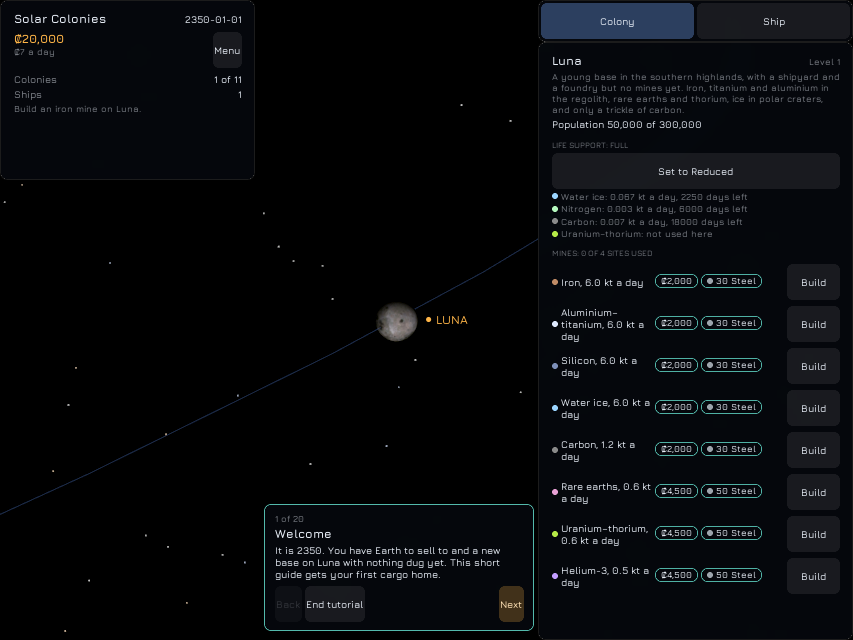
Bodies and ships now carry labels in space. A colony reads “● LUNA” in amber, a colony with a critical alert “⚠” in red, a site open for settlement “○” in teal, and a plain body just its name; a ship in flight has its own name beside it. The rules that decide which labels show and where are plain functions with their own tests: a body drawn 60 pixels wide or more loses its label, a moon’s label waits for its planet to be 12 pixels wide or for the moon to be the focus, nothing shows behind another body, the labels are placed colonies first, a label that overlaps another drops a pixel below it, and the seventh at one spot hides. Two new Display options turn off ship labels and the labels of bodies without colonies. Before the tutorial reveals labels only colonies have them, so in the screenshot taken early in a game only Luna is named. On the phone the label sits under the tutorial card, since the labels are under every panel. All 1,108 automated tests pass on Linux.
2026-11-14: Stars, orbits and the belts
Space now has a sky. 1,200 faint stars, the same on every run and device, sit behind everything; each body’s orbit is a thin blue loop that fades out as the body or the thing you are looking at grows on screen, and a moon’s loop vanishes while its planet is a speck; the asteroid and Kuiper belts are clouds of tiny points that turn at their real pace and fade in as the camera closes on them. The engine cannot draw a point or a line of a set size, so each one is a small quad that the vertex shader spreads to the right number of pixels, which keeps a star at 1.5 pixels and an orbit at 1 pixel at every zoom. A new Display option, Orbit lines, turns every loop off. On the phone the stars, loops and belt show. All 1,103 automated tests pass on Linux.
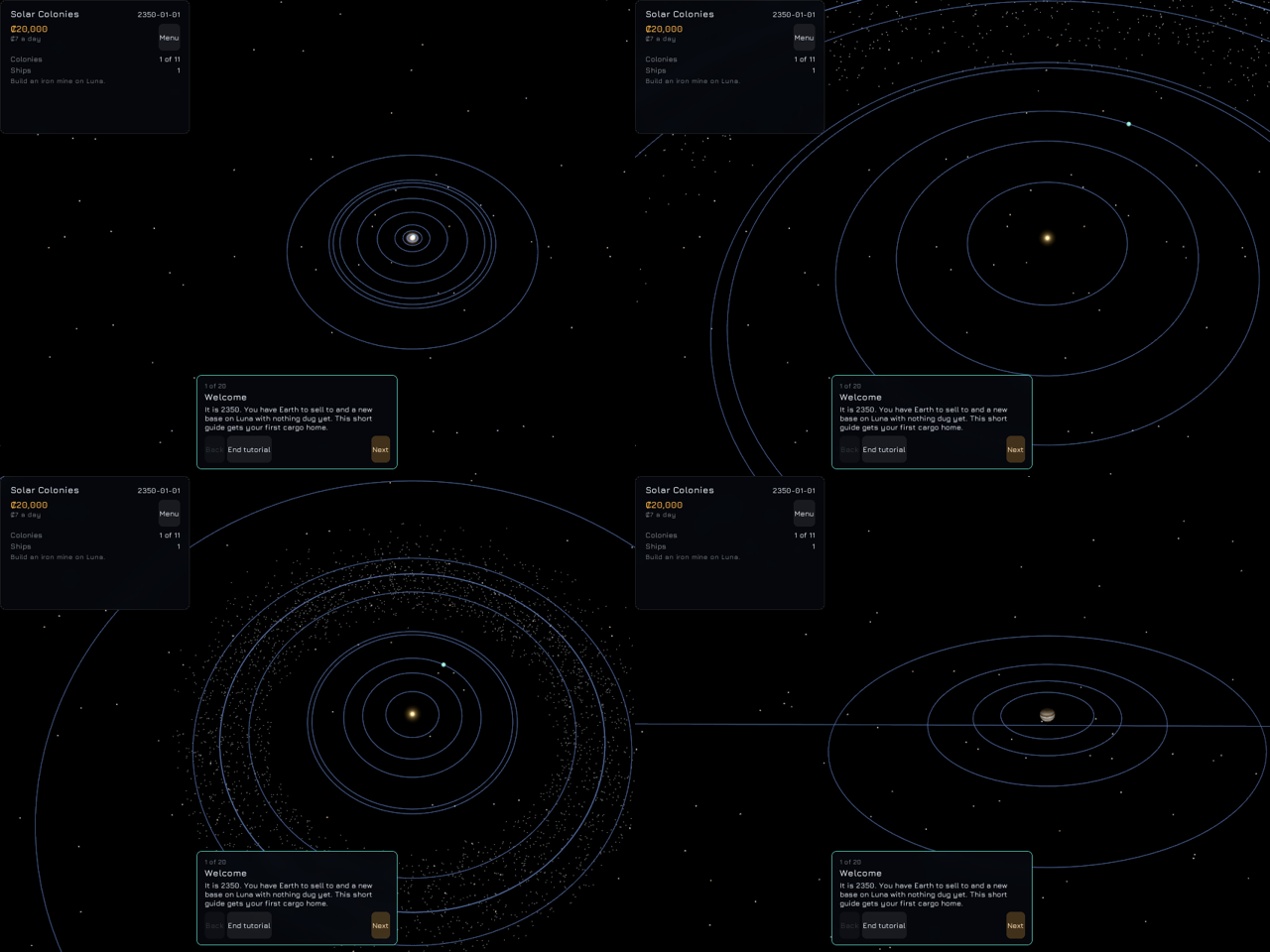
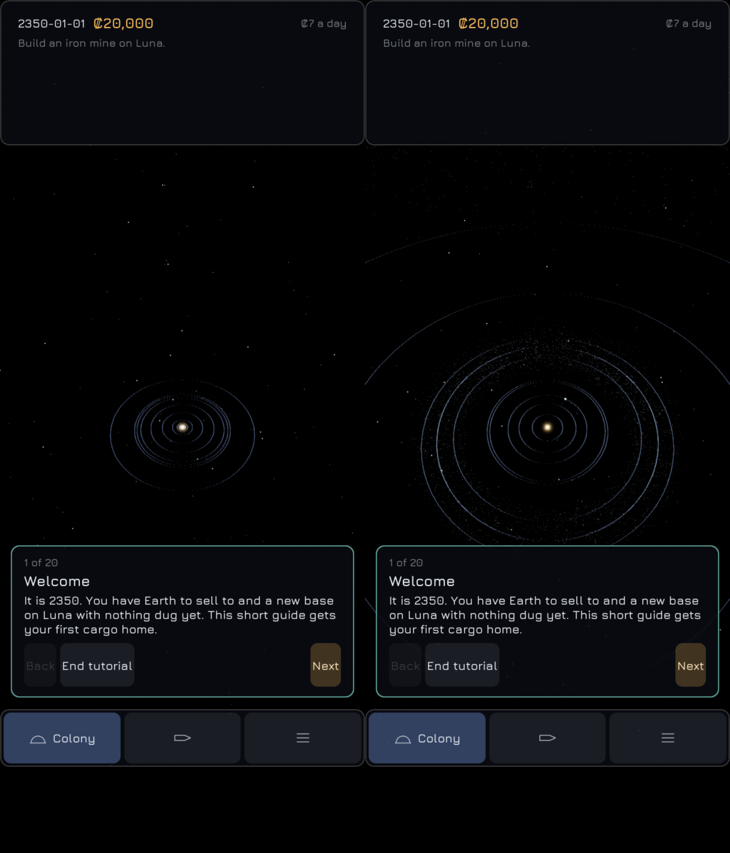
2026-11-14: Saturn has its rings
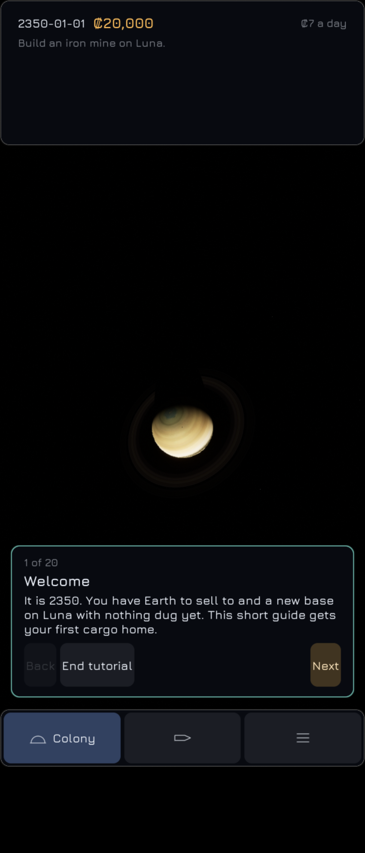
Saturn is drawn with its rings: a flat annulus made in the game from the real radial strip, so the bands and the Cassini Division show, lit by the Sun and partly see-through. The planet’s shadow crosses the rings with a soft edge, and the rings darken the bands of the planet they shade. The rings take Saturn’s tilt but not its spin. They are dim whenever the Sun is close to their plane, which, given Saturn’s 27 degree tilt, is most of the time; the lit face is only as bright as 0.12 plus the sine of the Sun’s elevation. The rings show on the phone too, with the planet’s shadow. All 1,097 automated tests pass on Linux.

2026-11-14: The Sun glows
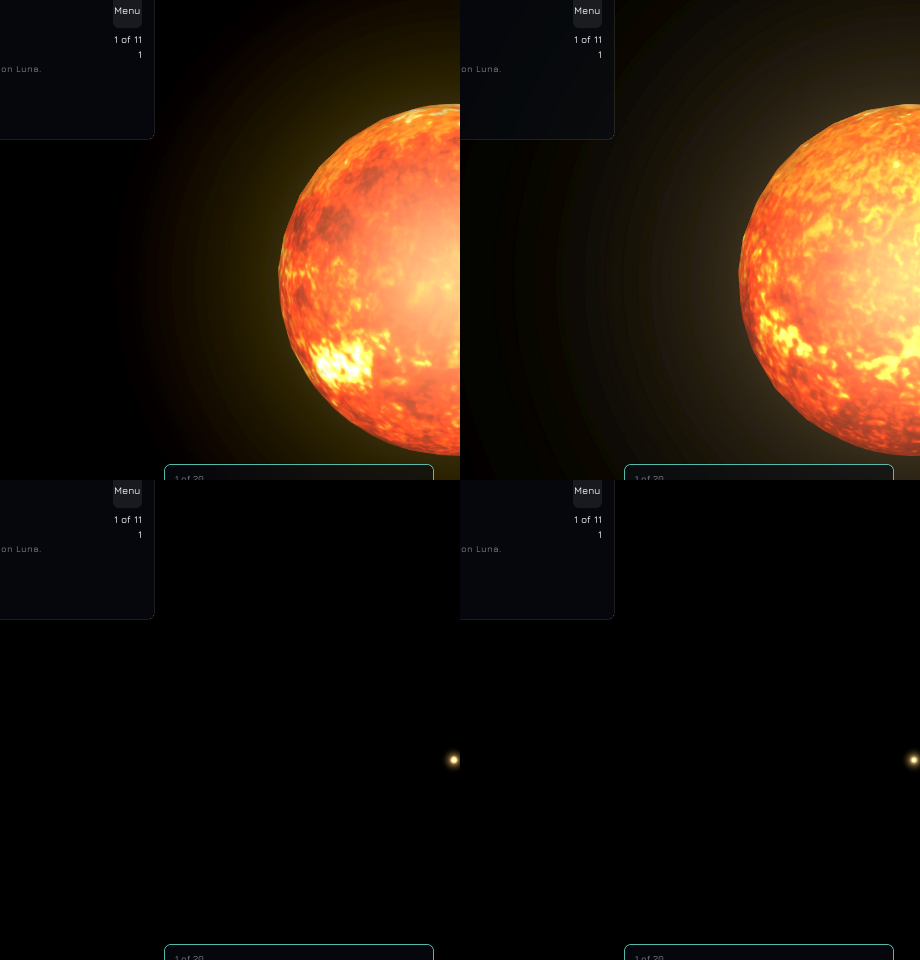
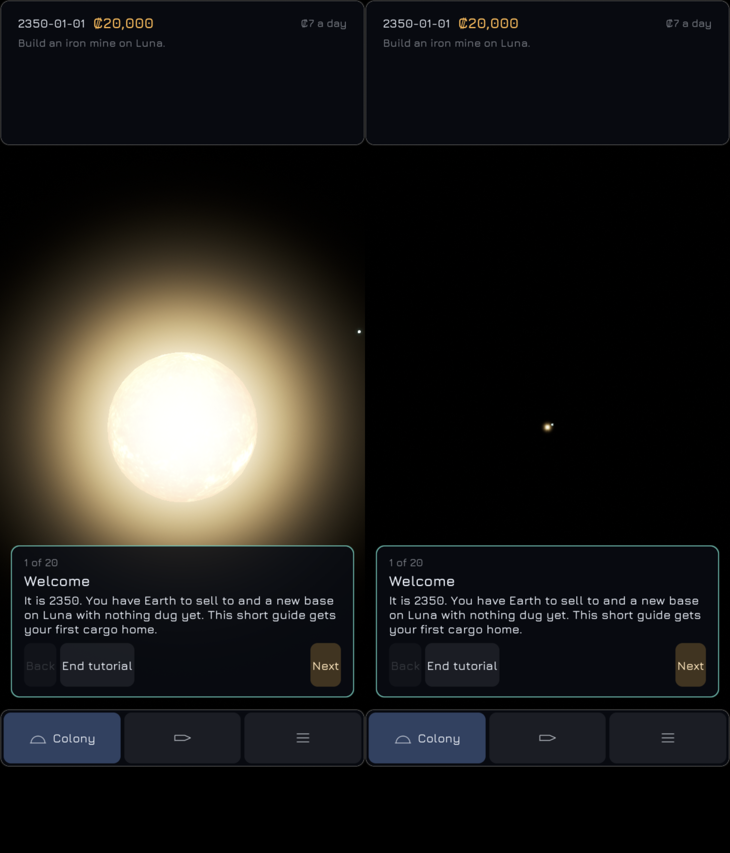
The Sun is no longer a flat bright ball. Close up it is a mottled, moving surface: its map brightened, with two layers of granulation that drift at the same pace whatever the game speed, a darker limb and a warm core. Round it is a soft glow that fades as the disc grows on screen and, far away, keeps the Sun visible as a warm dot: from Neptune’s distance the glow is still at least 18 pixels wide. The glow lies over the Sun’s own disc, as in the earlier prototype, and bloom stays off. Two more generated materials draw the surface and the glow. On the phone the Sun is drawn but looks paler than on the desktop, because the phone still has the engine’s own tone mapping rather than the desktop’s linear one. All 1,095 automated tests pass on Linux.
2026-11-14: Earth gets its oceans, lights, clouds and air
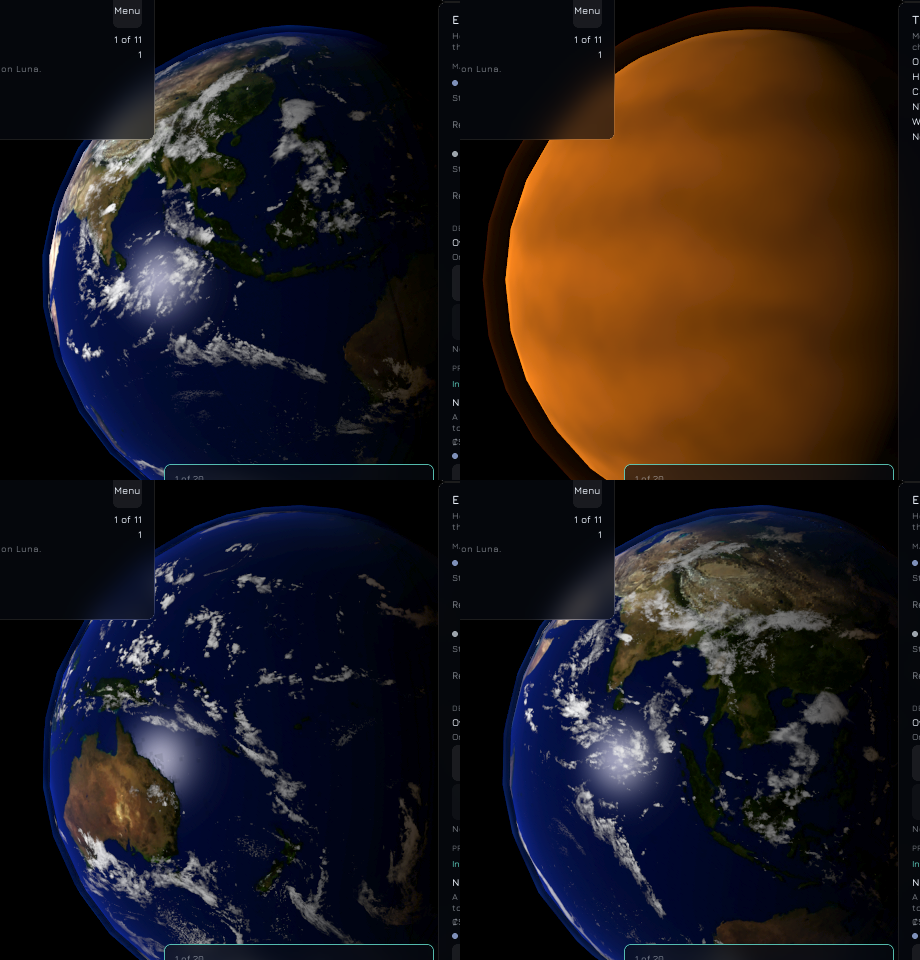
Earth now has deeper oceans, a glint of the Sun on the water, city lights on its night side, and a separate cloud layer that drifts against the land: one lap round the planet in 30 days, so half a day later the clouds have slipped a sixtieth of a turn from where the continents are. Venus, Earth, Mars and Titan have a thin glowing shell of air, brightest at the lit rim and warmer toward the terminator, and Titan is a banded orange cloud deck. Jupiter, Saturn, Uranus and Neptune needed nothing new. The data for all of it sits in the body table, and the loader refuses a bad colour, a zero height or a cloud layer with no period. Two more generated materials draw the clouds and the air. On the phone the oceans, lights and the giants show; the colony panel covers most of Earth in the one phone view taken. All 1,094 automated tests pass on Linux.
2026-11-14: The bodies are lit and turn
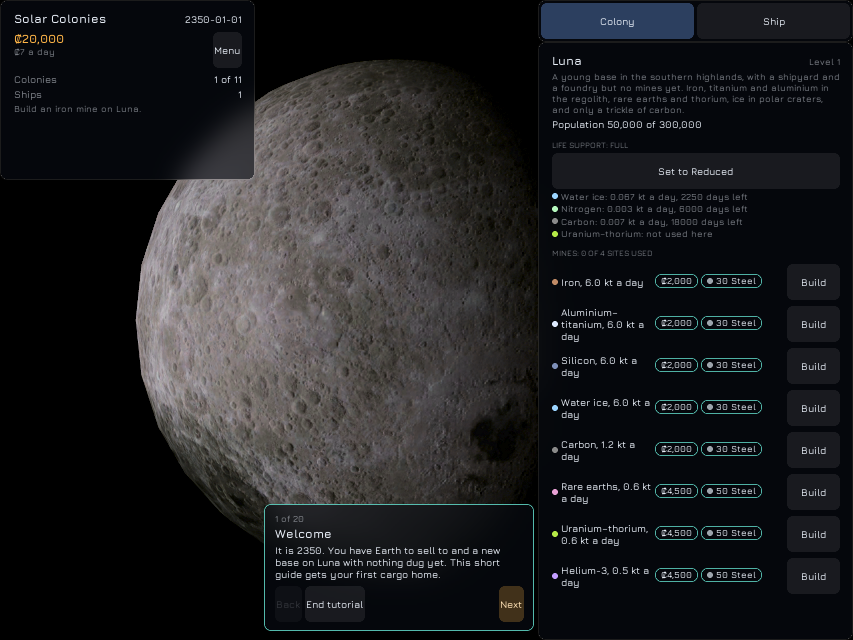
Every planet, moon and asteroid except the Sun is now drawn by its own shader instead of a plain colour: its real map, a near-black night side, softer edges on gas giants and cloud decks, a faint glow round the lit rim of the worlds that have one, and craters and ridges that come in as the body grows past 60 pixels in radius. Each body turns at its real day on its real tilt, and the moons keep one face to their planet. The camera, light and tone are set so that a value computed in the shader is the value on screen: on a full Luna the centre of the disc measured within 5 of 255 of what the map predicts. On the phone the first build drew nothing at all. It took a day-sized detour of trial runs to find that the post-process volume that fixes the exposure blanks the phone’s mobile renderer, whatever is drawn; it is now off there, which means the phone’s colours are the engine’s own rather than the desktop’s linear ones. That gap is not closed. All 1,091 automated tests pass on Linux.
2026-11-13: Eros, Phobos and Deimos get their real shapes
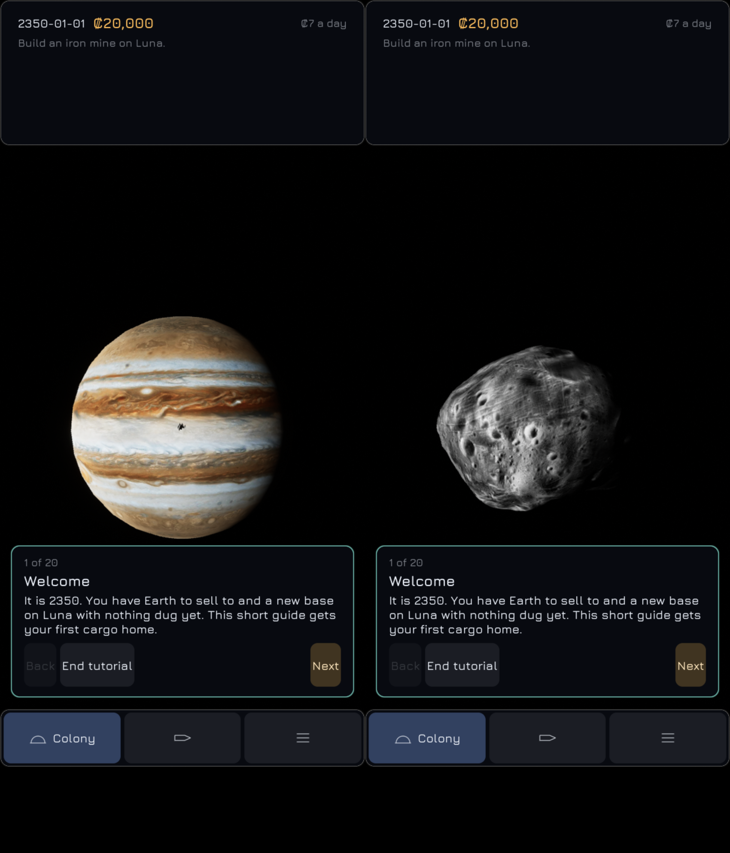
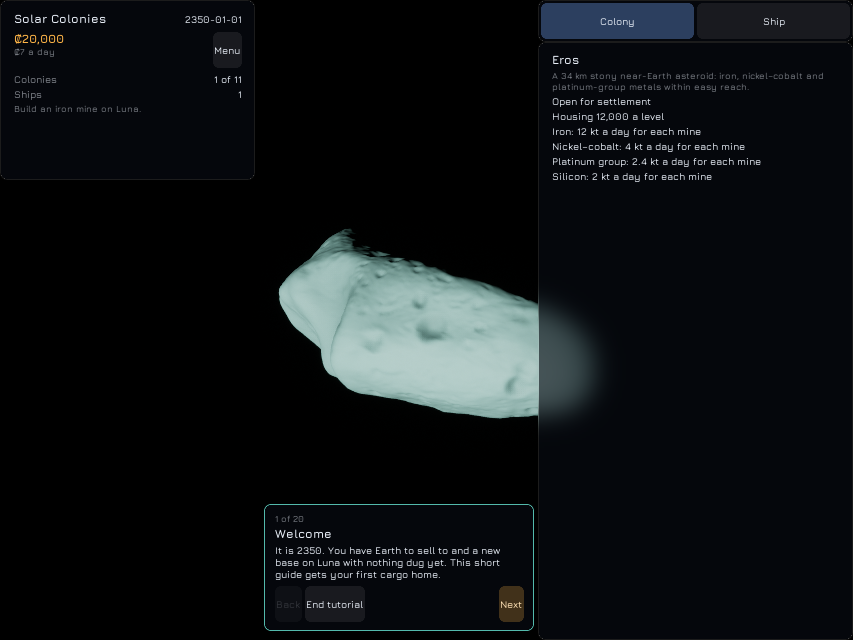
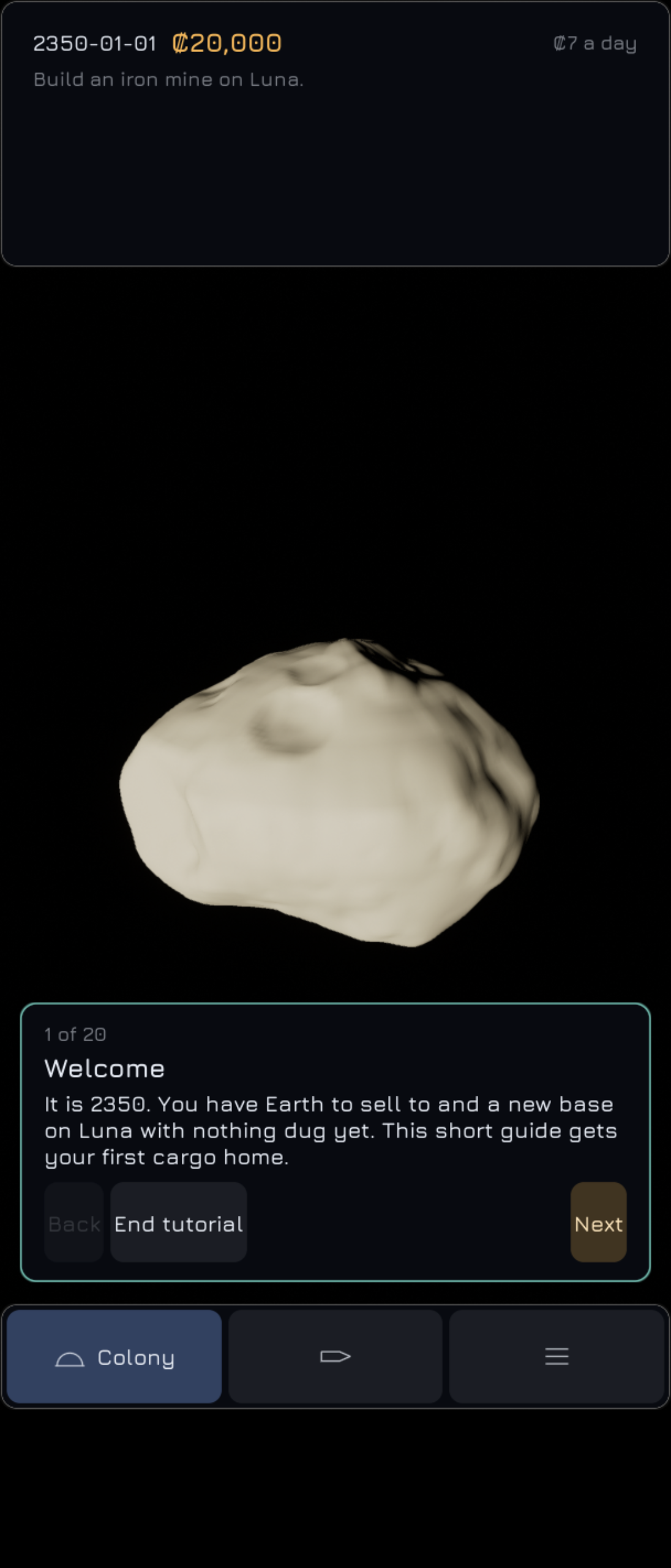
Eros, Phobos and Deimos are no longer spheres. Eros is drawn from NASA’s NEAR-mission shape model (49,152 triangles, 32.7 by 16.9 by 12.0 km), Phobos and Deimos from the Viking-based shape tables. The archived files are turned into meshes, and each is checked: it must be closed, and nine in ten triangles must face outward. One surprise: the engine treats a triangle’s front as the opposite side to the one its corner order suggests, so the corners are reversed. The camera now stops 1.2 times the farthest point of a shape from the body, not 1.2 radii, so it cannot go into Eros’s ends, and the focus panel’s Camera line is the height above the ground below the camera. Picking uses the same farthest point. On the Linux game and on the Xperia 1 II the shapes show with their craters and dents; no map or shading is on them yet. Both builds hold the three shapes, and all 1,084 automated tests pass on Linux. Not checked: Windows.
2026-11-13: The map checks
The maps of the moons and dwarf planets that no spacecraft fully imaged were filled in earlier, and the bodies with no map at all were given made-up ones. Nothing in the game checked that until now. A test measures how much of each map is still black, ignoring dark features narrower than 19 pixels, which are real craters and shadows, and finds none in the twelve filled maps and none in the seven made-up ones. The made-up maps are also checked against their body’s colour and for not being a flat fill, and a third test checks that the list of which map is real, filled or made up is right. No map was changed.
2026-11-13: The bodies’ maps become textures
The 49 prepared map images of the planets, moons and asteroids are now textures in the game’s own format, imported by a repeatable process rather than by hand, so the same images always give the same textures. Every image is checked against its recorded checksum first, and a changed one is refused by name. Nine maps that were smaller than the rest, and Saturn’s ring strips, are resized to a common size on the way in, and Earth, the Moon, Mars, Jupiter and Saturn also have 4096 by 2048 maps for the desktop. Each body’s colour, kind of surface and maps are now part of its data, and the game refuses a colour or a texture name that is malformed. Nothing is drawn with them yet; that comes next. Checked: the Linux package holds all 49 textures and the Android package only the 41 smaller ones, and the phone starts with the new data. All 1,071 automated tests pass on Linux. Not checked: a Windows package.
2026-11-13: The interface is complete
The game now has its full interface: the glass style, the status panel with its messages and goal line, navigation, the focus panel, Alerts, the Economy screen, Next event and catch-up, the gradual interface, both parts of the tutorial, the menu with saves and difficulty, options, keyboard shortcuts, the glossary and tooltips, sound, text size and the other accessibility settings, gamepad and keyboard-only play, and the pseudo-language check. On Linux all 1,061 Automation tests pass. This is not yet signed off, because one condition has not been checked: completing the whole tutorial on Windows, Linux and Android with mouse, touch and gamepad. No gamepad and no Windows machine were used, and parts of the tutorial were played only through tests. Two known problems remain: the desktop graphics card runs at full load (paused for a performance pass), and a control keeps its hover look after a held press on the phone.
2026-11-13: Every word on screen comes from the string tables
A new test shows the game in a made-up language in which every string is wrapped in ⟦ and ⟧. It walks 68 screens in both the desktop and phone layouts and fails on any visible letter outside the marks, unless the letter belongs to one of the allowed exceptions, each matched by its exact text: ships’ names, languages’ own names, key names and the Credits entries. Before it could pass, the short messages that refused actions return had to leave the simulation’s code. All 98 are now text ids with English wording in the string table, filled like messages, so a refusal can name a good or a site. Apart from those, the first run found only the on-screen keyboard’s letters, which now come from a string so a language can give its own alphabet. One trap: the screens test first passed without running at all, because of a naming clash with another test.
2026-11-13: Playing with a gamepad or the keyboard alone
The interface can now be driven without a mouse. A gamepad’s D-pad or left stick moves focus between controls and A presses; B closes an overlay or opens the menu, X starts Next event, Y opens Alerts, Start pauses, the right stick and triggers turn and zoom the camera, and the left stick’s click gives a cursor to pick bodies and ships in the view. On the keyboard, Ctrl with the arrows moves focus, Ctrl+Enter presses, and Shift+F6 jumps between the panels. Overlays take focus when they open and give it back when they close, a stepper takes left and right, a graph steps through its samples, and renaming a ship with a gamepad uses an on-screen keyboard. A line of button hints shows while a gamepad is in use. A new test walks every panel in both layouts and fails if a control cannot take focus or cannot be reached; its first run found my own walk was wrong, not the screen. No gamepad was available, so none of this has been played with one, and the keyboard-only play-through of the tutorial was not done either: the automated tests stand in for both.
2026-11-13: Text size, reduce motion and never colour alone
The interface now has a text size setting, from 75% to 200%, which scales everything at once. A screen offers only the sizes its layout fits: up to 150% on a phone, and on the desktop up to the size at which its panels still sit side by side. On a 1920 by 1080 or 4K screen that is 175%, because at 200% the right panel covered the focus panel; the sizes are limited rather than squeezing the layout. A new test lays out every panel and overlay at the phone’s 150% and fails on anything cut off. It found the Reserve rows of Stores and of the market, which now put their controls on a second line where they do not fit. Reduce motion turns fades, slides and the camera’s flights into cuts and holds the pulses steady. Every status shown by colour now takes its mark or word from one place, and a colour-blindness check, using the published simulation matrices of Machado and others, shows the goods’ colours and the graph lines stay apart for all three common kinds; the closest pair is 8.69 against a limit of 8.5. On the Xperia 1 II the Text size list stops at 150%, and the colony sheet at 150% shows nothing cut off.
2026-11-13: The game makes sounds
The game now has nine short beeps: one for each kind of message, one for a new critical alert, a click for a button, a softer tick for a tab, toggle or choice, and a low note for a refused action. They are made by the game when it starts, as sine waves with soft edges, so there is no sound file to import or credit. A cue does not repeat within a quarter of a second, the Options panel has a Sound tab with Volume (75% by default) and Mute, and M mutes. A loaded game’s messages and those of a catch-up stay quiet. I cannot hear the game, so each cue was checked in the sound log instead: on Linux with no sound device, and on the Xperia 1 II with the log turned up. On the phone the cues played for messages, a tab, a button and a critical alert, and after Mute in Options nothing played. The M key could not be sent to the phone’s game, and whether the cues sound right is still to be judged by ear.
2026-11-13: The glossary and tooltips
The menu has a Glossary, also opened with F1: thirteen terms from economy transfer to running costs, each with a short sentence and a longer note, drafted from the game’s rules and still to be reviewed. Controls that use a term now explain it in a tooltip: the transfer mode, the launch-window wait, the leg estimates, the ship’s cargo, drive and cargo-handling lines, the Reserves, the Supply duty tab, the auto-freight switch, the Programmes heading and the cost per day. Every tooltip, the keys’ ones included, is now solid glass in the game’s style and shows after half a second. On a phone, a press held still for half a second shows the tooltip above the finger and does not press the control. The first try crashed the phone: the engine’s interface opens a tooltip in a window of its own, which Android cannot make, so a phone’s tooltip is now drawn in the game’s own window. On the Xperia 1 II, holding the auto-freight switch showed its tooltip and left the switch on, and a tap afterwards still switched it. After the hold the switch kept its hovered look until the next touch, recorded as a known bug.
2026-11-13: The Options panel
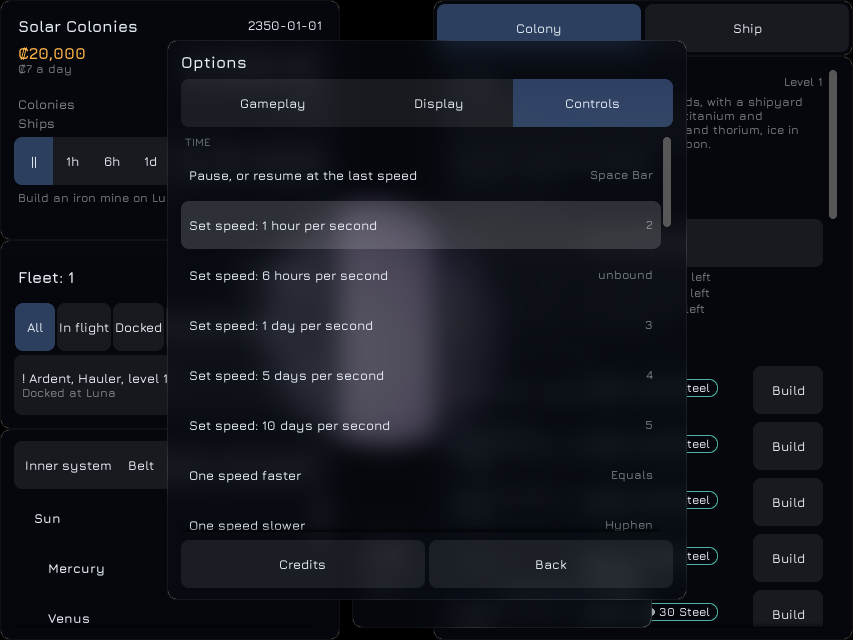
Options now has three tabs: Gameplay, Display and Controls. Gameplay holds pause on critical alerts, time away, random events, the autosave interval, a new starting speed, the tutorial and the gradual interface; Display holds the language and event pop-ups. Each option is one entry in a list, so later additions (Sound, text size, the Performance tab and more display options) add an entry and leave the panel alone. A change saves the settings at once, which now keeps every option. The Language list names each language in its own words and rebuilds the whole interface in the one chosen. In the Linux game, with a test language file added for the run, choosing it changed the Options panel, its Credits and Back buttons and the status panel’s 1h speed label at once, and the menu stayed on the Display tab. Controls lists every command with its key. Choosing a row waits for a key, the next key goes to that command, and the command that had it reads “unbound”. In the Linux game, rebinding “1 hour” to 2 left “6 hours” unbound, and the saved settings kept both. These Linux runs did not take the desktop’s focus; every click and key arrived, though the window size there is fixed at 853 by 640. On the Xperia 1 II the tabs are one dropdown, and real taps opened it and changed tabs at 100% and 150% text with nothing cut off. This changes the saves entry below: a loaded game now runs at the starting speed, which is paused by default, instead of the speed the menu remembered, and a new game without the tutorial starts at the starting speed instead of 1 day a second. Not verified: Restore defaults pressed in the game (tested without a screen only), and Windows. All 1,013 automation tests pass on Linux.
2026-11-13: Saves: slots, autosave, quick save, export and import
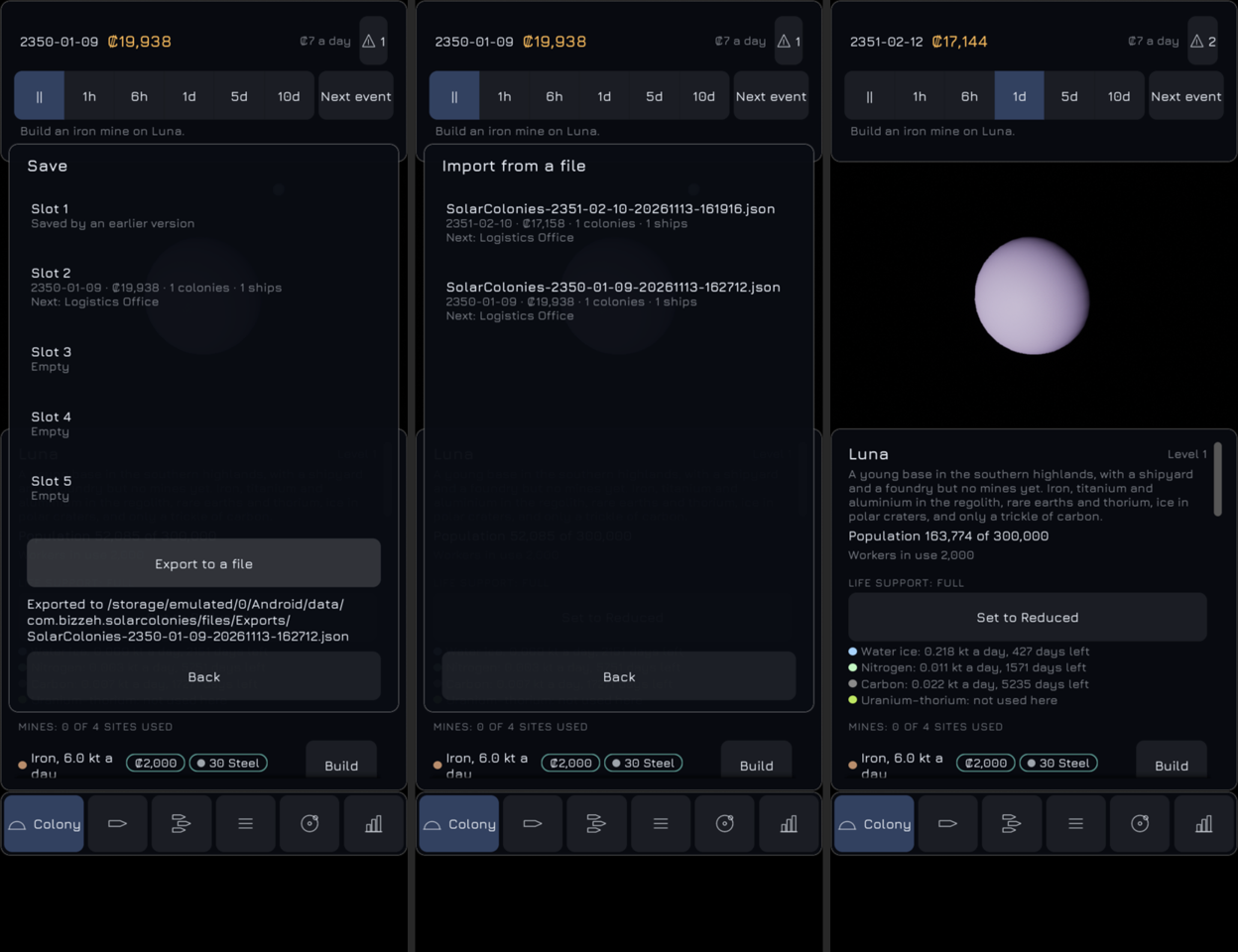
Saves are now seven files: an autosave, a quick save and five slots. Each save starts with a summary (the date, credits, colonies, ships and next programme), which the menu’s Save and Load parts and the title screen’s Load show without loading the game. A save is written to a temporary file and renamed over the old one, so an interrupted save leaves the old file whole. The autosave is written every 5 minutes of real time with a game loaded and the menu closed, when the phone app goes to the background or the game quits (with its close time), when the desktop window loses focus, and by Exit to title screen. Continue loads it. F5 quick-saves, and F9 asks “Load the quick save?” first. Export writes the game to an Exports folder, under Documents on the desktop and in the app’s own external folder on Android, and Import lists that folder’s files newest first. An imported file is refused if it is over 32 MB, not readable as a save, from a newer version, or fails the loader, which now also refuses numbers that are not finite and lists longer than the game keeps. Only names the folder listing returns are opened. On the Xperia 1 II, real taps saved to a slot, exported (the file appeared in the Exports folder), listed it under Import, and imported a save written by the Linux game, which carried on from its day. Sending the app to the background wrote the autosave with its close time, and Continue loaded it. Long file names now wrap by character at 150% text. Not verified: an export by a press in the Linux game, where the clicks were lost again; the desktop’s focus-loss autosave; and Windows. The earlier single save slot was not converted, since saves need not stay compatible yet. It still shows as slot 1, because file lookup on Linux and on the phone’s storage ignores case. This changes the title screen entry below: Save and Load in the menu now open these parts, Exit to title screen writes the autosave, and Continue loads it. All 999 automation tests pass on Linux.
2026-11-13: The title screen, the menu, the Commands page and Credits
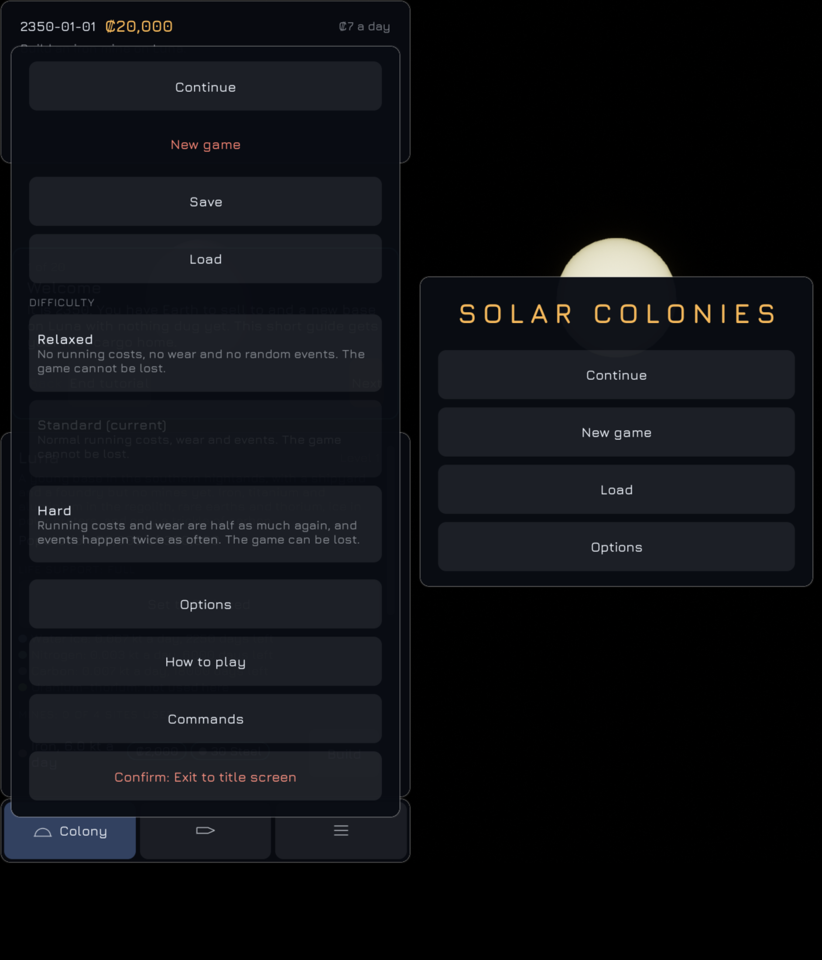
The game now opens on a title screen instead of in a new game: the brand over the Sun, then Continue, New game, Load and Options. New game takes its seed from a random identifier rather than the clock, so two games started in the same second differ. The menu is now a glass overlay over everything else, opened by a Menu button in the desktop’s status panel, the phone’s Menu tab or Esc. It pauses the game and gives the speed back on Continue, and adds New game, How to play (which restarts the tutorial without touching the game), a Commands page and Exit to title screen, which saves first. The Commands page runs any of the keyboard commands as its key would. In the Linux game, choosing Alerts there closed the menu, gave back the speed and opened Alerts. Options is an empty shell for now. The Credits screen reads a data file. It lists the developer, Epic Games for Unreal Engine, the font, NASA and every recorded provider of a map, shape model or data set, each with what it supplied and one short licence line, and no full licence texts. On the Xperia 1 II, real taps started a new game, opened the menu from its tab, exited to the title screen with the save written, and continued that save; the buttons measured 48 interface pixels. Three things are not verified: Exit by click in the Linux game, because the clicks in that game lose presses at random; Esc on the phone; and 150% text. This changes what the keyboard shortcuts entry said about Esc: it now closes the menu before the notices panel and the Economy screen, and on a page of the menu it goes back one page. All 982 automation tests pass on Linux.
2026-11-13: Keyboard shortcuts
Every key is now a command, 48 in all, and each can be rebound. A key given to one command is taken from the command that had it, Escape stays with the command that closes overlays, and the saved settings keep only the keys that differ from the defaults. The commands run before the interface handles a key, so a button the player clicked does not also take Space or Enter, and nothing runs while a text box has focus. The controls that run a command, such as the speed buttons, Next event and the overview buttons, name the command and its key in their tooltip. This changes the camera keys given earlier: + and − now step the speed and Page Up and Page Down zoom, F follows the selected ship or centres the selected body instead of cycling through every body, and Home is gone, since H selects Earth. A game now starts with its first colony selected, so the colony keys work from the start. Each group’s keys were tried in the running game, F12 wrote a screenshot, and resting the pointer on Next event showed its tooltip with N, and with K once Next event was rebound to K. Full screen (F11) was sent but its effect was not seen, and the phone was not used, since nothing on it changed. All 971 automation tests pass on Linux.
2026-11-13: The graphics card at full load, diagnosed in part and paused
The desktop’s GPU at 100% is not caused by the frame rate as such. Uncapped, the packaged game draws its first view at 227 frames a second at 99% busy and 198 W, so a frame of a few spheres and an interface costs about 4.4 ms of GPU. Switching parts off one at a time puts nearly all of that in the post-processing chain, mostly TSR. The interface and the scene’s meshes cost little. Vertical sync would have brought the figure down, but it was ruled out as the fix, since other games run uncapped here at 400 frames a second without pinning the GPU. The work is paused until a later performance pass. The next steps start with getting per-pass GPU times on Vulkan.
2026-11-13: The view shows the real sky, not its mirror
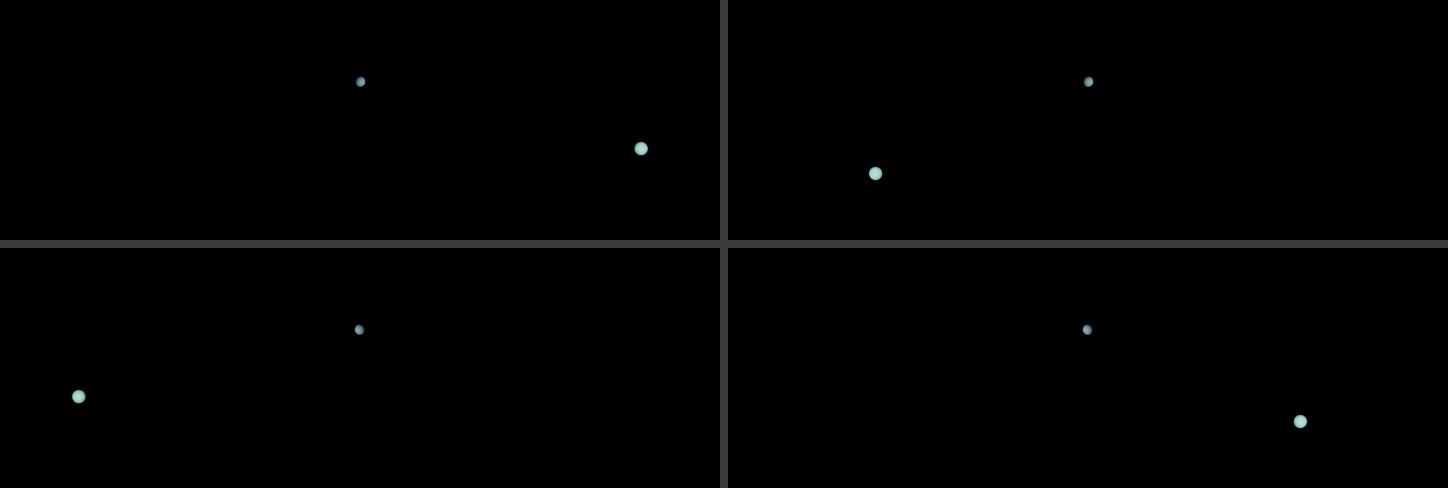
This is fixed. The simulation’s positions are right-handed, with z north and prograde motion from +x toward +y. The view put them into Unreal’s left-handed axes unchanged, so the whole picture was a mirror image: seen from the north, the Moon went round the Earth clockwise. A projection computed without a screen through the engine’s own matrices showed it for Earth, Mars and Luna, and two screenshots from one save showed it on the Linux desktop. Every position from the simulation now enters the view through one conversion, (x, y, z) to (x, −y, z). The camera keeps its angles in the simulation’s axes and meets the scene in three functions. A body’s frame in the view is now fixed: 0° meridian on +X, 90° east on −Y, north on +Z, as the maps and shapes need. The drag turns the view the same way as before. The two screenshots of a new game first disagreed with the test because each run of a new game draws a different solar system from the clock; loading one save in both runs fixed the comparison. All 956 automation tests pass on Linux.
2026-11-13: Pop-ups and the tutorial card show over the Economy screen
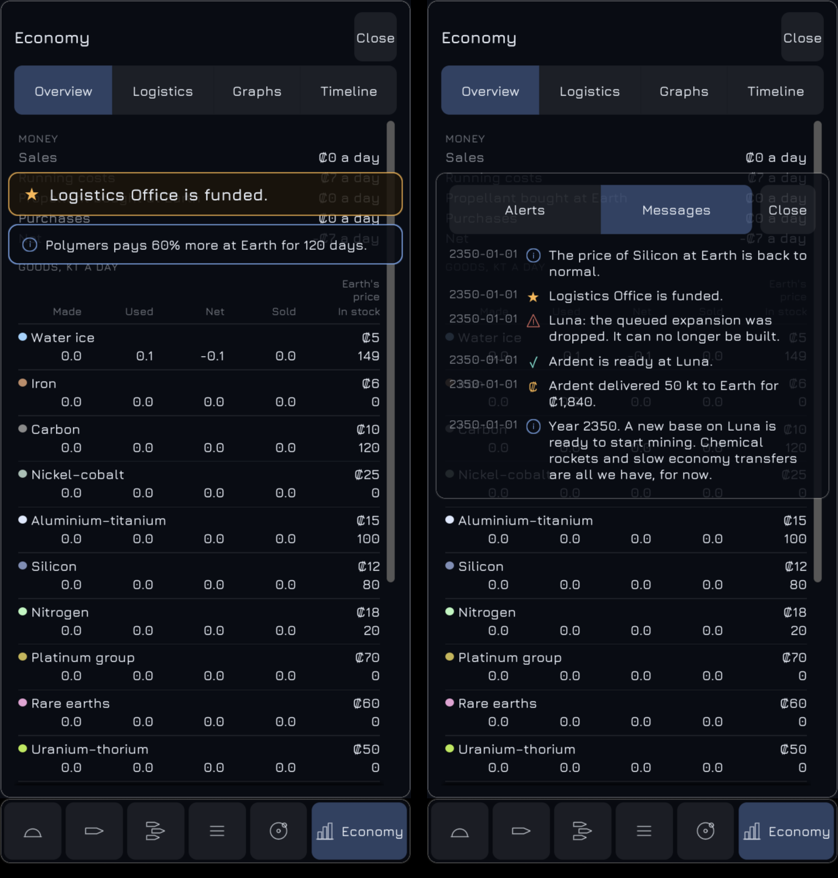
This is fixed. The interface’s root gave the Economy screen, the messages list with the pop-ups, and the tutorial card the layer numbers 0.25, 0.5 and 0.75. Unreal’s constraint canvas reads a layer number as a whole number when it places a layer, so all three counted as 0 and were painted in reverse: the Economy screen covered the other two layers. Taps followed the same order, so a tap on a pop-up over the screen pressed the screen. The intended order holds on the desktop and the phone, and pop-ups show over the phone’s full-screen Economy screen. Every layer of the root now takes a whole number from one list, from the panels up to the catch-up summary. Two new tests read the paint order and tap a pop-up, a card and the open screen on both layouts; both failed before the fix. On the Xperia 1 II a real tap on a pop-up opened the messages list over the Economy screen, and the tutorial card showed over it and took a tap on Next. All 952 automation tests pass on Linux.
2026-11-13: The phone’s tabs become icons
This is fixed. Since the Economy tab was added, the phone’s six tab labels needed 261 interface pixels where a phone at 150% text has 242.7, so the tab bar took two rows and grew into the view. Each tab now shows an icon and only the selected tab its label as well. The six icons (a dome, a hull, three hulls, three lines, an orbit and a bar chart) are drawn by the game in thin lines of the text colour, as the ℹ and ⚠ marks are, so no image or font was added. The selected tab takes the width its icon and label need and the others share the rest, so the bar is one row and 64 interface pixels tall at every text size. A hidden label stays the tab’s accessible name and tooltip. The two-row bar and the frame that grew with it are removed, and the desktop’s right panel keeps its labelled tabs. A new test tries every tab selected at 100% and 150% text; it failed on the two-row bar. On the Xperia 1 II real taps on Navigate and then Economy at 150% each selected the tapped tab, with its label whole and the bar on one row. All 950 automation tests pass on Linux.
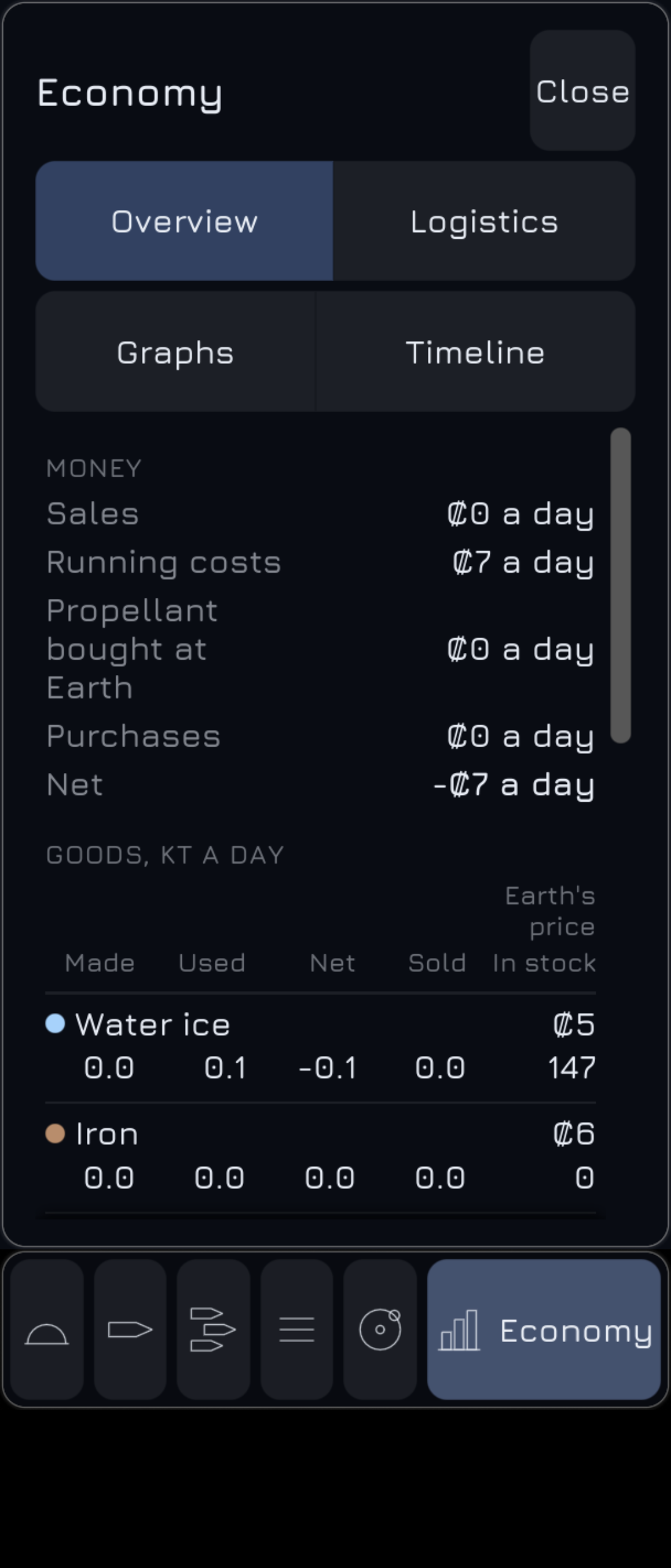
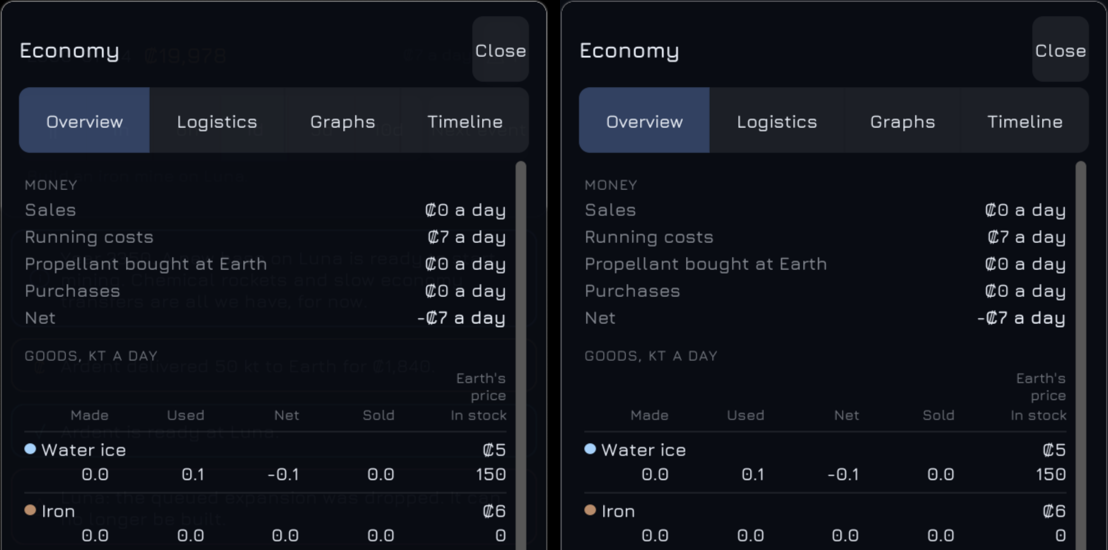
2026-11-13: Full-screen phone screens hide what is under them
This is fixed. On the Xperia 1 II the Economy screen fills the view above the tab bar on glass that is 97% opaque. The status panel’s figures, the pop-ups and the Moon showed faintly through it. The rule is that a screen covering the whole view on the phone hides what is under it. Economy’s glass now sits on an opaque backing of the same colour. Game over, the closing screen and the catch-up summary have an opaque backdrop on the phone, where the desktop still dims the game at 60%. The menu and the other sheets cover half the view and keep their glass. A new test looks for an opaque layer under every label of those four screens; it failed for all four before the fix. On the phone the measured regions are now plain glass. The diagnosis also found another fault: Unreal’s constraint canvas reads a layer’s order as a whole number, so the Economy screen is painted over the pop-ups and the tutorial card on both layouts. That fault is fixed in the entry above. All 949 automation tests pass on Linux.
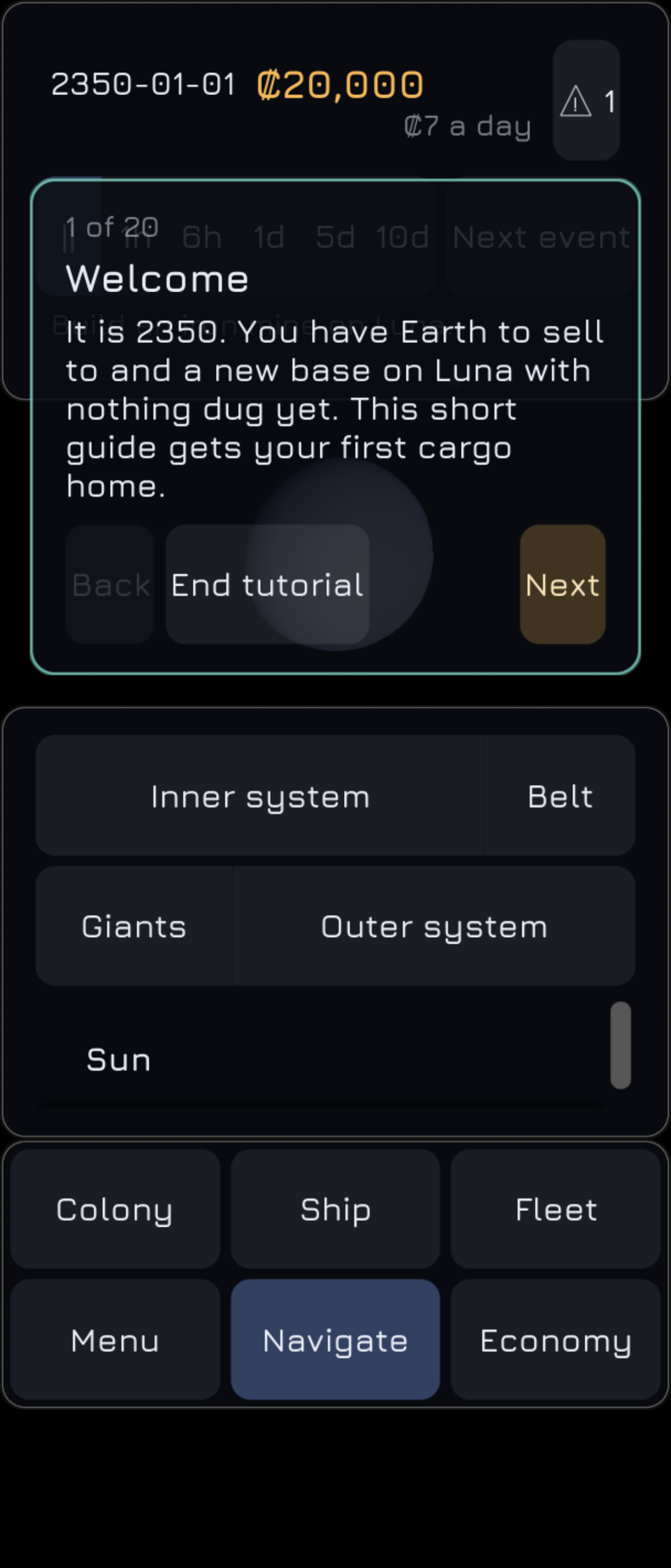
2026-11-13: The overview buttons fit the phone at 150% text
This is fixed. Earlier measurement had shown that the Navigate sheet’s four overview buttons (Inner system, Belt, Giants, Outer system) need more width than a phone gives them at 150% text, and the Xperia 1 II showed it: each label was cut at both ends. A segmented choice can now split into two rows, the first half of its segments on the first: in each frame it measures its one-line form, even while that form is hidden, and keeps it only while it fits. The overview row uses it, so the width the buttons need decides the form, with no text-size threshold. On the phone the row is two rows of two at 150% and one line at 100%, and the desktop list is unchanged. A real tap on Outer system at 150% flew the camera to the Sun. A new layout test failed before the fix and passes after it, and all 948 automation tests pass on Linux.
2026-11-13: Swipes that start on a button scroll
This is fixed. On the phone a swipe that started on an alert row did not scroll the Alerts list. Every button in the game wrapped an engine button that takes the finger when it is pressed, and the interface then sends the finger’s moves to that button alone, so the scroll box never saw the swipe. Text takes no press, which is why a swipe on the menu’s text scrolled. The buttons now use the engine’s precise tap: a swipe that starts on one scrolls the list and presses nothing, and a tap still presses. The same fault was in the fleet and navigation lists and in every scroll box holding a button, and the one change fixes them all. Five new tests drive a finger through the interface’s own input routing without a screen; before the fix the swipes on alert, fleet and navigation rows scrolled nothing. On the Xperia 1 II a real swipe on the first alert row scrolled the list to its end, and a real tap on a row closed the panel with Luna selected. All 947 automation tests pass on Linux.
2026-11-13: Tutorial part two
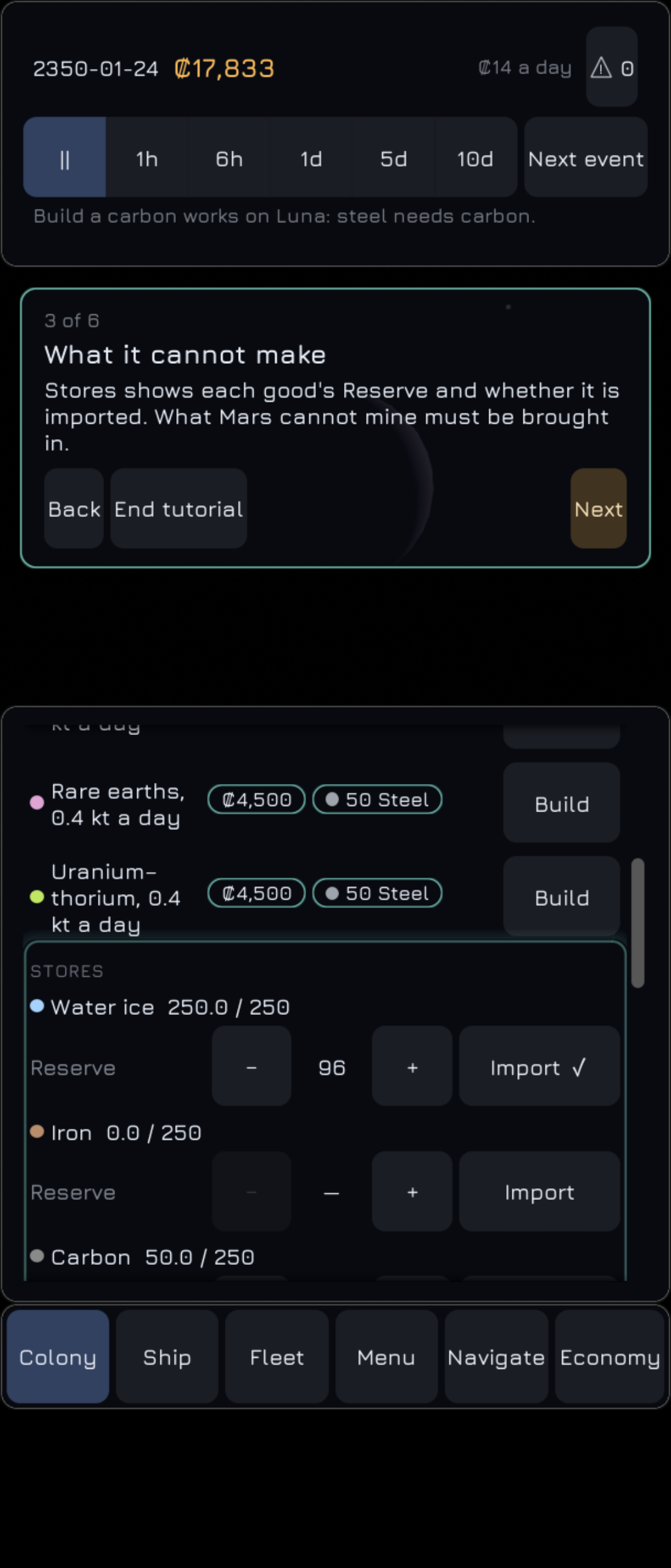
The tutorial gets its second part. It starts by itself, with the game paused and the new colony selected, at the end of the step in which the first colony beyond the campaign’s starting ones is founded. It does not start if part one was ended early or the tutorial setting is off, and if part one is still running it waits for Finish. Its six steps follow that one colony: land, order a first mine, read the Stores, bring supplies in by supply duty or auto-freight, and give a ship a route home to Earth. Three new checks look at the followed colony only, and a step’s text can name it. Part two ends at its last step, at End tutorial, or if the colony dies out. Whether part two has started and which colony it follows are saved; an older save with a founded colony counts as started, so loading it never starts part two. On the Linux desktop a hand-made save with a colony ship a day from Mars started part two on arrival. On the Xperia 1 II real taps on Next, Build, Next and the auto-freight switch took it from step 1 to step 5, with the ring on each step’s control once scrolled into view. All 942 automation tests pass on Linux.
2026-11-13: Tutorial part one
The tutorial gets its first part. Its twenty steps are campaign data: each has a title, a text, the interface element it points at, what it opens as it begins, and a check that completes it, so no step is a script. Nine check kinds were added; three of them (the selected ship, Earth selected, and load ticks in the route editor’s draft) read the interface’s state, and the game evaluates those. A new game now starts paused at step 1 when the tutorial setting is on, which is the default. A card in teal-bordered glass shows the step, its text and Back, Next or Skip step, and End tutorial. It sits in the corner of the free view farthest from the target. A breathing teal ring is drawn round the target by the target itself, so nothing in front of it is covered. A step’s text reads click, tap or “press Ⓐ on” for the last input used. The part, the step and whether part one was ended early are saved. A paused game now runs the gradual interface’s reveals each frame, so the speed buttons appear when the first mine is ordered, before the game is unpaused. The first Linux screenshots found three faults the tests could not: every target drew its ring, the card took the wrong corner because a widget paints in window space but ticks in desktop space, and the ring’s outline crashed the game. All three are fixed. On the Xperia 1 II, step 3 reads “Tap Build beside iron”, and a real tap on Build moved the card to step 4. A real tap on Fund passed step 13 and opened Luna for step 14. All 929 automation tests pass on Linux.
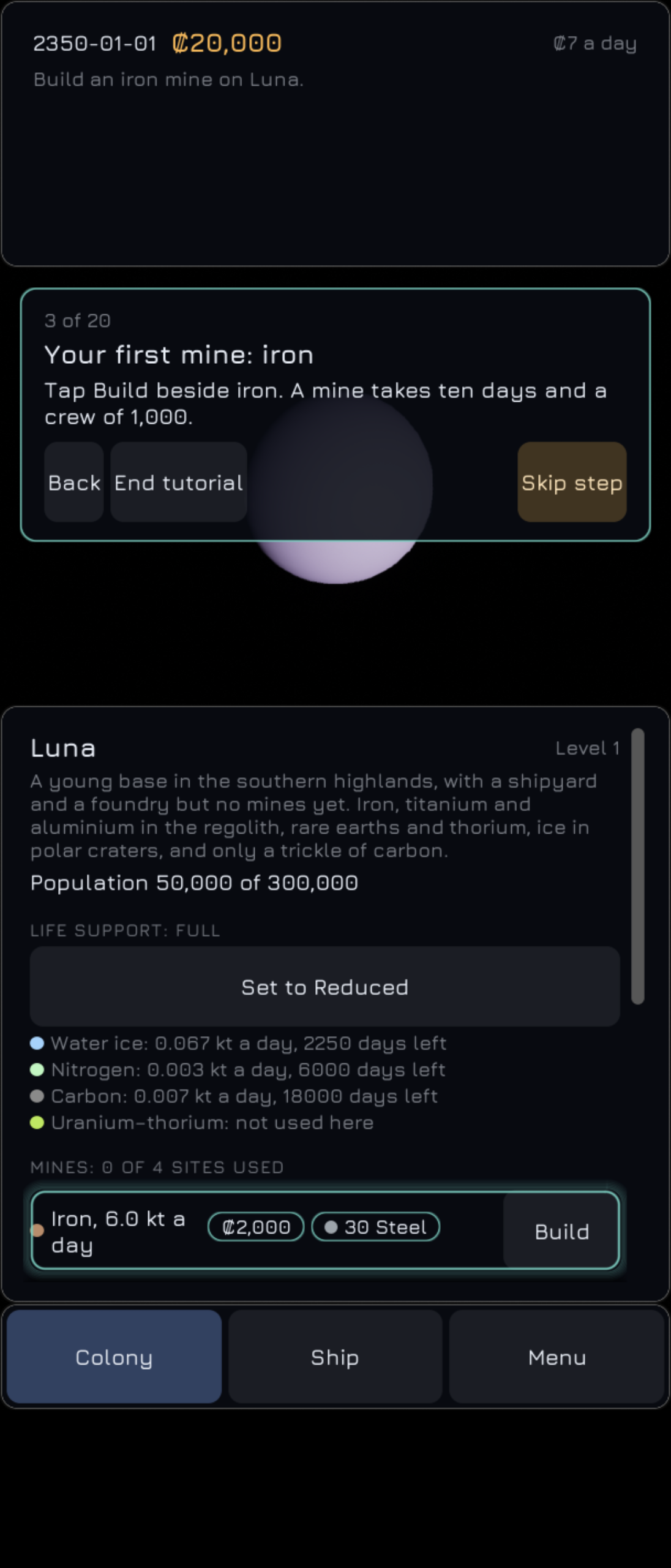
2026-11-13: The gradual interface
A new game now starts almost empty. The campaign data now says when each part of the interface appears: each part has a list of checks, and any one of them reveals it at the end of a step. Ordering the first mine brings the speed buttons and Next event. A finished mine brings the fleet list and the workers line, and the first sale brings navigation, the Alerts button and the shipyard. Funding the Logistics Office brings Stores and Economy, and a third colony brings everything. A revealed part fades in and rises into place over 0.6 seconds, and it never goes away again, even if its check stops holding. Five new check kinds serve the reveals, one of them for the tutorial ended early, which the tutorial sets. The revealed parts are saved with the game. A device setting, on by default, turns the gradual interface off and shows everything; its switch in Options comes later. On the Linux desktop a new game shows the status panel without speed buttons and Luna’s panel with its mines only, and a second after a mine is ordered the speed buttons are there. On the Xperia 1 II a new game shows the same, with three tabs (Colony, Ship and Menu), and a real tap on Build for the iron mine brought the speed buttons and Next event within a second and a half. All 908 automation tests pass on Linux.
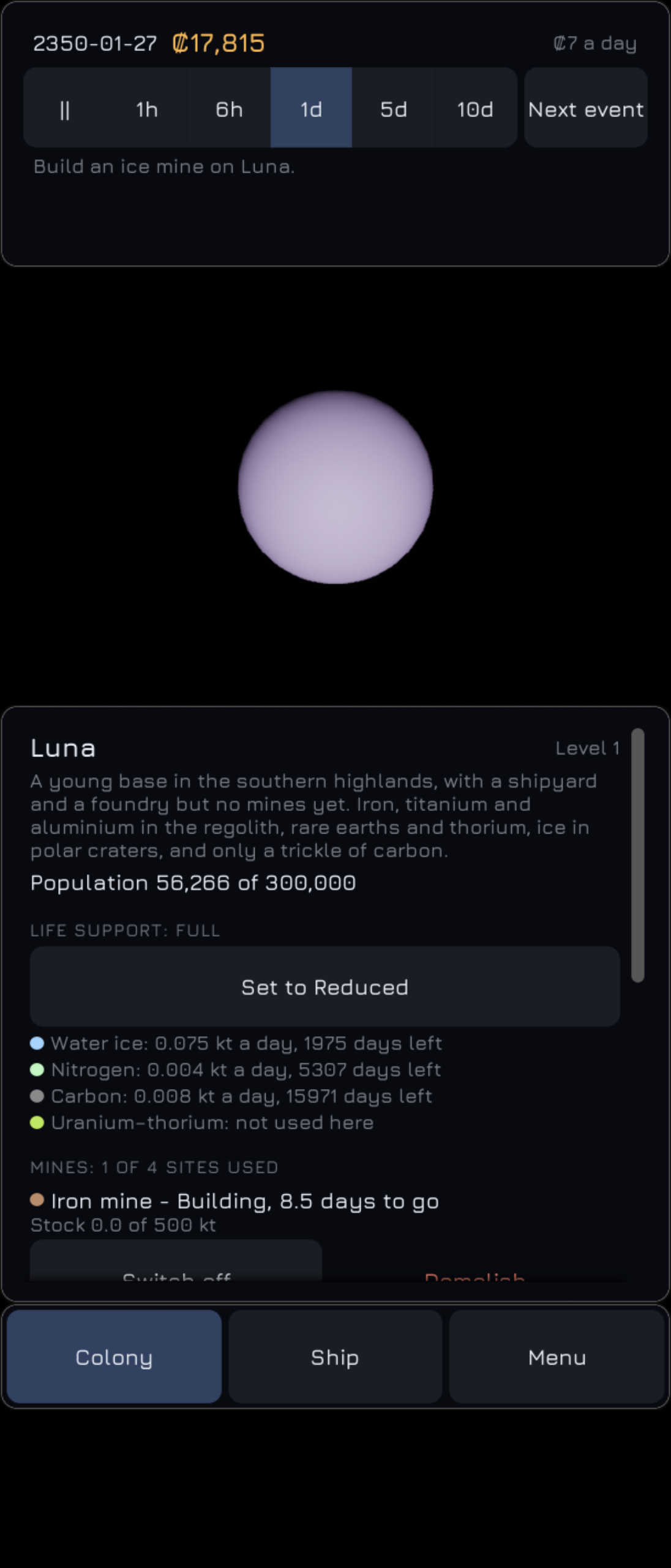
2026-11-13: One retrograde field for each body
The bodies table had two flags for a retrograde body: one to label its orbit retrograde in the focus panel and one that moves the body backwards. Both were true for Triton only, and nothing kept them in step, so a moon could move one way and be labelled the other. One flag was chosen, and it now does both jobs. Nothing changes on screen: Triton’s orbit still reads “354,759 km, 6 days, retrograde”. All 890 automation tests pass on Linux.
2026-11-13: The Economy screen’s Graphs and Timeline
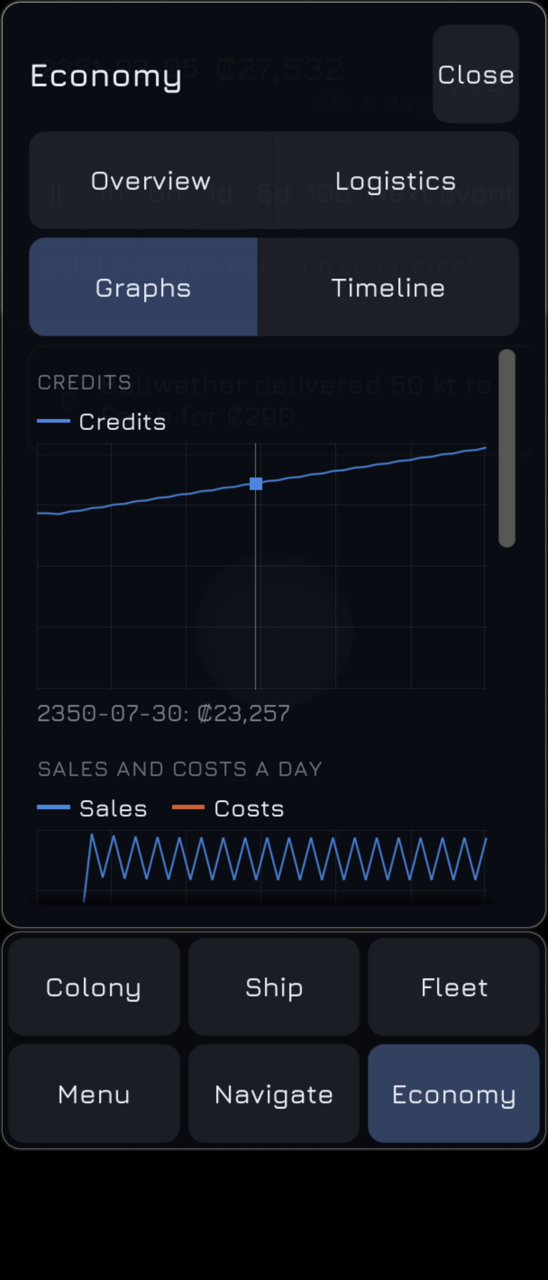
The Economy screen’s four tabs are now complete. The simulation now keeps a history for the whole game: every 10 days it records the credits, sales and costs a day, the people living off Earth, and each good’s stock off Earth and output a day. When 240 samples are held, every other one is dropped, keeping the first sample of the game, and the interval doubles, so the history never grows past 240 samples however long the game runs. Graphs shows five stacked graphs: credits, sales against costs, people off Earth, and a chosen good’s stock and output. Pointing at a graph, or tapping it on a phone, marks the nearest sample and gives its date and figures. The graphs are painted from the history every frame, so a new sample never rebuilds the screen’s rows (the rule from the flicker fix). Timeline gives the years played, the colonies, the programmes funded, how long the system took to settle and the final programme, then every dated milestone. Where the four tabs do not fit one row, they take two rows of two. On the Xperia 1 II at 150% text the tabs are on two rows and the graphs fill the screen; a real tap on the credits graph marked the sample of 30 July 2350 and showed ₡23,257 beneath it. All 888 automation tests pass on Linux.
2026-11-13: The Economy screen’s Overview and Logistics
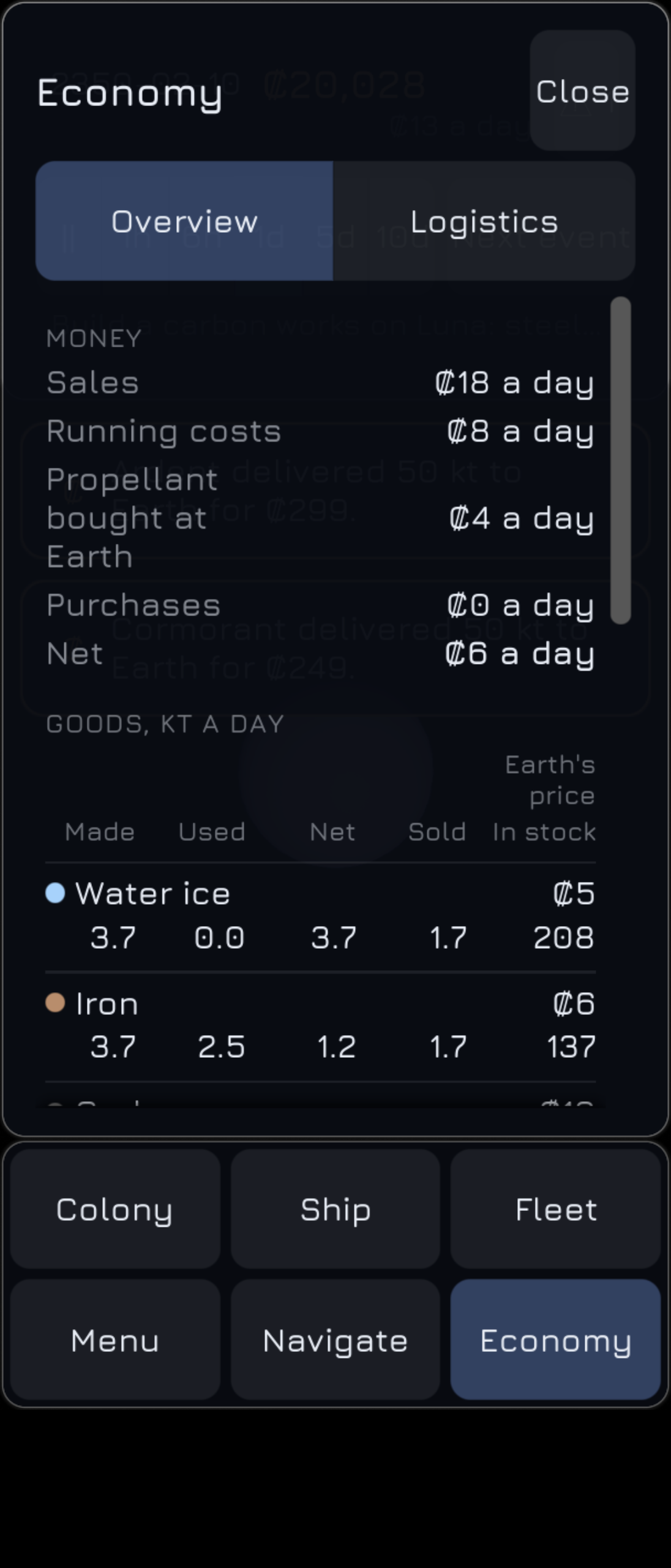
The Economy screen arrives with its first two tabs. The simulation now keeps 30-day rolling sums, one bucket per game day, added to wherever credits or goods move: sales, running costs, propellant bought at Earth and purchases; each good made, used and sold; and each ship’s deliveries and value landed. Before day 30 an average divides by the days played, and the averages agree to 1% whether the game steps half a day or a twentieth. Overview shows the money a day with net, a table of the fifteen goods, and a line per colony; Logistics counts the ships, lists each route with its ships and figures and an Add a ship button, the supply ships and their jobs, the unassigned ships, the stations and the freight on the way. On the desktop the screen is glass over the view, opened from an Economy button beside Alerts; on the phone it fills the screen from a new Economy tab. Six tabs do not fit one row at 150% text, so the phone’s tab bar now takes two rows there and grows to fit. On the Xperia 1 II a real tap on Add a ship put the unassigned Hauler on its route, and Close went back to the Colony tab. All 872 automation tests pass on Linux.
2026-11-13: The focus panel
The desktop gets a focus panel: a small glass panel at the bottom of the screen, right of the left column, that names the camera’s focus with its figures beneath. A body shows Camera (the camera’s height above its surface), Radius, Orbit and, for the Sun, the planets and Pluto, Day. A followed ship shows its name and Camera. Distances run from whole kilometres to millions and billions of km, and times from hours to days to years. The bodies table gains each planet’s rotation period from the archived NASA fact sheets, Venus, Uranus and Pluto turning the other way, and marks Triton’s orbit retrograde from its JPL inclination of 157°. Moons get their Day line once they have a spin. The panel follows the camera’s focus, so an overview shows the Sun, and it updates its figures in place every frame without rebuilding its rows, as the flicker fix requires. The first Linux screenshot showed Mars’s orbit wrapping onto a second line and pushing the Day row out of the glass, which the fit test had missed; each row’s key now takes only its own width and the test compares every label’s width with what it needs. All 849 automation tests pass on Linux.
2026-11-13: The colony and Earth sheets stop flickering
The phone’s colony sheet flashed empty about once a second while the game ran. Two causes combined. The panels put rebuilt rows in place during their tick, which the interface runs after the frame’s layout pass, so new rows were painted at zero size for one frame: the empty glass. And every label’s text was in the digest that decides a rebuild, so Luna’s stores figures, which change about every half game day, rebuilt the whole colony panel; the Earth panel did the same whenever a market price recovered. The build rows added a second wrong frame while their cost chips learned their width. Labels and headings now take their text from holders the panels update in place, so only a change of rows (a button, a chip, a row added) swaps them, and a swap measures the new rows before they are painted. The colony panel now builds into a staging box as the Earth panel does. Screen recordings on the Xperia 1 II at 1d show no empty frame on either sheet. All 836 automation tests pass on Linux.
2026-11-13: Overviews framed by the narrower field
The overview framing is settled. Each overview now fills 80% of the view’s narrower side, and the camera’s zoom limit is raised from 3 × 10¹⁰ km to 4.5 × 10¹⁰ km, about 300 AU. On a 16:9 desktop the narrower field is the vertical one, about 35°. The outer overview now stops at about 287 AU, inside the limit, and a projection with the measured Sun position puts Eris’s orbit wholly inside the view. On a phone held upright, the narrower field is the horizontal 60°, so each orbit fits across the screen instead of running off both sides. A test projects the orbits of Mars, Hygiea, Neptune and Eris at both shapes. On the Xperia 1 II, real taps on Inner system and Outer system flew to the Sun with the Navigate sheet left open. All 834 automation tests pass on Linux.
2026-11-13: The navigation panel’s marks and overviews
The navigation list now marks its rows and has overviews. A colony in use shows ● and “colony” in amber, a site open for settlement ○ and “open” in teal, and a site whose colony died out and which is now closed ○ and “abandoned” at 45% of the text colour; the word keeps the mark from resting on colour alone. Four buttons above the list, Inner system, Belt, Giants and Outer system, make the Sun the camera’s focus and fly to 60° above the plane of the orbits, at the distance where a circle of 1.7, 3.5, 32 or 72 AU fills 80% of the view’s height. An overview selects nothing, so the panel stays as it was. Building it showed that the camera’s 60° field of view is horizontal: on a 16:9 desktop the vertical field is about 35°, and the outer overview is held at the zoom limit of 3 × 10¹⁰ km, so the near side of Eris’s orbit falls just below the view; on an upright phone every overview’s circle is about twice the screen’s width. Both are still to be decided. All 832 automation tests pass on Linux.
2026-11-13: Time away
The game now decides what happens while the player is away. A new device setting, time away, is Paused by default or Catch-up. When the app loses focus, goes to the background or quits, the game is saved to its slot with the device’s clock as its close time. Opening the game with Continue, or bringing the app back to the foreground, is a return: Next event is cancelled and the game is paused, so nothing happens before the player looks. On Catch-up the game then steps one game day for each whole hour away, up to 30 days. It stops at the first serious or critical alert that was not already listed, or when the game ends, and a summary lists the days, the hours away, the alert that stopped it and the messages added. A clock set back, a close time in the future or less than an hour away simulates nothing, and the close time is cleared so that one absence is caught up once. Loading a save by hand is not a return. The simulation still reads no clock: it only stores the close time. With catch-up on and a save closed five hours earlier, the Linux game and the Xperia 1 II showed “5 days passed in 5 hours away”. On the phone, a real tap on Close closed the summary, and after the game was set running and sent to the background with the home key, the slot held the close time, and the game came back paused. All 828 automation tests pass on Linux.
2026-11-13: Next event
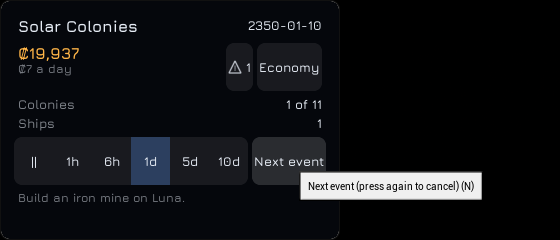
Next event joins the time controls. The button follows the speed buttons on the same line in both layouts. A press runs the game at 30 days a second until something finishes or goes wrong, then returns to the speed it was on. Each step now records four step events: a build completed (a mine finished, a plant, expansion, shipyard or station expansion built, or a ship launched by a yard), a colony founded or re-established, a station set up, and freight ordered by hand delivered. Next event also stops on a serious or critical alert that was not listed before the step; a new critical alert pauses the game when pause on critical alerts is on. The test is made after every half-day step, so the game never runs more than one step past the event, and steps owed for the same frame are dropped. Ships unloading, automatic freight, supply jobs and drone transfers do not stop it. While it runs, the button is tinted and reads Cancel. Pressing it again, or choosing any speed, cancels it. On the Xperia 1 II, a real tap on Next event after a mine was ordered took the date from 2350-01-01 to 2350-01-11 and returned to pause. All 817 automation tests pass on Linux.
2026-11-13: Alerts
The player now has one list of what needs them. Eighteen kinds of alert are worked out in the simulation from the same functions supply duty, drones and auto-freight use, so an alert never says something the automation would not act on; a test steps a 500-day game with supply duty, auto-freight and a queue and checks every step that no alert names a need the automation does not show. Debt, a colony out of a life-support supply and the countdowns to losing on Hard are critical; a supply under 20 days with nothing coming, Reduced life support, a breakdown, a queued build or an import nothing will bring, and a ship stuck waiting on the player are serious; idle mines and plants, full storage, needs already on the way, idle ships and ships laid up without parts are minor; a market swing is information. The status panel’s Alerts button shows ⚠ and the count, amber for a serious alert and pulsing red for a critical one, and the old countdown lines are gone. The Alerts tab comes first in the notices panel; choosing a row flies to its colony or ship. A new critical alert pauses the game, and every selection now goes through the session, which keeps the last 20 for the back key. The Alerts panel was seen on Linux and on the Xperia 1 II, where a real tap on a row flew to Earth and a tap on the button opened the list again. All 801 automation tests pass on Linux.
2026-11-13: Pop-up messages and the goal line
The player now gets news and a next objective. Every message now has a kind: information, good news, a sale, a warning or a milestone. Its pop-up shows the kind by its border’s colour and by a mark before the text, so colour is never the only sign. Up to four pop-ups show at once for 7 seconds, 15 for a milestone; later ones wait, and one that has waited past its own stay is dropped. Founding a colony, setting up a station, finishing a ship, funding a programme and each delivery to Earth now raise a message, and the log keeps the newest 200. Tapping a pop-up opens the messages list. The status panel ends with the goal line: ten campaign goals from the first iron mine to supply duty, each passed by a check in the campaign’s data, then the open main sites still to settle, then each programme’s goal line. Neither Jura nor the engine’s fallback font has ℹ or ⚠, so those two marks are drawn as a ring and a triangle; all five showed in the cooked game on the Xperia 1 II. All 770 automation tests pass on Linux.
2026-11-13: The interface style
Every panel built so far now gets the game’s look. The text is Jura, unhinted, at weights 600 and 700. Unreal Engine 5.2 draws only a variable font’s default weight, so these are two static files made from Jura’s variable file, which is archived with its licence. One style set now holds every colour, size, brush and font of the interface, and no other game file gives a colour or a font size by number. Fourteen widgets are built from it: glass panels, which are blurred on the desktop and have no blur on the phone; buttons in five kinds; a tick, a stepper, a segmented choice, a dropdown and a text input; tags, cost chips and good dots; key and value rows, build rows, a progress bar and section headings. Each good has its colour in the goods table, and its dot shows wherever a cost or a row names it. Demolish, Remove, Remove last stop and Scrap now ask “Confirm: …” and act only on a second press within 4 seconds. All 746 automation tests pass on Linux. The panels were seen in Jura on Linux and on the Xperia 1 II, where every control measured at least 48 interface pixels tall. The interface draws font sizes in whole points, so panel text of 13 pixels is drawn at 13.3. Neither Jura nor the engine’s fallback font has ⚠ or ℹ, which the alerts and pop-ups will need.
2026-11-13: The game pushes back
This stage gave the game the things that push back on the player, and its ending. Colonies have breakdowns and strikes that stop a mine until repair parts arrive or an Earth crew comes after 90 days, and Earth’s prices swing up or down for 120 days at a time. Cargo ships wear with every leg and with strikes in flight, and are repaired at their next dock, quickly with parts and slowly without. Relaxed, Standard and Hard change running costs, wear and how often events happen, and nothing else. A colony below 500 people dies out, keeps its buildings mothballed and comes back only with a colony ship, while the last colony with a shipyard never falls below 500. On Hard a year in debt with the loan fully drawn, or a year at that skeleton crew, loses the game. With every main site settled the Interstellar Ark can be funded, and the closing screen shows the game’s figures. A timeline records the dated milestones, and the dependencies between the game’s rules are now tests. All 733 automation tests pass on Linux. This is not yet signed off: the play-throughs on Windows, Linux and Android to the closing screen, and to losing on Hard and continuing on Standard, have not been observed, and two of those dependencies wait for alerts and the tutorial.
2026-11-13: The game’s dependencies as tests
The dependencies between the game’s rules are now automation tests, one group for each dependency, on the shipped data. They cover steel and money (a queued mine with no steel stays queued for 200 days, and each of freight, auto-freight, a supply ship and a route ship gets it built alone; debt blocks building until a lot is borrowed, and a route ship refuels on credit and pays the debt off), population and life support (a plant idle for want of crew is crewed once an expansion’s housing fills; a colony cut off from ice produces at 60%, loses its last mines’ crews first and dies out, taking its supply jobs, its frontier sites and its place in the main count with it), reactor fuel, ice and stations, drives and launch windows, cargo handling, wear, which programmes can be bought, market depth, the queue and supply duty, and that nothing runs on a real-time clock. The shipped Hauler can fly every economy leg of under 1,500 days and back on one tank, so the round-trip and station-range cases give it a smaller tank. No game rule was wrong: the two cases that failed on the first run were mistakes in the tests. Lines already proven elsewhere name their tests in the file, and the two lines about alerts and the tutorial wait for alerts and the tutorial. All 733 automation tests pass on Linux.
2026-11-13: The timeline of dated milestones
The game now has a timeline. It records eight kinds of milestone as they happen, each with its day: the first sale that pays credits, each programme funded, each colony founded and each station set up, the system settled, the Ark funded, and a colony dying out or being re-established. Entries go on in the order things happened, so on a day when the last main colony is founded, the founding comes before the milestone it causes. The starting programme and the campaign’s colonies are not on it, and a sale wholly held back is not the first sale. A colony that dies and returns twice has four entries, though its own record keeps only the latest days. The save holds the timeline and the day of the first sale, with programmes and sites by table id. A save without a timeline loads with an empty one rather than a rebuilt one, as saves need not stay compatible yet. The Economy screen’s Timeline tab, which will show it, comes later. All 706 automation tests pass on Linux.
2026-11-13: The system settled and the Interstellar Ark
The game now has its ending. When every main site has a colony in use, the game marks the system settled, once, with a message that the final programme can now be funded. Frontier colonies and colonies that died out do not count, and a main colony that dies out and comes back does not mark it again. The Ark stays locked while any main site is without a colony. Funding it records the day and adds the campaign’s message, “The Interstellar Ark has left Earth orbit.”, and changes nothing else in the simulation. The game then pauses behind a closing screen with the campaign’s title and text and seven figures: years taken, the date the system was settled, colonies and frontier colonies, people living off Earth, ships, stations and credits. Keep playing closes the screen and leaves the game paused, Save saves as the menu does, and Menu closes it and opens the menu. The screen shows once in a game, and the save remembers that. A campaign may give its own closing title, text and final message; without them the game’s words are neutral. Three older tests counted every message across a first step on the test fixture, whose one main site is colonised from the start, so the new milestone message broke their counts; each now marks the milestone before counting. All 692 automation tests pass on Linux.
2026-11-13: Losing on Hard
Hard can now be lost. Two counters run while the game is on Hard. One counts the days in debt with the loan fully drawn, meaning no further lot can be borrowed. The other counts the days the last colony with a shipyard spends held at its skeleton crew of 500. Each is read at the end of every step and goes back to 0 the moment its condition stops holding. Leaving Hard clears both, so a return to Hard starts them again from 0. When either reaches 365 days the game is over: the step is refused, the game pauses and a game-over screen covers the interface. The screen gives the reason, the date and the years played, with Load a save, which opens the menu, and Continue on Standard, which puts the game on Standard and carries on with the same debt, loan and colonies. In the last 180 days a line starting with “!” counts down in the status panel, until alerts replace it. The save holds both counters and the game over. All 680 automation tests pass on Linux. On the Xperia 1 II the screen is whole at 100% text, and a tap on Continue on Standard closed it and the date moved on again.
2026-11-13: Colonies that die out
A colony whose population falls below 500 dies out. Its record stays in the game, flagged as abandoned, with its level, mines, plants, shipyard, station, depot, stock and settings mothballed. The people, the construction queue, the yard’s line, any breakdown, freight on the way and supply jobs from or to the site are lost. While abandoned, the colony costs nothing to run, does nothing, raises no needs and is no source. It does not count among the main or frontier colonies, and the frontier sites it opened close to new settlement. Ships docked there neither load, unload, refuel nor get repaired, and a route ship leaves at once with its cargo. A colony ship sent to the site brings the record back with its colonists and the usual founding stock, and its mines restart as crews allow. The last colony with a shipyard never dies out: its population stops at exactly 500, the skeleton crew that losing on Hard will watch. The colony panel now has a form for a site with no colony and one for a site whose colony died out, and every form’s header carries the site’s description from the design. Dying out also exposed an older shipped-data supply test that had passed only by accident, on day 25,023, with Mars empty; its setup is corrected. All 665 automation tests pass on Linux, and on the Xperia 1 II the unsettled form’s rows are whole at 100% and 150% text.
2026-11-12: Relaxed, Standard and Hard
The three difficulties are added as data, and a new game starts on Standard. Each has two numbers. The cost factor multiplies the running costs of colony levels, stations and ships, and the wear of each leg: on Hard Luna and one Hauler cost ₡10.50 a day instead of ₡7, and on Relaxed nothing. Loan interest is charged the same on all three. The event frequency is how fast every event clock runs: twice as fast on Hard, and on Relaxed no clock moves. A change does not redraw the clocks, so each keeps what is left of its wait and runs on at the new rate. Nothing else depends on difficulty: two 300-day games from one seed, on Standard and on Hard, end with the same stock, population, prices and ship positions, and differ only in credits and condition. The menu has a Difficulty part under Save and Load with a button for each setting, its description, and the present one marked “(current)” and disabled. The save holds the difficulty by id. Hard can be lost only once the losing rule is built. All 636 automation tests pass on Linux.
2026-11-12: Ship wear and repairs
Every cargo ship now has a condition, from 100 when new down to 0. A ship loses 0.5 points for each leg plus 0.01 for each day of the leg, applied when it arrives, so a Luna and Earth leg costs about 0.55. A micrometeorite strike takes 15 to 35 points; each cargo ship has its own clock for it, on average once every 2,000 days, which runs only while the ship is in flight. At or below 40 a ship is repaired at its next dock after unloading and does not leave until it is back to 100, while it goes on refuelling and loading; the player can also send a docked ship for an overhaul early. With steel and light alloys at the colony it recovers 25 points a day and uses 20 steel and 5 light alloys per unit of scale for a full repair. The parts come from the stock above what the construction queue claims, even below the Reserve. At Earth the parts are bought at the export price. Without them the crew patches the ship at 4 points a day, or 8 at a shipyard. Ship repairs raise no supply need, by design. The ship panel shows the condition, what a repair would take where the ship is, and an Overhaul now button. The fleet list shows a ship’s condition once it is 50 or below. All 621 automation tests pass on Linux.
2026-11-12: Market swings
The market swing is added. On average once every 300 days one good other than ice pays 60% more at Earth (55% of the time) or 40% less, for 120 days. Ice carries a new flag in the goods table, so the rule names no good. There is one swing at a time: a swing event that comes due during one is skipped. The swing has its own clock, drawn when the game starts, and runs in the seventh stage of each step, before prices recover, so the sales of one step are paid at one factor. Only sales at Earth change; the price multiplier still falls by the kt sold over the depth, and Earth’s export, freight and propellant prices stay as they were. The Earth panel shows the swung price and a mark such as “▲ +60% for 45 days”. The table of events now checks each kind’s own fields, which the second kind needed. The save holds the swing and its clock. All 599 automation tests pass on Linux.
2026-11-12: Breakdowns and micrometeorite strikes on colonies
Each colony now has a clock for a breakdown (on average every 500 days) and one for a micrometeorite strike (every 900 days). The waits are drawn in advance from the game’s seed, so a clock comes due on the same days whatever the game speed. When one comes due, one running mine stops until its repair parts are in the colony’s stock: 15 steel a level for a breakdown, with 2 electronics a level once the Jovian Programme is funded, and 20 steel and 5 light alloys a level for a strike. After 90 days without the parts an Earth crew repairs it for ₡3,000 a level, on credit if need be. A colony has one breakdown at a time, and an event that comes due while one is in progress, or with no running mine, is skipped. Ships, drones, depots and plants leave the parts alone, and supply ships see them as an urgent need ahead of ordinary imports. Random events are a device setting, on by default; the Options screen that changes it comes later. All 588 automation tests pass on Linux.
2026-11-12: The ship’s name keeps its width in the phone’s header
This is fixed. With two ships the ship panel’s header put the previous button, the name, Rename and the next button on one row that never wrapped. The three buttons take 220 interface pixels of the row whatever the width, so at 150% text, where the row is 234.7, “Bellwether” was given 14.7 of the 127 it needs and showed as “B”. The header now measures the longest word of the name against the width of its row: while the name gets that width beside the buttons, the row is as it was (the desktop’s header is unchanged pixel for pixel); where it does not, the name has a line to itself and the buttons are a row under it, Rename between the two steps. The row’s width comes from a small widget that reports the width it is given, because the sheet’s border and scroll bar are the engine’s. A test lays the panel out at 400 and 266.7 interface pixels with two ships and fails for any header label given less room than it needs; it failed on the old code at “Bellwether (14.7 of 127.0)”, and also for “Perseverance”, the longest word among the shipped names, which needs 165 and was cut off at 100% too. On the Xperia 1 II, reached by tapping the Bellwether row of the fleet list as in the bug, the name is whole at 150% with the buttons beneath it, and at 100% the header is still one row.
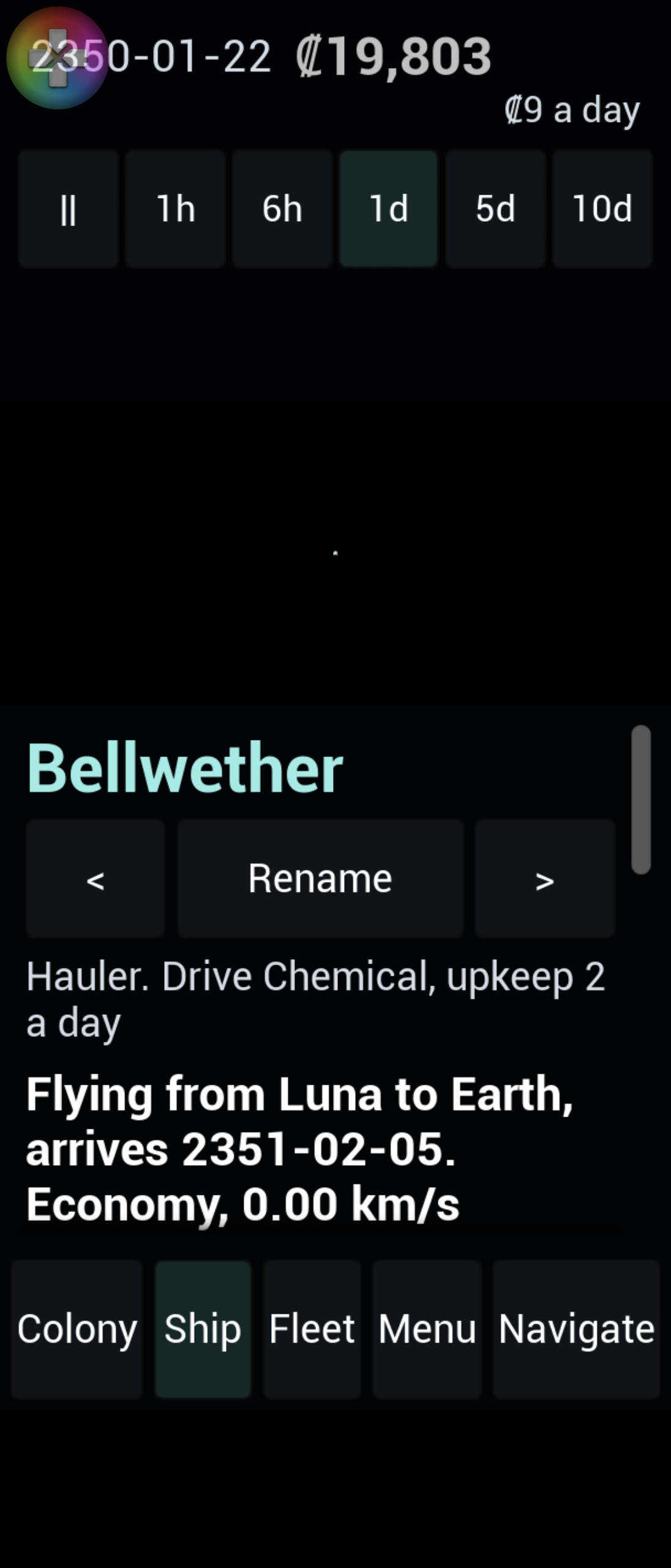
2026-11-12: The phone’s tab bar and status panel no longer cut off their labels
This is fixed. The tab bar’s five equal buttons were too narrow for their labels once the engine’s button padding (about 16 interface pixels a side) was counted: they need 378 interface pixels and a phone has 376 at 100% text and 242.7 at 150%. The tab bar now gives each tab an equal share while every label fits its share, and a label that needs more takes what it needs; the tabs use the snug padding of the fleet filters. The status panel’s speed buttons use it too, so “10d” is whole at 150%, and its date, credits and cost per day wrap, so a large figure moves the cost onto its own line. A test lays both widgets out at 400 and 266.7 interface pixels without a screen and fails for any label given less room than it needs; it failed on the old code with the cut-off labels named. On the Xperia 1 II, all five tab labels and all six speed labels are whole at 100% and 150%, and the desktop’s panels are unchanged pixel for pixel. The tab bar has 4.7 interface pixels to spare at 150%, so a longer label would need a taller bar.
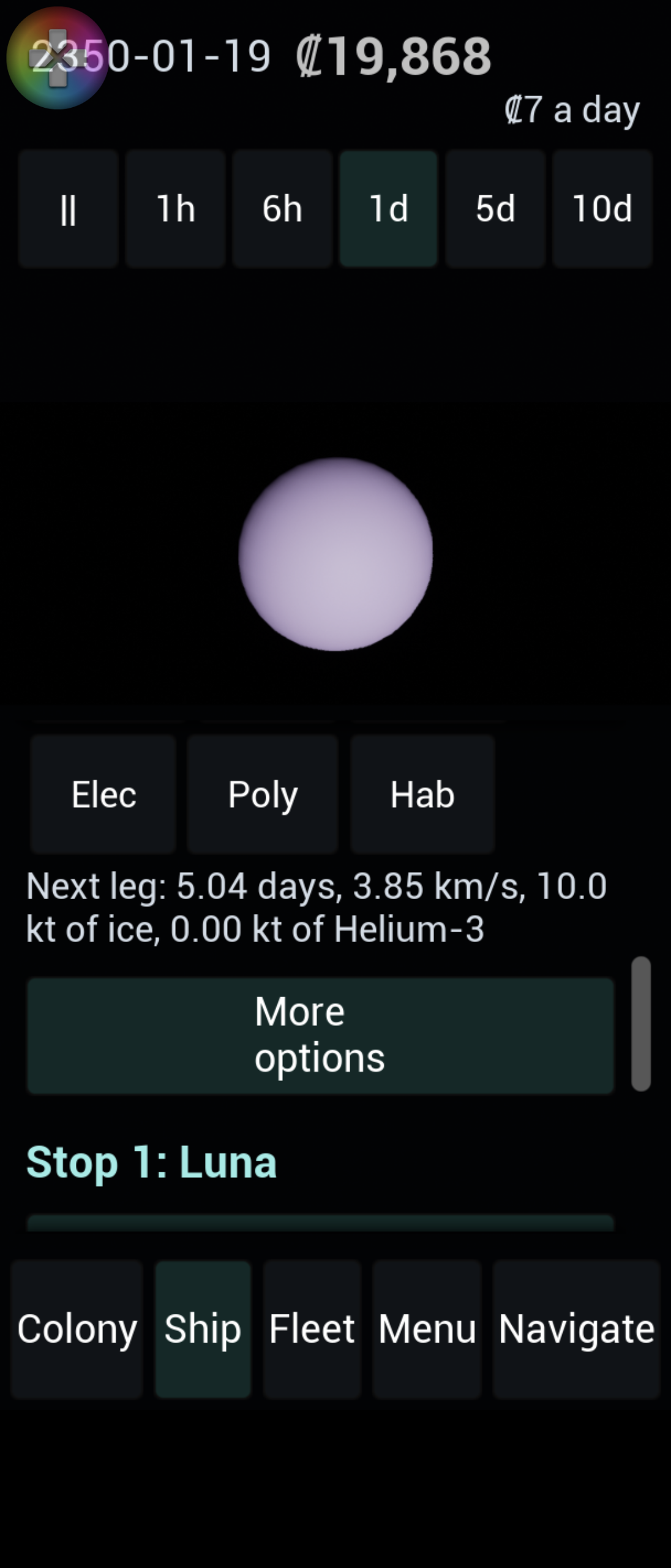
2026-11-12: The fleet filters fit at 150% text
The fleet list’s filters are fixed. They were five equal-width buttons, so at 150% text the labels were cut off at the right edge. They are now in a wrapping row like the ship panel’s chips, each as wide as its label, with unwrapped labels and a button style whose side padding is 2 interface pixels instead of the engine’s roughly 12. On the Xperia 1 II the five filters are on one line at 100% and at 150%, every label is whole, both rows are whole, and the buttons are 48 interface pixels tall. The same session found a new problem in the ship panel: at 150% with two ships the header squeezes a ship’s name to one letter.
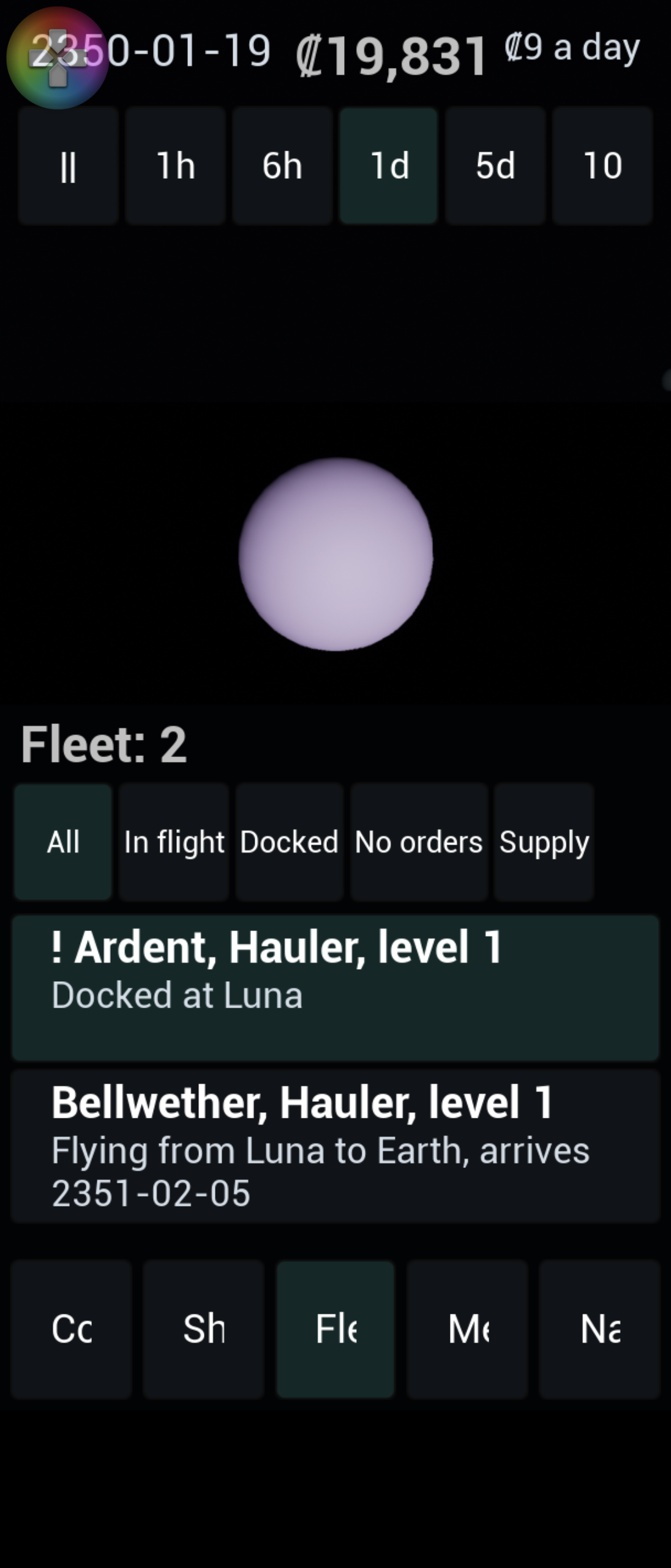
2026-11-12: The station section on the phone
I ran the station section’s phone unit on the Xperia 1 II. With a station set at Luna, the colony sheet shows “Orbital station” between Expansion and Industry: level 1 and its upkeep, the drone tugs’ 25 kt a day, the two goods the drones brought in, the depot against 300 kt for ice and Helium-3, and the expansion row with its cost, the electronics marked as short, and a Queue button. At 100% the whole section fits on one screen and at 150% text its lines wrap, with nothing cut off at the right edge (I read the 150% pictures at the time and kept only the 100% one). I did not press Expand or Queue on the phone and did not look at the Earth panel there. The credits and income in the status panel run together at 150% in these pictures, which I added to the same bug.
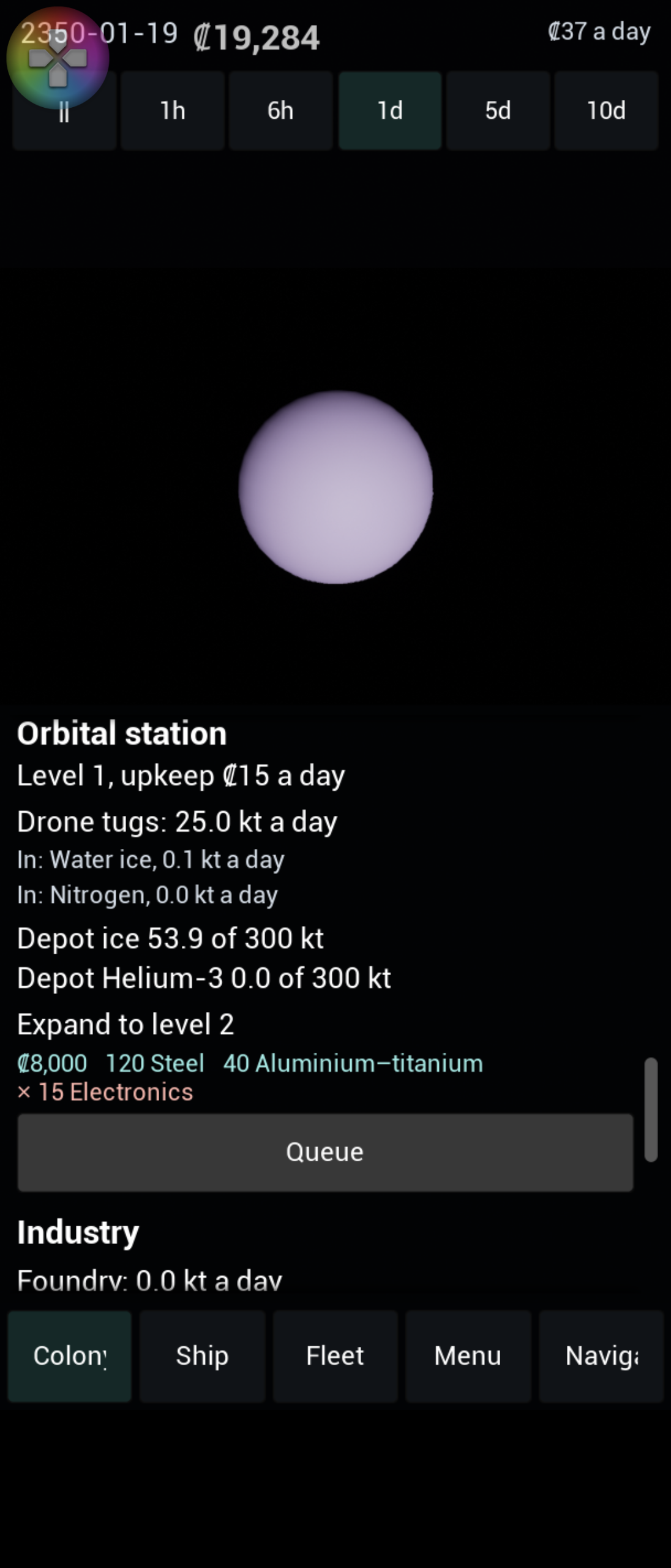
2026-11-12: The fleet list on the phone, and where it fails
I ran the fleet list’s phone unit on the Xperia 1 II. At 100% text the Fleet tab opens a sheet with the title, five filters on one line and a row for each of two ships, “!” in front of the one that is docked with no orders; a tap on a row shows that ship’s panel, for the ship in flight and for the docked one. At 150% text the filters are cut off at the right edge (“In fligh”, “Dock”, “No orde”, “Supp”), so the requirement of no row cut off at 100% and 150% is not met. The cut-off tab bar is in the same pictures. The camera’s centring on a ship could not be judged from a screenshot.
The pictures of this failure were not kept; the 150% picture in the entry above, taken after the fix, was saved under the failing picture’s name and replaced it.
2026-11-12: The ship panel on the phone
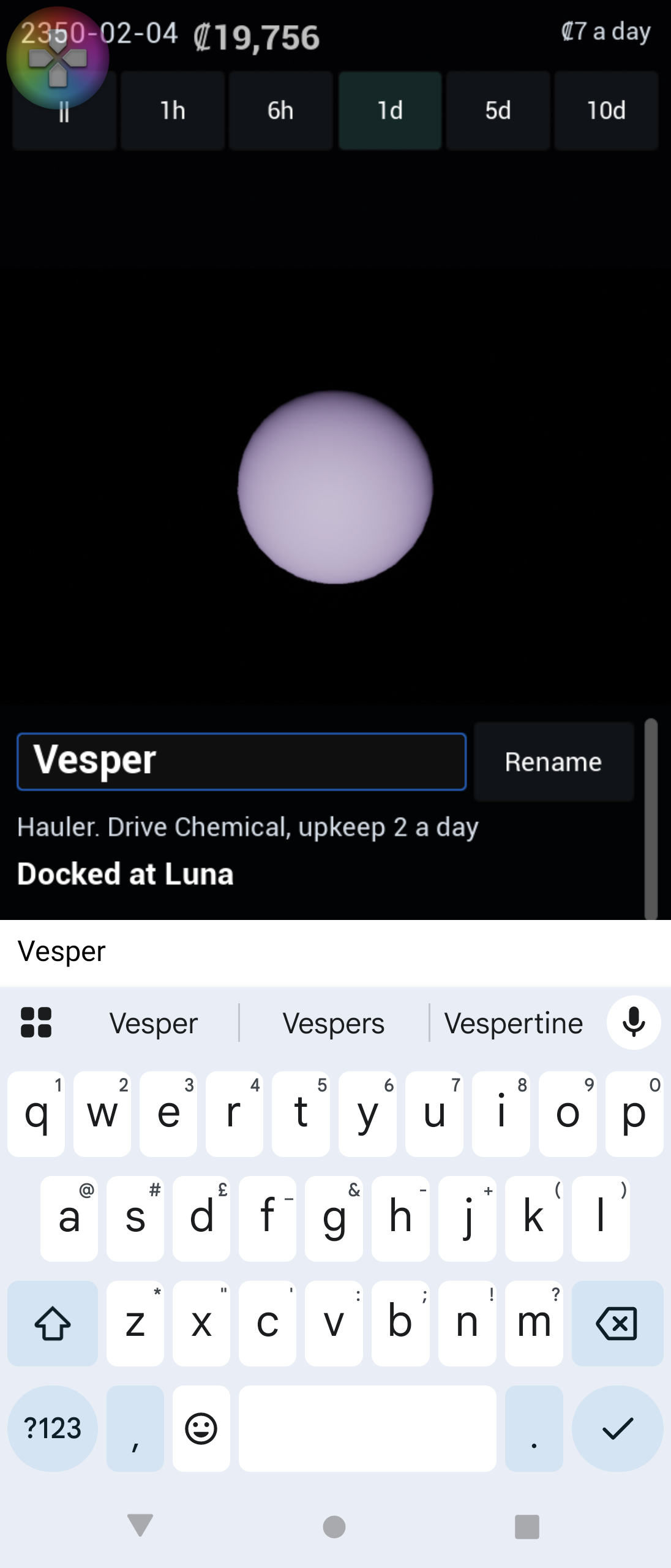
The ship panel’s phone sheet is now seen on a real phone. I built the Android package, installed it on the Xperia 1 II and launched it. At 100% and at 150% text the route editor, with “More options” open, and the Supply duty tab fit the sheet: rows wrap, the load chips go three to a line at 150%, nothing is cut off at the right edge, and every button measures 48 interface pixels tall on the screenshots. Renaming works with the device keyboard: a tap on Rename makes the name a text box, a tap in the box opens Android’s keyboard, and after typing “Vesper” and pressing the keyboard’s check key the header reads “Vesper”. There is no text size setting yet (that comes later), so the 150% views multiply the interface scale the way the setting will.
The same screenshots show a problem outside the sheet: the bottom tab bar cuts its labels off at 100% (“Colon”, “Naviga”) and almost entirely at 150%, and the status panel’s “10d” button reads “10” at 150%. It was recorded as a bug and is fixed (see the entry above); the route-editor picture below was retaken with the fix and no longer shows the cut-off labels.
2026-11-12: The station section, and what is left to check
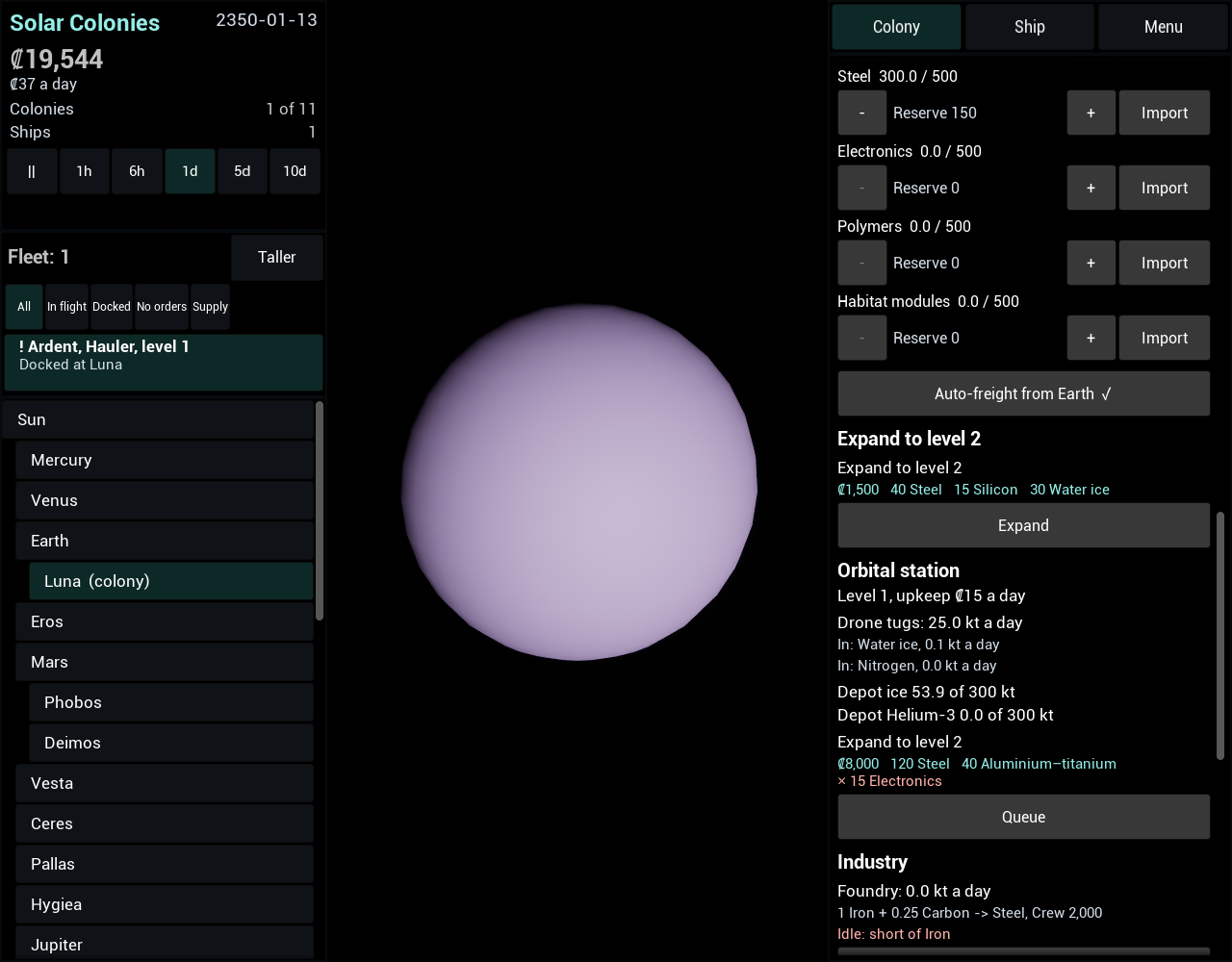
The colony panel and the Earth panel now show an orbital station. Once the Fusion Drive is funded a colony with no station says how to get one; a colony with a station shows its level and upkeep, what its drone tugs carry (a line for each good in the last step they moved anything, or “Drones idle”), the depot’s ice and Helium-3 against the level’s size, and an expansion row that reads Expand, Queue, “Queued” or “Highest level reached”. The Earth panel uses the same function, so Earth’s station reads as a colony’s does. In the Linux game a level 1 station at Luna sat between Expansion and Industry with the drones bringing in water ice and nitrogen and the depot at 53.9 of 300 kt of ice after about two game days, and Earth’s station sat after the programme list. I did not click Expand and did not try the phone sheet.
With this the work of this stage is built, but the stage is not done. Its last test, that on Windows, Linux and Android two ships share a spaced route, a supply ship keeps a new colony stocked and a station’s drones serve a moon system without the player stepping in, has not been run on any platform: the automation tests cover the rules on Linux, and the interface was looked at in the Linux game only. The phone sheets of the ship panel, the fleet list and the station section were never built or installed.
2026-11-12: The fleet list
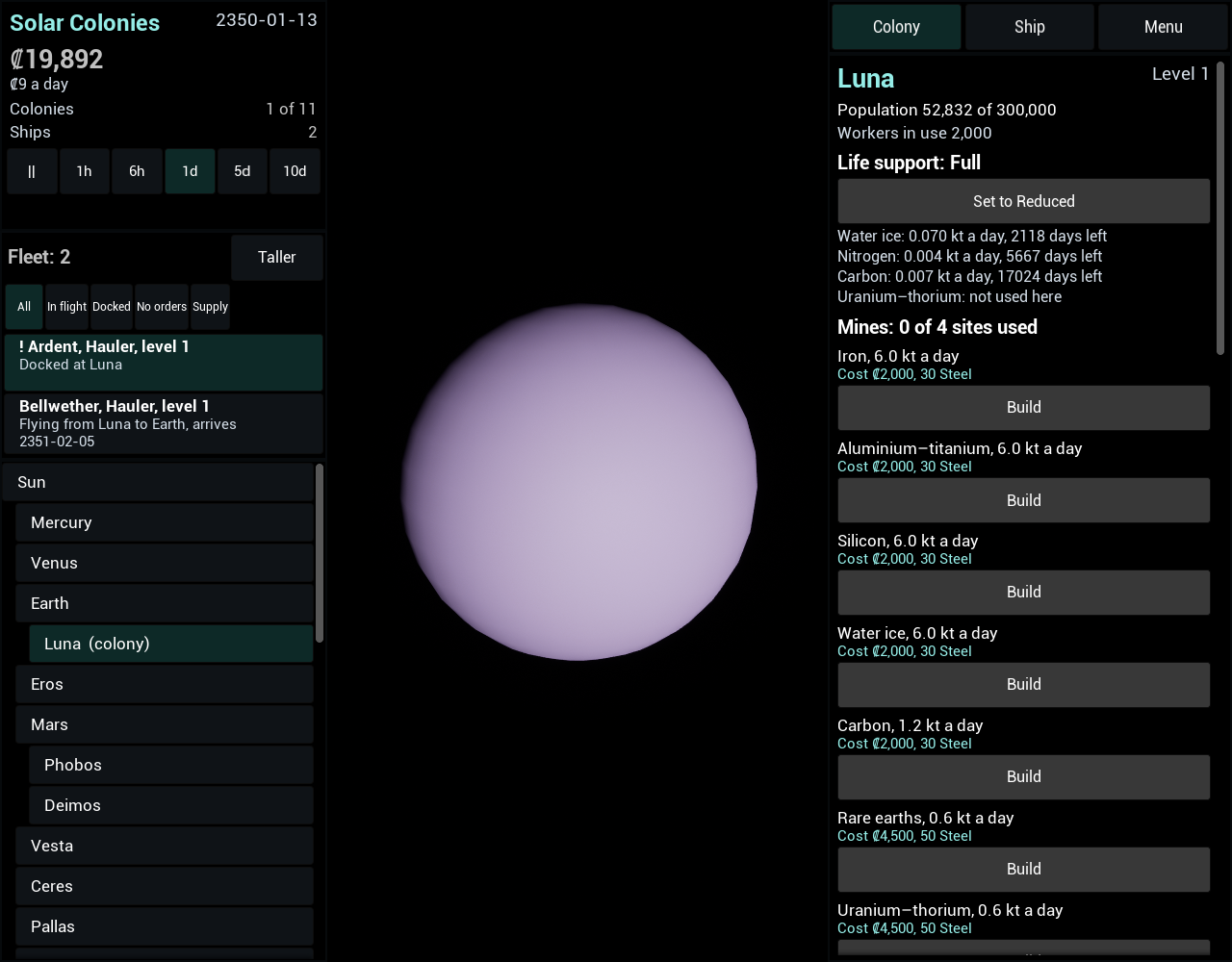
The game now has a fleet list. It lists every ship with its name, type, handling level and status, and puts the ships that need the player first: a ship docked with no route, supply duty or mission, or one that has waited more than three days for propellant, colonists or range, shows “!” in front of its name. Five filters (All, In flight, Docked, No orders, Supply) narrow it. On the desktop it sits at the top of the left column above the navigation list in three sizes, Show, Taller and Hide, each button naming what its next press does; on the phone it is a Fleet tab. Choosing a docked ship flies the camera to its colony’s body and opens the ship’s panel, and choosing a ship in flight makes the camera follow it, which the camera-following slice committed earlier made possible. The three days are in the rules table so the alert that comes later can read the same number. I saw the list at each size in the Linux game with two ships and a “!” row, and the ship’s panel open after choosing the ship in flight. I did not see the camera centred on the ship with certainty, did not click a row with the mouse, and did not try the phone tab.
2026-11-12: The ship panel in full
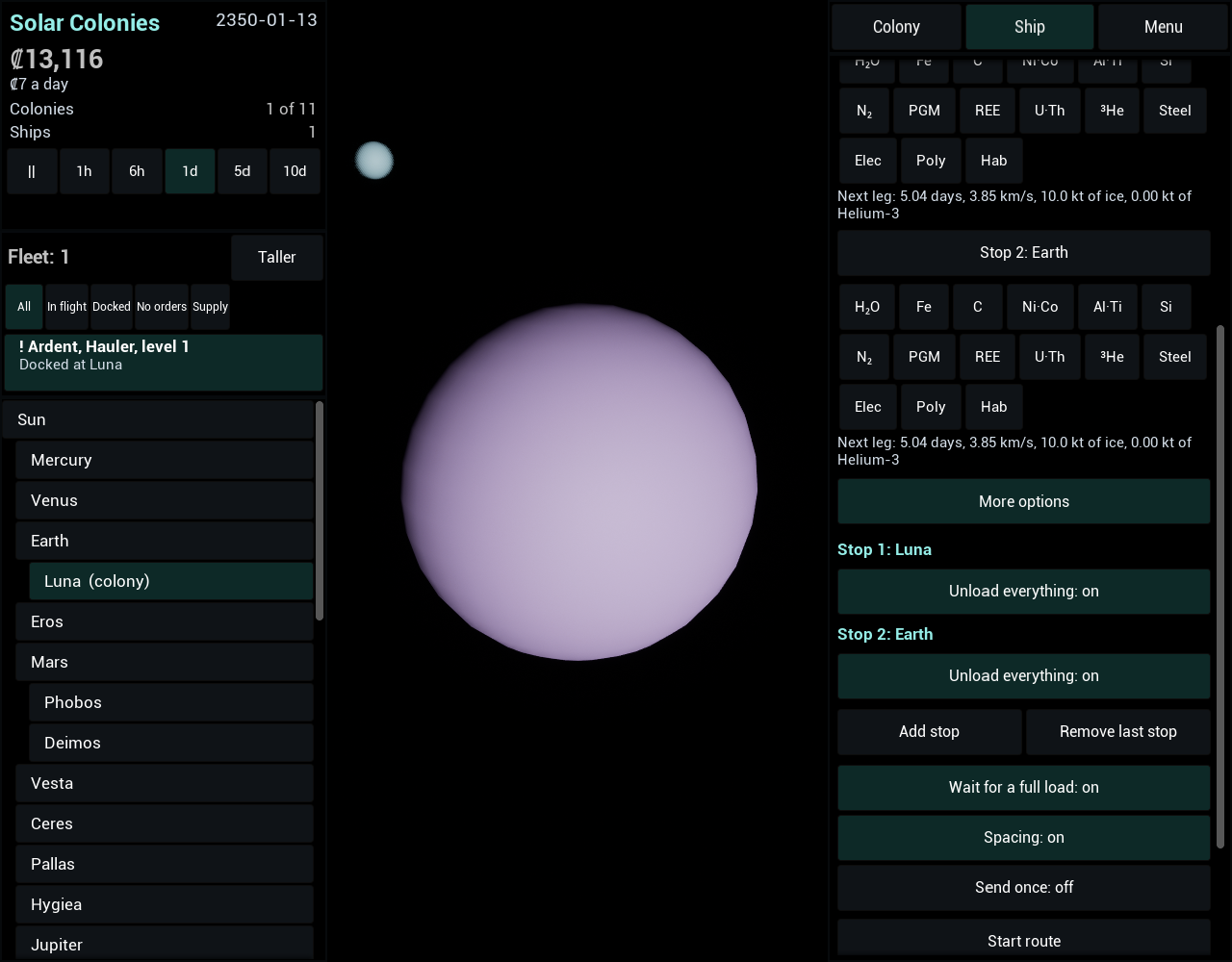
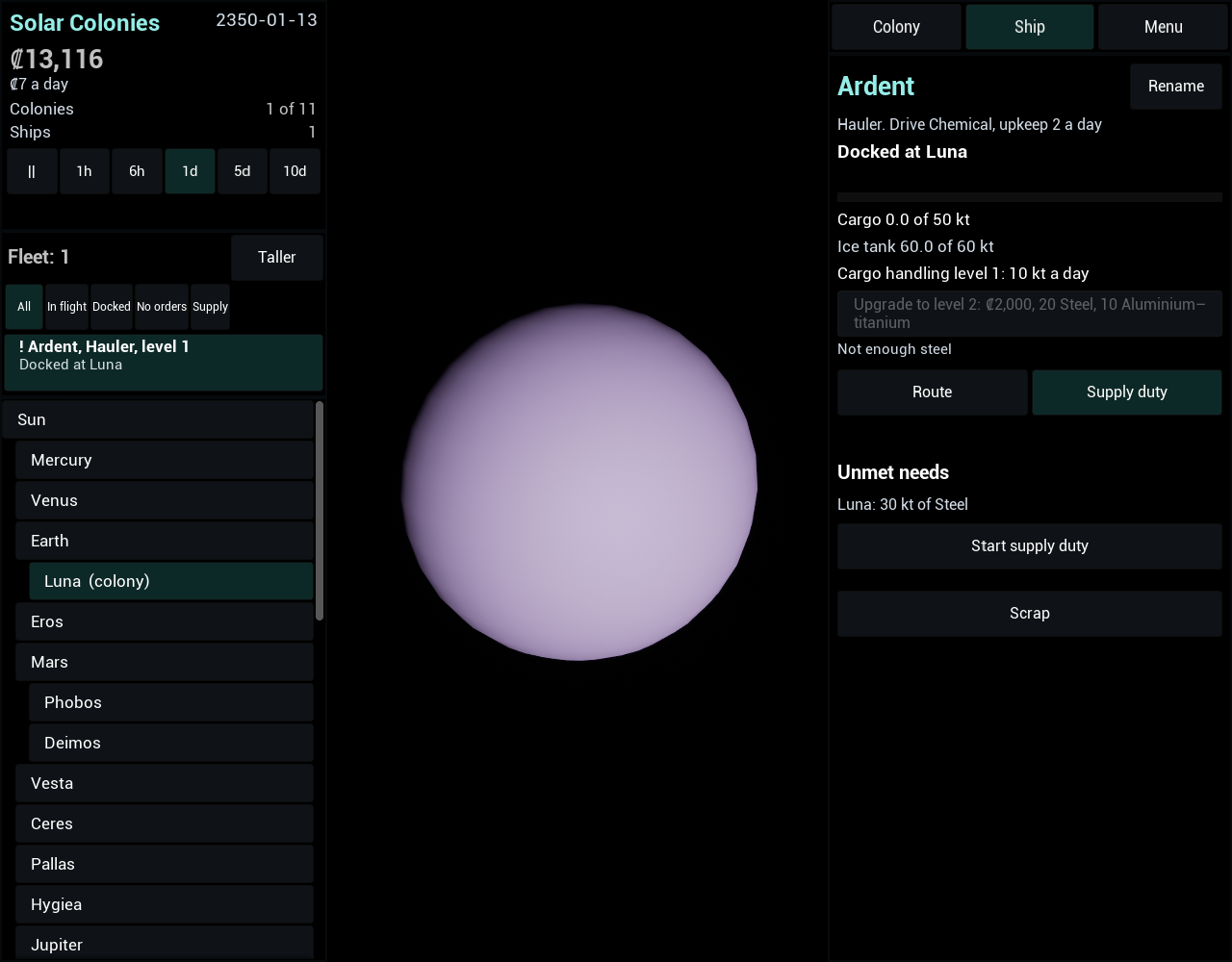
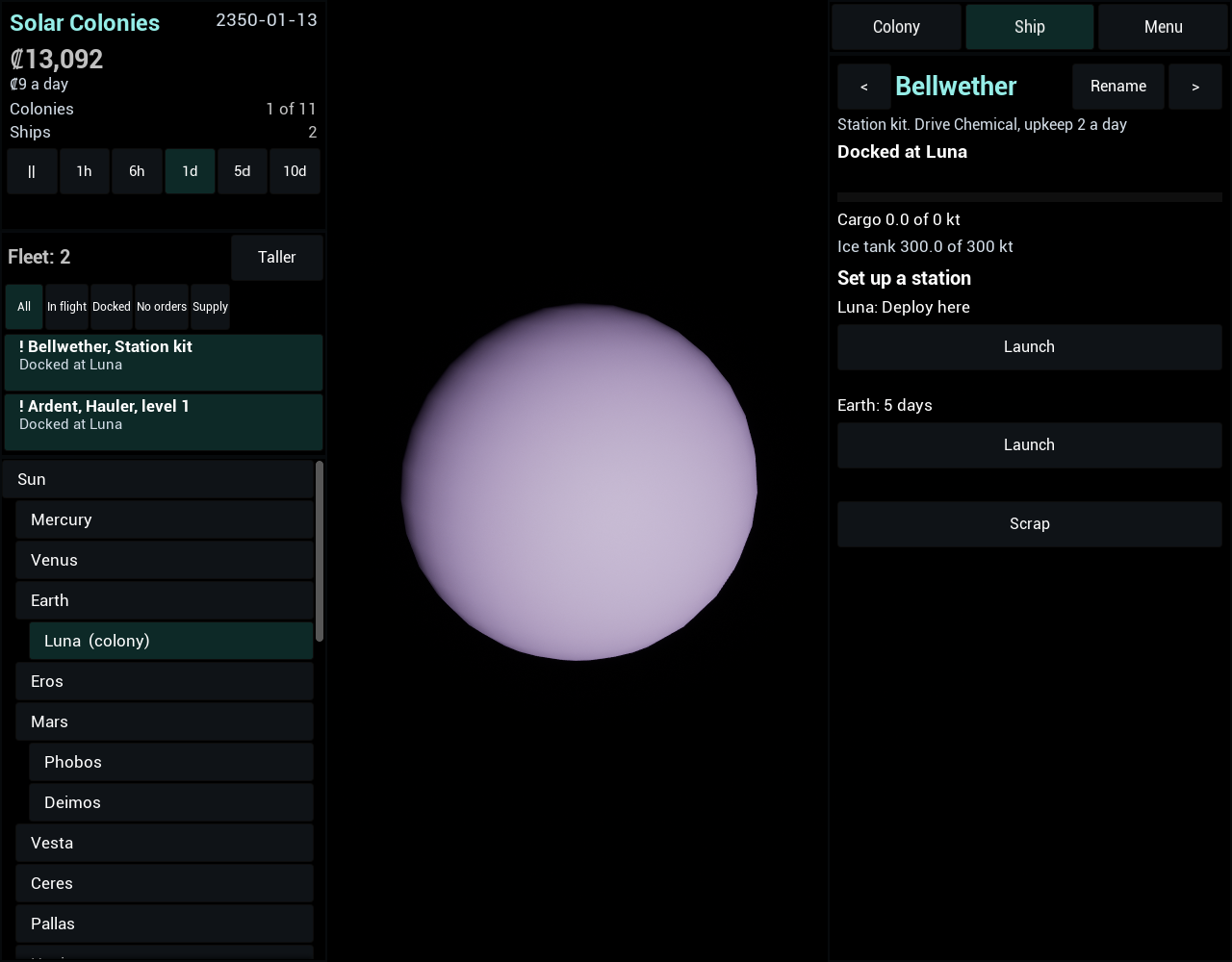
The ship panel now does what the design describes. A ship has a header with its own name, a Rename button, its status and, when it is waiting, why and for how many days. A Hauler’s handling level and rate show with an upgrade button, and a ship on an old drive shows a refit button; both are disabled, with the reason beside them, when the action would be refused. The route editor gained joining another ship’s route, a leg estimate under every stop that shows the docking saving, a fast burn that cannot be fuelled flying Economy, and a leg the ship could not return from, and a “More options” section with per-trip maximums in steps of 10 kt, unload ticks, extra stops, the full-load option, the spacing switch and the transfer mode. A route that several ships fly has “Update this ship” and “Update all”. A second tab puts a Hauler on supply duty and lists the ten most urgent unmet needs. A station kit lists every colony without a station, with “Deploy here” for the dock it is at and a Launch button; Scrap asks for confirmation. To make those buttons agree with the rules, scrapping, upgrading, refitting and sending a station kit each gained a preview that gives the same refusals without changing anything. I looked at the panel in the Linux game and it draws the header, the handling row, the tabs, the route rows, “More options”, the Supply duty tab and a kit’s rows. I did not click in it, and it was not tried on the phone.
2026-11-12: The channels do not double up, and the simulation work ends
The two rules that this stage leans on are now tests. The takers file covers the three new ways to take stock from a colony, supply ships, station drones and depot filling, each against the Reserve, the life-support floor, the construction queue’s claims and what a supply ship has claimed, plus a ship refuelling from the depot before the stock. A new channels file runs the five ways goods reach a colony, route ships, supply duty, station drones, auto-freight and freight ordered by hand, against the same colony and measures the stock plus what is on the way at the destination. Auto-freight stands back when a supply ship, a station or a route ship’s cargo can serve the colony, and orders at 35% when none can; two supply ships looking in one step plan one job; a route ship buying at Earth and a supply job each count the other; a queued build’s 30 kt of steel were brought once; and with all five channels at Luna for 300 days no good went more than 50 kt over its Reserve (the most was 47 kt, from hand orders). Run in steps of 0.5 and 0.05 day, the supply-ship case and the all-channels case end with the same number of orders and jobs. No case failed on its first run for a reason in the game’s rules, so no earlier work needed correcting. This closes the simulation work of this stage: what is left is the ship panel, the fleet list and the colony panel’s station section, which are interface.
2026-11-12: The propellant depot and the docking saving
A station now has a propellant depot and makes flights from its colony cheaper. The depot holds up to 300, 700 or 1,500 kt each of ice and Helium-3 by level, and fills every step from the colony’s stock above what a route ship would leave, using the drones’ unused capacity plus half a day’s worth, ice before Helium-3. A ship docked at the colony takes its ice and Helium-3 from the depot first, even when the colony’s own stock is at its Reserve, and Earth’s depot fills only from what Earth is not holding back. A colony with more than 30 kt of a propellant in its depot now counts as able to refuel a ship, so a ship may fly there with the fuel for one leg. Every leg that starts or ends at a colony with a station burns 25% less propellant, 44% less with a station at both ends, and the saving is taken at departure, so a station finished while a ship flies refunds nothing. It applies to the range check, the round-trip rule, the fallback from a fast burn, supply duty’s plans, the spacing round trip and the colony ship’s send. In tests a Hauler with a tank 20% too small for a full hold flies the leg with a station at either end. The save holds the depots.
2026-11-12: Drone tugs
A station’s drones now move goods between the colonies of one planetary system, every step, without ships. A system is a planet and its moons, so Earth and Luna are one, Europa, Ganymede and Callisto another, and Mars, Eros and Ceres stand alone. A level 1, 2 or 3 station moves 25, 60 or 140 kt a day, and each transfer has the station’s own colony at one end: it brings in what its colony lacks from the others, and carries its colony’s spare stock to what they lack, most urgent first. The drones take any shortfall, even the 0.5 kt that supply duty ignores, and leave a source what a supply ship would leave it, plus every supply ship’s claim. Earth counts as a member: its exports are bought for the drones at the export price on credit with its stock untouched, and what Earth’s queue needs of other goods lands in its stock unsold. A colony records what its drones moved in the last busy step for the station section of the panels, and the capacity they did not use is handed on for the depot, the next step. On the shipped data a level 1 station at Luna with no ship and no auto-freight held Luna’s ice, nitrogen and carbon at their Reserves for 200 days, where without it they drifted about 20 kt, and the credits showed Earth had been paying.
2026-11-12: The camera can follow a ship
The first slice of the fleet list work: the camera can now follow a ship. The focus point is the ship’s position each frame, reached with the same eased fly-to as for a body, and the camera keeps its angle and distance while it moves; the zoom limits for a ship are 1 km to 3 × 10¹⁰ km. When the ship docks the camera settles on the body of its site, and when the ship no longer exists, on the body of the site it was last bound for; focusing a body ends the follow. The position the camera follows is the one the view draws the ship at, from one function the two now share. Nothing selects a ship to follow yet: the fleet list, its rows and the ship panel hook-up are the rest of that work, which is not done.
2026-11-12: Station kits and stations
A colony can now have a station. A station kit is a new ship type, built at any shipyard once the Fusion Drive is funded: no hold, 300 ice of tank and 25 days to build, for ₡12,000 and a load of steel, light alloys, silicon and electronics. Sent to a colony or to Earth it flies there on one leg’s propellant, with no check that it could get home, and sets up a level 1 station on arrival; at the dock where it was built it sets one up at once. Only one station fits a colony, so a second kit that arrives late stays docked with a message, and can be sent on or scrapped. Each station costs ₡15, ₡25 or ₡40 a day by level, and can be expanded to level 3 for ₡8,000, 120 steel, 40 light alloys and 15 electronics a level, a build that waits in the construction queue like the others and that Earth pays for by buying the exports it lacks. The numbers for the drone tugs and the propellant depot are in the data already; those two features are the next steps.
2026-11-12: Supply duty
A Hauler can now be put on supply duty once the Logistics Office is funded, and it keeps colonies stocked by itself. Every day it looks at what the colonies lack: an imported good that has fallen under 60% of its Reserve (the whole shortfall, so the ship brings it back up to the Reserve), and what a colony’s construction queue still needs, which counts as urgent and more so when life support ran out of it. It finds a source, another colony with stock to spare after its Reserve, its life-support floor and what other supply ships have already claimed, or Earth for the goods Earth exports, scores each pair by urgency against days of travel, and takes the best one, adding the destination’s other needs to fill the hold. Then it flies to the source, drops any leftover cargo, loads, flies to the destination and unloads, with no player action. A job that cannot be loaded or unloaded for 20 days is dropped and planned again, and a ship that finds less than it claimed leaves with what it has. Cargo on a supply ship counts as on the way to its destination from the moment the job is planned, so auto-freight and the colony panel agree with it. The save holds a ship’s duty, mode, job and next look. The proof on the shipped data, that one Hauler brings a new Mars colony’s ice back up to 60% of its Reserve, holds only when the Luna to Mars launch window is close, because a Hauler carries 50 kt against a Reserve of 96 kt: with seed 1 and no waiting the first delivery landed at 52% after about 580 days, so the test steps the game on until the window is near.
2026-11-12: Spacing ships on a shared route
Ships on one route now space themselves out. A ship that is ready to leave a stop looks at the other ships on its route: if one left that stop less than 95% of the interval ago, it waits, where the interval is the route’s round trip divided by the number of ships. Two Haulers on Luna and Earth leave 9.5 days apart, four leave about 4.75 days apart, and on a route with launch windows the ships take successive windows. The round trip comes from flying each leg in the route’s mode with a full hold’s handling time at every stop. Testing it showed the rule as first written let a ship that came back early overtake the ships still waiting, so the third of three ships never left, and two changes were made: of the ships ready at a stop, the one that arrived first leaves first, and the interval for a ship that is already ready ignores the handling it has done, so a window a few days off is not skipped. The ships phase still steps each ship through the whole step in turn, so a step much longer than a loop does not space ships as small steps do; that limit was accepted. The save holds the switch and each ship’s last departure from each site.
2026-11-12: Shared routes
Ships whose routes are the same are now recognised as sharing one. Two routes match when they have the same stops in the same order, with the same load ticks, per-trip maximums, unload settings, transfer mode and full-load option; the same loop entered from another stop is a different route, and a “send once” route matches nothing. A cargo ship can join another ship’s route with one action, which copies the route exactly and starts the ship at the stop it is at or flying to, and a route can be updated for every ship on it at once, all or none, so a shared route is never left half changed. Nothing is saved: the ships’ own routes say who shares what. This is the base the spacing of ships on a shared route builds on next.
2026-11-12: Route ships buy at Earth
A Hauler on a route can now supply a colony from Earth. When a stop at Earth has goods ticked, the ship buys what the next stop is short of: the Reserve of an imported good plus what its queued builds need, less its stock and less everything already on the way, held to any per-trip maximum and to the hold, and shared equally between the goods. Each kt is paid at Earth’s export price as it goes aboard, credits may go below zero, and no market price moves. The ship leaves as soon as nothing more can be bought rather than waiting at Earth for a shortfall to appear. Two ships loading for one colony share its shortfall, because what the first loads counts as on the way for the second. With the shipped data and auto-freight off, one Hauler keeps Luna’s ice above 35% of its Reserve for 400 days, though Luna barely uses ice in that time, so a second test starts it at 20 kt and shows the Hauler lifting it above 35% within 60 days.
2026-11-12: One meaning of “on the way”
Auto-freight and the colony panel’s Stores rows used to count only freight ordered from Earth as on the way to a colony. They now count what a route ship carries as well, when the next stop at which its route unloads that good is the colony. A Hauler flying to Luna with 50 kt of steel stops auto-freight ordering the same steel again, and during the five days it takes to unload, the cargo still counts, so no second order is placed. Cargo aimed at a later stop, or at a stop after an earlier one that unloads the same good, does not count for the colony. The definition has one home in the code, with a third part for supply ships that stays at zero until supply duty is built. This is the first step of this stage; the next change, route ships buying at Earth, reads the same number to decide how much to buy.
2026-11-12: The round-trip rule
A ship now checks whether it can get home before it leaves. A destination can refuel a ship if it is Earth, or a colony that mines the propellant with a built mine that is switched on, or one holding more than 30 kt of it beyond what its life support and its Reserve keep. If the destination cannot, the ship leaves only when its tanks hold the leg out and the leg back, the leg back sized with an empty hold because the ship unloads there. A fast burn is judged the same way for Helium-3, so a fusion ship bound for a moon with ice and no Helium-3 needs the Helium-3 for both legs, and falls back to the economy transfer if its tank is too small for them. A ship held back says it is waiting for range, or for propellant if its tanks only need filling. Colony ships on their mission are exempt; the same ship moved by an ordinary order is not.
2026-11-12: Fast burns
Ships on a fusion drive or a torch can now fly a fast burn: a straight line to wherever the target will be on arrival, accelerating to the middle and braking for the rest, with no launch window. Luna to Earth takes a day on the fusion drive; Earth to Mars takes two to five days on the torch. The mode is set on a ship’s orders, on a route, or on a colony ship’s mission, and a chemical ship given a fast burn simply flies the economy transfer. A ship that cannot fuel the fast burn after refuelling, because it has no Helium-3 or the leg is beyond its tanks, falls back to the economy transfer if the window is no more than 400 days away; otherwise it waits for propellant and tries again each step. A docked ship now records why it has not left and since when, which the alerts will need. Freight from Earth takes the fast leg’s time when the fusion drive is unlocked. The save holds the modes, the leg and the wait. Nothing yet checks a fast burn’s Helium-3 against the trip home; that is the next step.
2026-11-12: Fusion drives and refits
The third stage starts with the drives. The game now has the He-3 fusion drive (0.02 g) and the fusion torch (1 g) after the chemical drive, each unlocked by its programme, with set ice and Helium-3 rates and an upkeep factor of 1.2 and 1.5, so a Hauler costs ₡2, ₡2.40 and ₡3 a day. A ship on either drive now fills a Helium-3 tank the way it fills its ice tank: from a colony’s stock down to what the colony must keep, or at Earth for ₡280 a kt, on credit if need be. Economy transfers still burn ice only, on every drive. An older ship can be refitted at a shipyard: it pays the best unlocked drive’s cost for each unit of its scale, in credits and goods from that colony’s stock above what the queue has claimed, and has the new drive at once. The refit is refused rather than queued when it cannot be paid for. Nothing flies a fast burn yet; that is the next step.
2026-11-12: The second stage is built
All the work of the second stage is built: programmes, colony levels and expansion, the other three plants, Reserve and Import, freight and auto-freight, the market’s hold-back and hand sales, debt and the loan, shipyards, the construction queue, ship names, cargo handling, colony ships, frontier sites, and the colony and Earth panels that put it in front of the player. The simulation has about 365 tests, all passing on Linux. What has not been done is playing it through on all three platforms: a player funding the Logistics Office, ordering a colony ship, sending it to Mars and seeing the colony, checked by hand on Windows, Linux and a phone. Linux and an Android phone have run the panels, and the Windows build has still not been tried.
2026-11-12: The Earth panel
Earth has a panel. Selecting Earth shows the market, with a row for each good the player trades: its price, whether it is recovering from a sale, what Earth holds and holds back, a Reserve to set and a Sell button that sells 50 kt at a time. Below it are the development loan, with Borrow and Repay, and the programme list: the programmes funded so far with their dates, the next one with its materials marked as already at Earth, bought at the export price, or to be shipped in (Helium-3 never is bought), and a Fund button that shows the base cost and the extra for materials separately, then the one after it. Earth’s shipyard, its queue and the ships docked there come last. Pressing Fund on the Logistics Office moves it to the funded list and brings the Belt Charter up next.
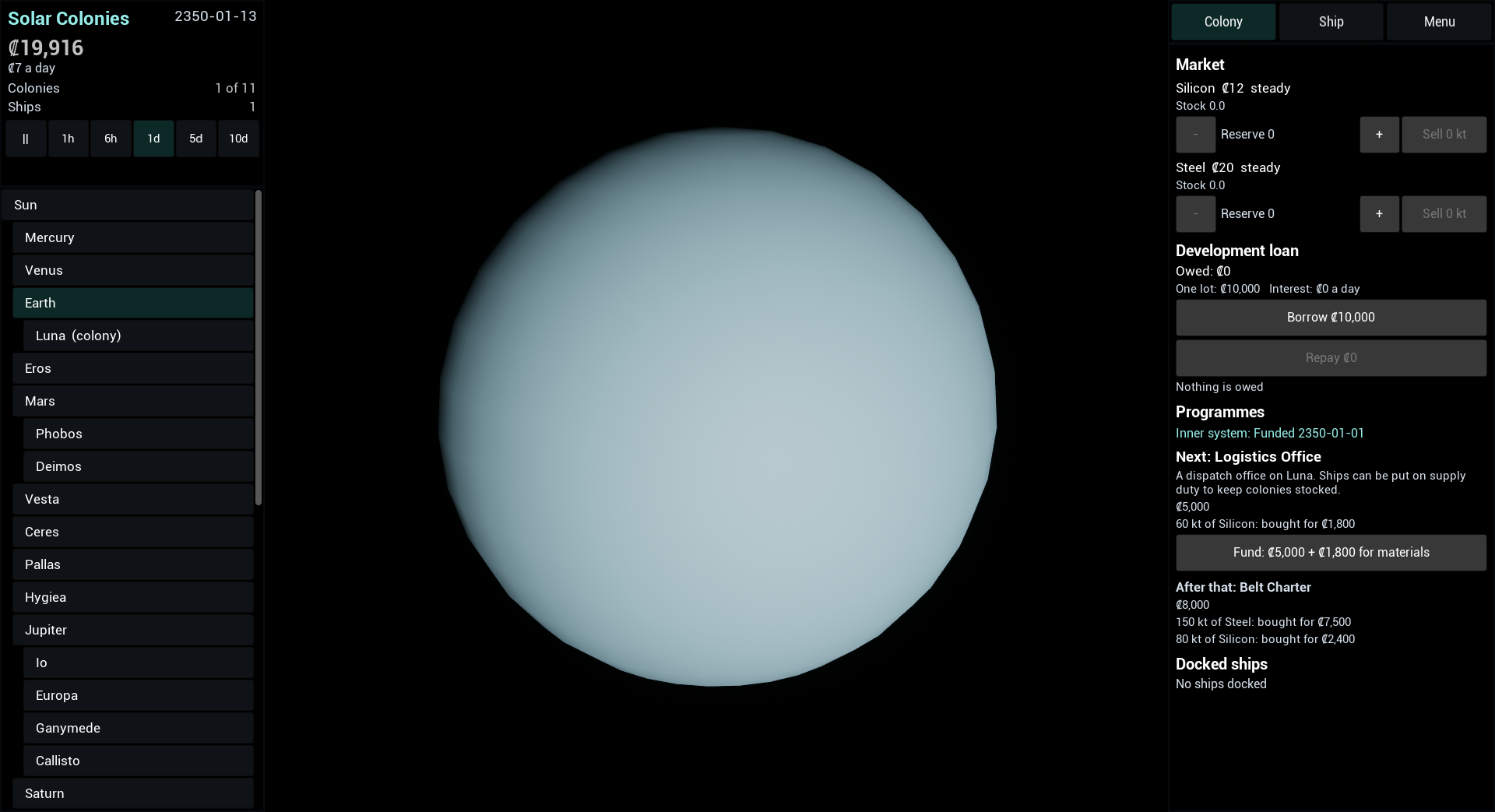
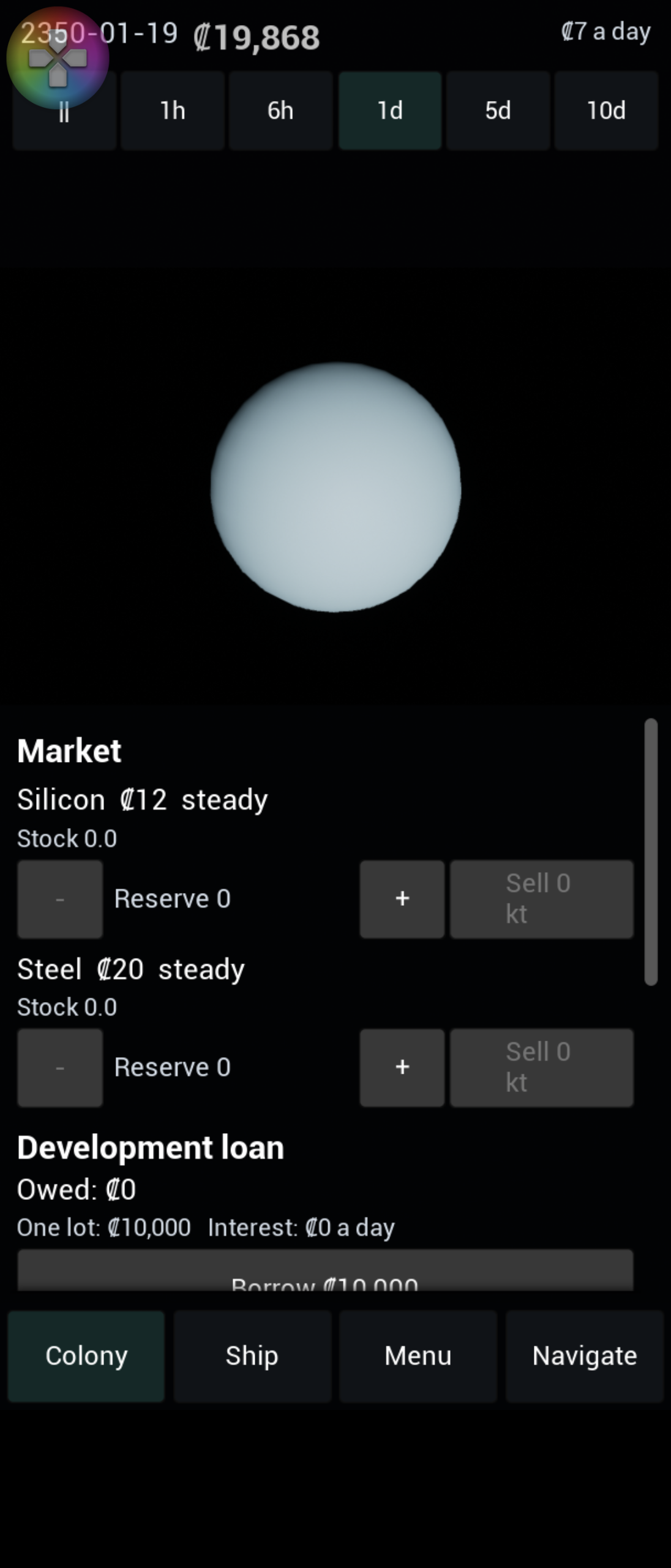
2026-11-12: The colony panel shows the economy
The colony panel now shows the economy. Under the life-support lines it lists the construction queue, with what each job still needs and buttons to move it up or remove it, and an Order button for freight when a job lacks steel. Mines, plants, expansions, shipyards and ships all read Queue instead of Build when they cannot start yet. Below come the stores, a row for each good with its Reserve, a Reserve step of ten, an Import tick and the kt on the way, then the expansion, the industry with each plant’s recipe and why it is idle, the shipyard’s line and the ships it can build, and finally the ships docked there, where a tap shows the ship in the Ship tab. Costs that cannot be paid are red with a cross, so nothing depends on colour alone. The rows are worked out in plain code with their own tests and rebuilt twice a second.
2026-11-12: The takers, tested
The simulation side of the second stage is finished. The last piece is a set of tests for the rule that says who may take stock out of a colony: a route ship may not take the Reserve, the life-support floor or what the construction queue has claimed; a plant leaves the floor and the claims but not the Reserve; a colony’s own builds leave nothing; a refuelling ship leaves the floor and, for imported propellant, the Reserve; and Earth keeps the next programme’s materials, the Reserve it was asked to hold and its own queue’s claims before it sells. Each case is checked on ice, which has a floor, and on steel, which does not, and two takers in one step show that the order of ships in the list decides who gets the last of the stock. None of the cases failed on its first run apart from mistakes in the tests themselves. What is left of the stage is the panels: the colony panel and the Earth panel.
2026-11-12: Frontier sites
The outer sites now depend on colonies, not programmes. Vesta, Pallas and Hygiea open once there is a colony on Ceres, and Pluto, Charon, Haumea, Makemake and Eris once there is one on Triton. When a colony is founded on a site that opens others, the game adds one message naming all of them. Colonies on those frontier sites are counted apart from the eleven main colonies, so they show as a plus on the status panel and do not count for the Ark.
2026-11-12: Colony ships
Colony ships are in. A colony ship, built at a shipyard, carries 10,000 colonists, who board from the colony it is docked at as long as the colony keeps at least a thousand people and everyone it is already working. In the Ship tab the player picks a site from a list that shows the flight time for each one, presses Found a colony, and the ship waits for the launch window and flies there. On arrival it founds a new colony with its people and a founding stock of ice, nitrogen, carbon and steel, and the ship is used up; if another ship got there first, the colonists join that colony instead. Sites out in the belt and beyond stay closed until the colony that opens them exists. The first colony is a long flight away: Mars is about 260 days from Luna, so the wait for a launch window is part of the game.
2026-11-12: Cargo handling upgrades
Cargo ships can now be upgraded. A ship docked at a colony with a shipyard, or at Earth’s, can raise its cargo handling from level 1 to level 3 for credits and materials that grow with the size of the ship: a Hauler pays 2,000 credits, 20 steel and 10 light alloys for the first step, a bulk freighter three times that. The upgrade takes effect at once and the ship keeps its route. The payoff is speed: a Hauler empties a full hold in five days at level 1, two at level 2 and one at level 3, so short routes, where the dock time dominated, run several times faster.
2026-11-12: Ship names, renaming and scrapping
Ships now have names. The starting Hauler is Ardent, the next one the yard builds is Bellwether, then Cormorant, and so on through 207 names: a long list of original ones, then Space Shuttle orbiters, crewed spacecraft, probes, exploration ships, and famous sailing ships ending with Dorade. When the list runs out the names come round again with a number, so the 208th ship is Ardent 2. A ship can be renamed to anything up to 28 characters, accents and all, and a ship can be scrapped at a colony or at Earth, which returns its cargo, its tanks and half the steel and light alloys it was built from, up to the room in storage.
2026-11-12: The construction queue
A build that cannot be paid for yet no longer bounces off. Asking for a mine, plant, expansion, shipyard or ship that is allowed but short of credits or materials puts it in a queue, and the colony starts it as soon as the stock and the money are there. Queued jobs claim the materials in front of them, so a route ship will not carry away the steel a queued mine is waiting for, and Earth will not sell what its own queue needs. A later job can start ahead of an earlier one if it is covered and the earlier one is not. Earth has a queue too, and when its job starts it buys any missing export at the export price, but materials Earth does not sell, like Helium-3, have to be shipped in. Jobs that can never be built are dropped with a message that says which.
2026-11-12: Shipyards
Earth is now a colony in the game’s records, last in the list, with no people, no mines and no limit on what it can hold. That lets it have a shipyard like any other place, and what Earth holds is simply that record’s stock. Once the Jovian Programme is funded any colony can build a shipyard for 10,000 credits, 300 steel, 80 light alloys and 100 ice, and a shipyard builds ships one at a time: a Hauler takes eight days, a bulk freighter twenty, a heavy freighter thirty. The cost is paid when the ship is ordered, and the finished ship appears docked with full tanks and the best drive available. Two new freighters join the Hauler: the bulk freighter from the Belt Charter and the heavy freighter from the Fusion Torch.
2026-11-12: Debt and the development loan
Money can now run out. A game with credits below zero is in debt, and debt stops the player building mines and plants, expanding colonies, funding programmes and ordering freight, while the things that keep the lights on carry on, so a ship can still refuel at Earth, auto-freight still restocks, and the running costs still come due. The way out is either sales or the development loan: Earth lends in lots that grow with each programme funded, up to three lots owed at once, at three hundredths of a percent a day. A test starts at minus 500 credits with a Hauler on a Luna and Earth route and shows the ship earning the game out of debt without borrowing a thing.
2026-11-12: Earth holds back materials
Earth no longer sells everything a ship hands over. It keeps back the materials the next programme needs, and anything the player has asked it to keep with a Reserve at Earth, whichever amount is larger, and sells only the surplus. Silicon delivered while the Logistics Office is next stays in Earth’s stock until the programme is funded, which then takes it at no extra charge. Anything left over after a programme is funded stays until the player sells it, 50 kt at a time, whatever is held back. A test sends a Hauler from Luna with 60 kt of silicon and funds the Logistics Office for its plain 5,000 credits.
2026-11-12: Auto-freight
Luna now restocks itself. When a good marked for import falls below a third of its Reserve, the colony orders more from Earth by itself, enough to refill the Reserve and never more than storage can hold. Life-support goods get an extra check: if the stock would run out before a delivery could arrive plus a month of margin, the colony orders ahead. Orders are paid at once, may push credits below zero, and make no noise. A test runs Luna with no mines for a year and a bit and it never runs short of anything, and another runs it for four years to watch the orders actually kick in.
2026-11-12: Freight from Earth
A colony can now order freight straight from Earth: 50 kt of anything Earth sells, delivered without using one of the player’s ships. It costs Earth’s export price plus thirty percent, paid when ordered, and arrives after the time a normal trip would take with the best drive available, ignoring launch windows. Luna gets its freight in about five days. Up to six deliveries can be on the way to one colony, and whatever does not fit in storage when it lands is lost. The deliveries are saved with the game, so a freighter in flight survives a reload.
2026-11-12: Reserve and import
Every colony now has a Reserve for each good: an amount that ships will not carry away, so a colony keeps its own life-support stock even when a route is hungry for it. A new colony keeps eight months of its life-support supplies, and a colony with a shipyard also keeps enough steel, light alloys, silicon, Helium-3 and carbon to build a ship. Expanding raises the Reserves to match the bigger population, but never lowers one the player has set. Plants only leave the sixty-day life-support floor, and refuelling ships take from a Reserve of ice unless that ice is marked for import. All of those rules live in one small function that every taker asks.
2026-11-12: Three more plants
Luna’s foundry now has company. The Belt Charter unlocks a chemical plant that turns carbon and nitrogen into polymers, the Helium-3 Fusion Drive unlocks an electronics fab, and the Jovian Programme unlocks a module works that builds habitat modules from steel, polymers, electronics and light alloys. All four run by the same rules: they need a crew, use only what stock is above the life-support reserve, and run in the order they were built, so a module works built after a foundry can use the steel the foundry made that same day. Nothing in the code names a plant; they are rows of data.
2026-11-12: Colony levels and expansion
Colonies can now grow from level 1 to level 5. Each level adds mine sites, housing, storage and factory output, and costs five credits a day to run. Expanding a colony costs credits that grow with the square of its level plus steel, silicon, ice and, higher up, nitrogen, habitat modules and electronics, all taken from the colony’s own stock. How high a colony may go depends on the programmes funded: level 2 from the start, level 3 after the Belt Charter, and so on. The costs are a list in the data, so no rule names a particular good.
2026-11-12: Programmes
The second stage of the game starts with programmes: the nine steps, from the starting Inner System through the Logistics Office and the Jovian and Saturn programmes to the Interstellar Ark, each funded at Earth with credits and materials. Earth tops up any missing material it sells, at two and a half times the usual price, and the price shows the base cost and the extra separately. Materials Earth does not sell, such as Helium-3, have to be shipped in, and the Ark also waits until all eleven main colonies exist. Funding a programme unlocks things (plants, colony levels, new sites), and building a plant now needs its programme. The programmes are data like everything else, so the order, costs and unlocks are checked when the game loads and a mistake stops it with a message naming the file and entry.
2026-11-12: The view makes room for panels
Opening a panel used to cover the body the camera was looking at. The camera now shifts its projection sideways, so the body in focus stays in the middle of whatever part of the screen the panels leave free: above the sheet on a phone, between the two columns on the desktop. The change eases in over a quarter of a second as panels open and close, and tapping a body still picks the right one. On the phone, the new Navigate tab shows the list under the planet, and tapping Eros there flew the camera to it.
2026-11-12: A list of every body
The empty space under the status panel on the desktop now holds a list of all 39 bodies: the Sun, then each planet or asteroid in order of distance, with its moons indented beneath it. Tapping a row flies the camera there, and the row of the body in focus is lit. Luna is marked as the one colony. On a phone there is no room for a second column, so the same list is a fourth tab beside Colony, Ship and Menu. One thing went wrong on the way: the new tab showed up on the desktop as well, because a setting that was never given a starting value turned out to be on. Giving it one fixed it.
2026-11-12: Settling four rules
Four points in the design were open, and the code had followed the narrowest reading of each. They are now settled. A colony that runs short of a life-support supply still mines at full rate the supply it is short of, so it can dig its way out; everything else it makes drops to 60%, and to 51% if life support is also reduced. A ship that cannot refuel where it is going now needs fuel for the way back with an empty hold, since it will have unloaded by then, not with the cargo it left with. A colony stops attracting immigrants once it is full. Text ids are now of two kinds (things the data tables name, and the game’s own interface), and any other kind stops the game at load.
2026-11-12: A first playable slice
The first stage of the game is in place end to end: mine on Luna, haul to Earth, sell, and watch the credits move, on Linux and an Android phone. A new game starts in January 2350 with 20,000 credits, Luna at level 1 with a foundry and 50,000 people, and one Hauler docked. The player builds mines, starts a route, changes the speed of time, and saves and loads. Everything draws at real scale, from Eros a few tens of kilometres across to the whole solar system at once. The look is still plain coloured spheres with no textures, labels or sound, and a Windows build has not been tried yet.
The wide layout, 1920 × 1080, with the Colony tab on Luna: the status panel and a list on the left, the colony’s population, life support and a build row for each of its eight deposits on the right.
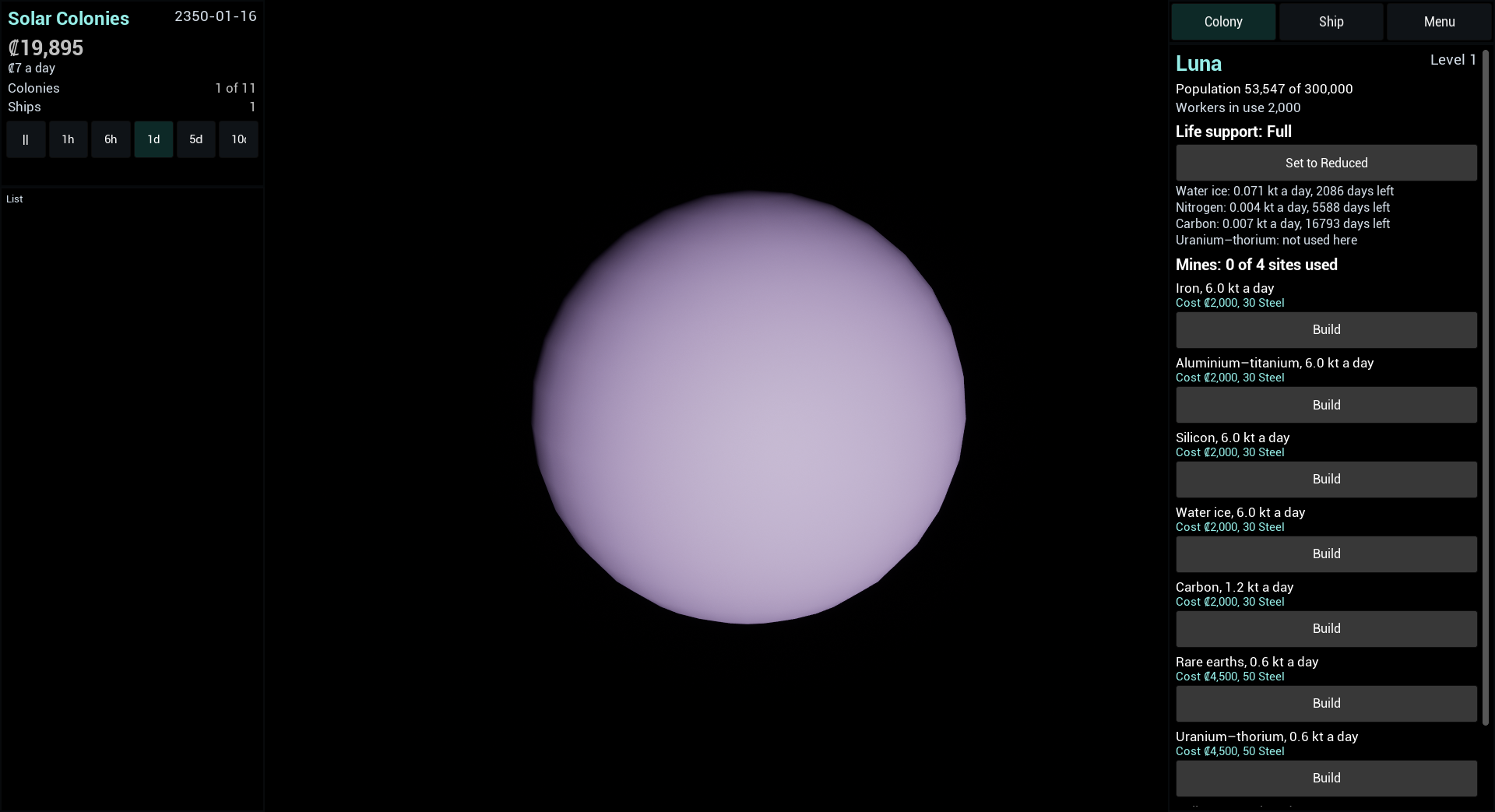
The Ship tab shows the Hauler and a route editor: pick the stops, tick the goods, and see the time, speed change and fuel for each leg before starting.
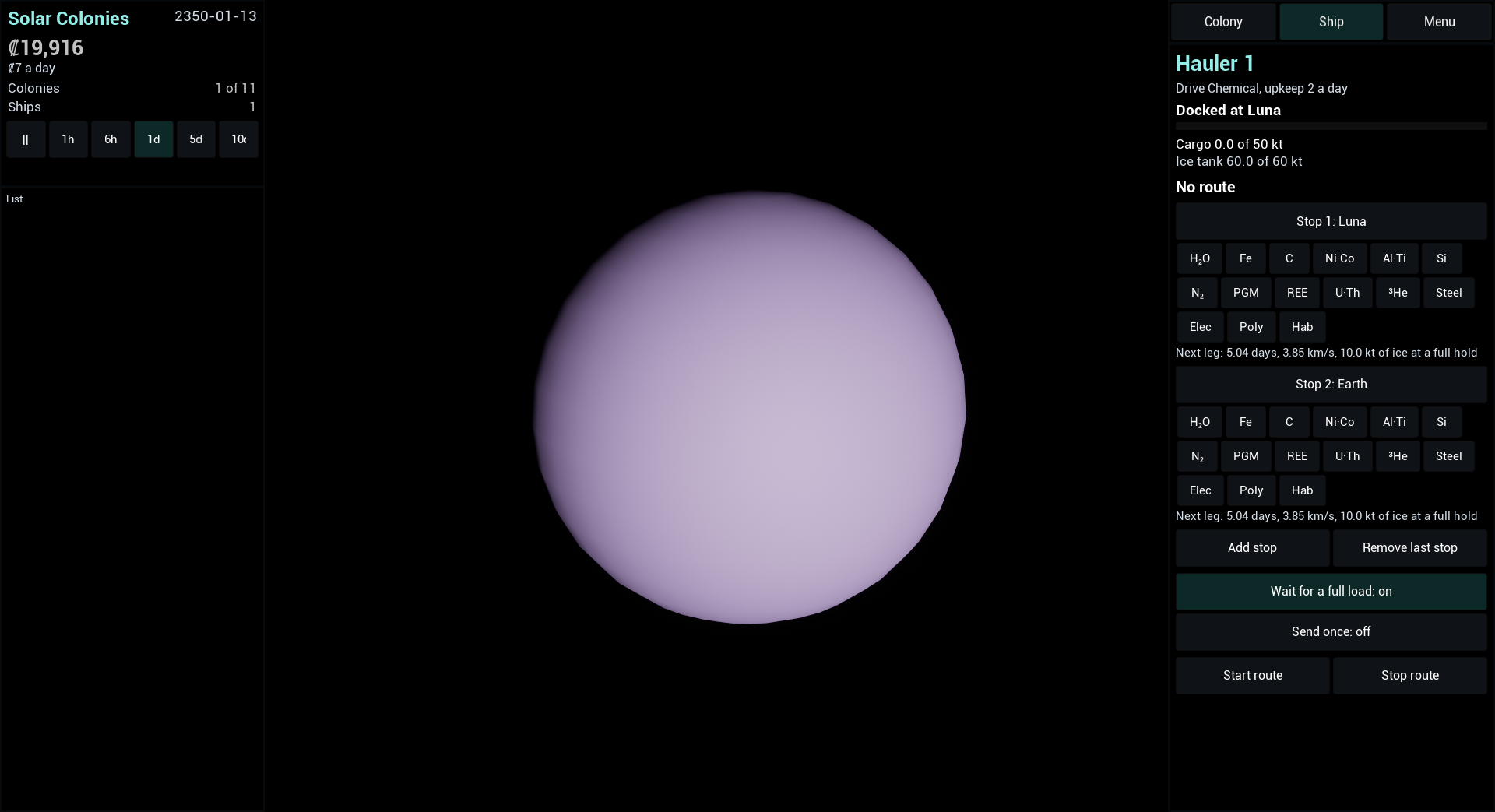
The same game on a Sony Xperia 1 II uses the phone layout: the status panel across the top, and the colony panel as a sheet over the lower half. The small gamepad icon at the top left is the phone’s own overlay, not the game’s.
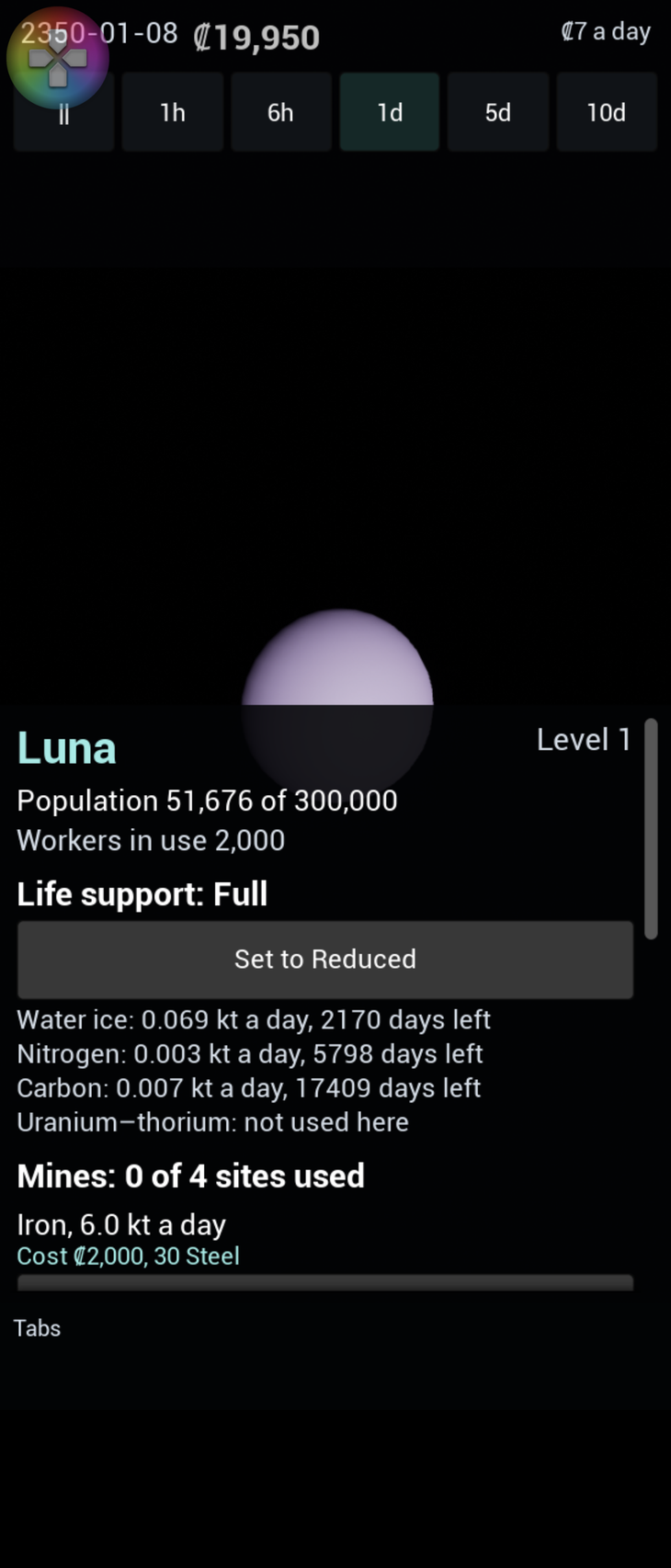
The scene is rebuilt around whatever the camera looks at, so the same view works at every scale. Earth up close, then Jupiter with its moons as faint streaks, then the Sun, then Eros, 60 kilometres away.
Known rough edges: the list under the status panel is empty, and the 3D view does not yet shift aside when a panel opens on a phone. (The fastest speed button was clipped in the narrow desktop column in these screenshots; it fits now.)
2026-11-12: A crash on exit
The first desktop run crashed on exit: a class in the engine had the same name as the game’s own menu panel, so the engine’s destructor ran on the game’s object. It was silent while playing and only showed when the game closed. The panel has a different name now.
2026-11-12: Saving and loading
The whole game saves to one file and loads back. A game played for 40 days, saved, loaded and run for 60 more days ends up identical to the original, down to the random number generator, which is the test that matters. Saves refer to goods and places by name rather than by position in the data tables, so reordering the tables later will not break old saves. A save from a newer version of the game, or a damaged one, is refused with a message and the running game is left alone. A Menu tab holds Save and Load. On a phone, a game saved on 15 January 2350 and loaded after the clock had run on to the 25th came back to the 15th. Settings that belong to the device, not the game, live in a separate small file.
2026-11-12: The ship panel and route editor
A Ship tab joins the Colony tab. It shows the Hauler’s status, cargo and fuel, and a route editor: choose the stops, tick the goods to load at each, and see the time, speed change and fuel for each leg before starting. On a phone a route started from the panel loaded ice, flew to Earth, sold it, and the credits went up. A text label used for two different things showed up on the phone and was split in two.
2026-11-12: The colony panel
Selecting Luna opens its panel: population, workers, life support with the days each supply will last, and the mines with a build button for each of its eight deposits. Everything is read live from the game, and the lists rebuild when a mine is added. On a phone, tapping Build for water ice cost 2,000 credits, as it should.
2026-11-12: The status panel
A panel shows the date, credits and what the colonies cost to run each day, how many colonies are founded out of eleven, how many ships there are, and six speed buttons. It has a wide form for desktops and a compact form for phones. On a phone, a tap on the fastest speed moved the date from 5 January to 4 February in about three seconds and the credits fell by the running costs, so the buttons really do drive the clock.
2026-11-12: Phone and desktop layouts
The interface picks a phone layout under 10 inches of screen and a desktop layout from 10 inches, worked out from the screen’s resolution and density, and scales itself to fit. The first phone run showed the whole game squeezed into a letterboxed band: Android letterboxes a landscape-only app on a portrait phone, and the orientation setting had a wrong value, so the project had quietly taken the default. With that fixed, the portrait layout fills the screen.
2026-11-12: The main view
The game opens on the solar system. Every body is a lit sphere at its real position and size, the Sun is bright, ships are small dots, and the camera orbits, zooms, pinches and flies to a tapped body. To keep both a small asteroid a few tens of kilometres away and the whole system at once drawable, the scene is rebuilt around whatever the camera is focused on every frame, using double-precision positions and a scale that follows the camera distance. This was checked in screenshots from a phone. Three things went wrong on the way: the camera and the scene read the date at different moments, so a fast-moving moon sat far from where the camera looked; the engine’s default map brought a grey cube of leftover level geometry; and a body lit from behind is simply invisible against black.
2026-11-12: Single-ship routes
A ship can be given a loop of two to five stops. At each stop it unloads once, loads the goods ticked for it (the free hold shared equally, held to any limit set per trip), and leaves when its hold is full, nothing is ticked, the route does not wait, or nothing more will come. “Send once” ends at the second stop. The first run showed a ship unloading what it had just loaded at its loading stop; unloading now happens once per visit. A test now plays the first loop of the game end to end: four mines on Luna, a Hauler on a Luna and Earth route, and the credits rise.
2026-11-12: The Hauler and flight between worlds
Ships exist. The Hauler starts docked at Luna with full tanks. A flight is a Hohmann transfer around the nearest shared parent body, checked against textbook figures; between planets the ship waits for a launch window, found so the target is where the ship will arrive. A docked ship unloads, refuels, loads and leaves at the speed its cargo gear allows, sells at Earth and pays for fuel there. A round trip run in one 20-day step ends in the same state as the same trip in many small steps, apart from a few credits of price recovery. A bug found on the way: the game looked up the ice good before the list of goods existed.
2026-11-12: Selling at Earth and running costs
Selling at Earth pays the average of the price before and after the sale, lowers the price by the amount sold relative to the market’s depth, and never lets it fall below 30% of base. Prices recover 3% of the gap each day, and every colony level costs 5 credits a day. Both are rates times elapsed time, so a big step and many small steps agree.
2026-11-12: The foundry
Colonies can build a plant. The foundry turns iron and carbon into steel at 4 kilotonnes a day per colony level. It needs a crew, is limited by its scarcest input, by storage and by the supplies the colony must keep for its people, and is cut back if life support is reduced or short. Luna starts with a foundry.
2026-11-12: Life support
Colonies take their daily ice, nitrogen and carbon (and reactor fuel where needed) from stock, scaled by their population. A supply that runs out empties and flags the colony as short, which cuts its output to 60% and makes its people die off. Reduced life support uses 60% of supplies and cuts output to 85%. The 60-day reserve that ships and plants must leave alone is a function they will call. The design’s wording on how the short and reduced cuts combine is unclear, so the short cut wins when both apply; that reading is flagged to be confirmed.
2026-11-12: Population and crews
Population grows toward housing, falls when supplies are short, and drains when it is above housing. Mines are crewed in the order they were built from the colony’s people, so a built mine now produces without anyone setting a flag by hand. Within a colony each step goes: population, advance mine builds, assign crews, produce. Crews have to be assigned after builds advance, otherwise a step spanning a mine’s completion lost the days after it. The design does not say whether new arrivals can push a colony past its housing; the rule is read so growth alone never does, which is flagged to be confirmed.
2026-11-12: Mines
A mine can be built on a deposit, switched off and on, and demolished. It yields as a rate times the elapsed time, capped by the colony’s storage. The test that had been waiting for a real rule now passes: one 11-day step, 110 steps of a tenth of a day and a set of uneven steps all give the same stock to a billionth.
2026-11-12: Goods, places and the starting state
Four more data tables load: 15 goods, two classes of mine, 20 places (Earth and the 19 colony sites) and the opening scenario. A new game now starts as designed: 20,000 credits, Luna at level 1 with its stock, Earth as the market with an empty store, and the first message. The data files were generated once from the design’s own tables, and the tests read the same tables as text and compare, so a slip on either side shows.
2026-11-12: The game runs on a phone
The game now runs on a Sony Xperia 1 II, where its tables and strings load from the installed app. Getting there needed older Android build tools than the ones installed. A second phone and a Windows build are still to do.
2026-11-12: Game state and the update step
One state holds the game, and one function advances it a step at a time through the nine stages of a game day in a fixed order, with a trace so a test can see the order. The stages are empty until the rules that fill them are built. A step that does not move forward is refused with a message, and that message form is what every player action returns.
2026-11-12: The solar system, orbits and a seeded random generator
All 39 bodies load from a table and sit on circular orbits in double precision. A small, well-known random number generator, checked against its reference output, draws the starting positions from the game’s seed, and its state can be saved and restored. Tests compare every body with its published figures and confirm that Triton’s offset from Neptune holds to a hundred-thousandth of a kilometre at 4.5 billion kilometres, which single-precision numbers could not do. Mars and Uranus needed derived gravitational parameters, because the design gives none.
2026-11-12: Text in many languages
All text comes from string tables, one per language, with lookup falling back to English and then to the text’s own name. The game stops at startup if no English file is present.
2026-11-12: Data files that explain themselves
The game’s rules and content are data files that allow comments. A broken file stops the game with a message naming the file, table, entry and field, with the line and column for a syntax error.
2026-11-12: First automated tests
The game’s automated tests run on Linux without a screen. A deliberately failing test made the run report a failure, so a red result cannot be missed.
2026-11-12: The project builds on Linux
The game is split in two. The simulation holds the rules and uses none of Unreal’s object classes, so it can be tested without the engine. The rest uses the engine and depends on the simulation, never the other way round. Both build on Linux.